
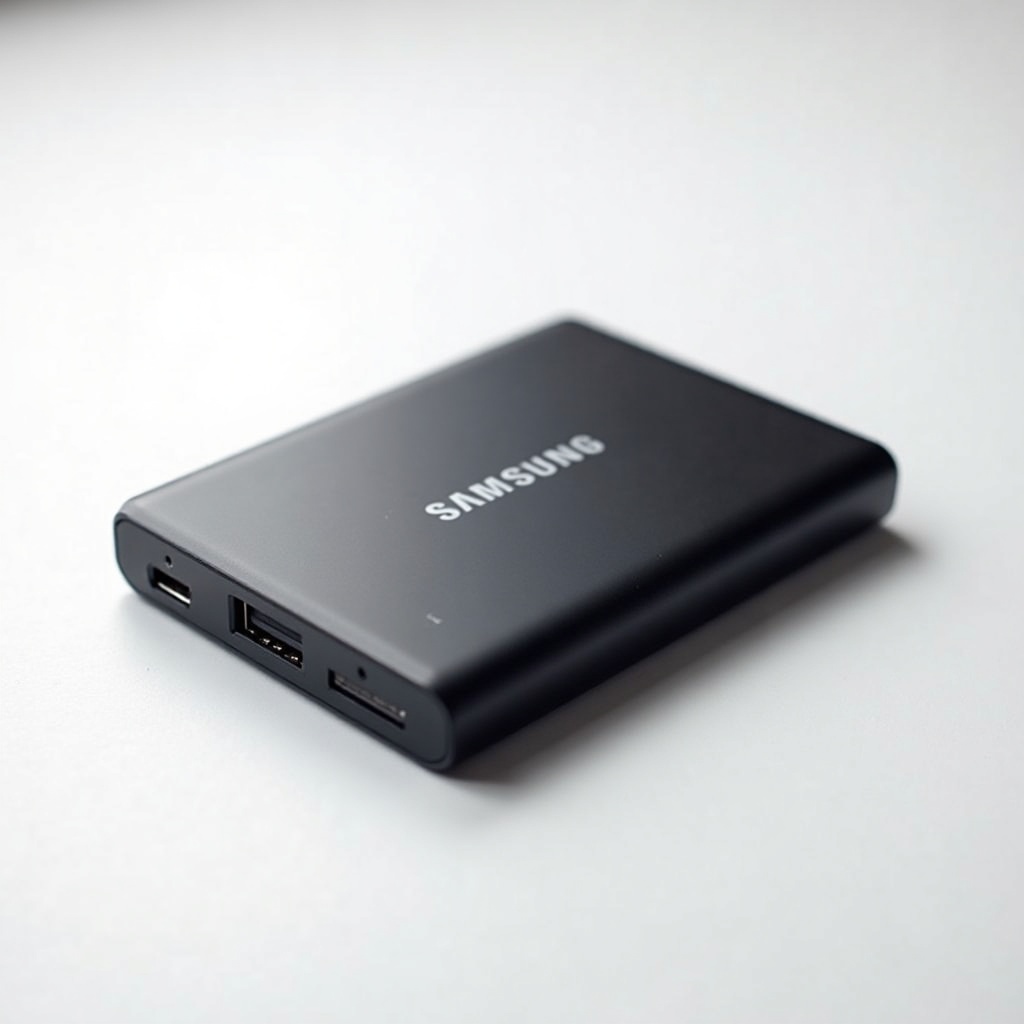
Samsung T7 Portable SSD (1TB) Review

Pocket-sized SSD with blazing transfers that shames any old spinning hard drive.
Drag a 50GB video folder onto the T7 and it's done before you've found your coffee. This is the portable drive that makes a spinning USB hard drive feel like a relic.
What the Samsung T7 actually is
The T7 is a pocket-sized external SSD that connects over USB-C and rates up to 1,050 MB/s read and 1,000 MB/s write. It's smaller than a credit card, weighs about 58 grams, and ships with both a USB-C to USB-C and a USB-C to USB-A cable, so it works with basically anything made in the last decade.
Inside is NVMe flash, which is why it leaves old portable hard drives in the dust. Those 2.5-inch USB drives top out around 120 MB/s. The T7 is roughly eight times faster. That's the whole pitch, and it's a good one.
How it performs day to day
For everyday file shuffling, the T7 is more drive than most people will ever stress. Backing up a photo library, moving a Steam game off your laptop, offloading a day's worth of 4K clips. It chews through all of it in seconds rather than minutes.
Two honest caveats owners report often. First, the rated 1,050 MB/s only shows up when you plug into a proper USB 3.2 Gen 2 (10Gbps) port. Hang it off an old USB-A 5Gbps port and you'll see closer to 450 MB/s, which is still fine but not the headline number. Second, the aluminum body gets noticeably warm during long sustained writes. It throttles a bit when it heats up, so transferring a single enormous file isn't quite as fast at the end as at the start. For normal use, you won't notice.
The pros and the catches
On the plus side: genuinely fast, tiny, light, and reliable enough that it's become a default recommendation for years. The included cables are a small thing people appreciate. Samsung's Magician software handles firmware and optional password encryption, and it works on Windows, Mac, and Android.
The catches are minor but real. The plastic-and-metal shell has no rubber armor, so it's not built for drops or rain. The cables are short and a little stiff. And the T7 is not the cutting edge anymore. Drives like the Crucial X9 Pro and Samsung's own T9 push higher speeds. For most buyers that gap doesn't matter, but spec chasers should know it exists.
Who should buy it, and who shouldn't
Buy the T7 if you want a fast, cheap, no-nonsense portable SSD for backups, working off external storage, or carrying a game library between machines. At its usual price it's one of the best value-per-gigabyte options around, and the 1TB capacity is the sweet spot for most people.
Skip the plain T7 if you're rough on gear or shoot in the field. Spend a little more on the T7 Shield instead, which adds rubber bumpers plus IP65 dust and water resistance for the same speeds. And if you only need to move a few documents now and then, a $15 flash drive will do, no SSD required.
The verdict
The Samsung T7 has earned its reputation as the safe, smart default in portable SSDs. It's fast where it counts, small enough to forget in a bag, and priced so it rarely feels like a splurge. Not the flashiest option on the shelf in 2024, but still the one we'd hand a friend who just wants something that works.
Frequently asked questions
- Is the Samsung T7 fast enough for video editing?
- Yes for most editing, including 4K. The T7 sustains high read and write speeds over USB 3.2 Gen 2, which is plenty for editing off the drive. If you do heavy multi-stream 6K/8K work, look at a Thunderbolt SSD or an internal drive instead.
- What's the difference between the T7 and the T7 Shield?
- Same speeds, different build. The T7 Shield adds rubber bumpers and IP65 water and dust resistance, so it survives drops and the outdoors. If you travel hard or work in the field, the Shield is worth the small extra cost.
- Does the Samsung T7 work with Mac and PlayStation?
- Yes to Mac out of the box, though you may want to reformat it for Time Machine. For PS5 it works for storing PS5 games and playing PS4 games, but it can't run PS5 titles directly since those need internal NVMe storage.
Aaron digs into offers, cards, and software so you don't have to read the fine print. He flags the genuinely good deals and the traps.


