
Roku Streaming Stick 4K Review

Buttery 4K HDR streaming and a voice remote that actually finds your shows fast.
For around the cost of two movie tickets, you get fast 4K HDR streaming and a remote that finds your show by voice instead of making you peck at a tiny on-screen keyboard.
What the Roku Streaming Stick 4K actually is
This is Roku's compact 4K streamer, a stick that plugs straight into an HDMI port and hides behind the TV. It plays 4K content with HDR10, HDR10+, and Dolby Vision, which covers basically every format you'll run into on Netflix, Disney+, Max, and the rest. There's no built-in speaker or display gimmick. It exists to do one job, and it does that job well.
Roku's interface is the real selling point. It's a plain grid of app tiles, neutral toward every service, and it doesn't bury content under a wall of ads for shows you'll never watch. After Amazon and Google both leaned hard into pushing their own ecosystems, Roku's relative restraint feels almost quaint.
How it performs day to day
The headline upgrade over the cheaper Roku Express line is dual-band Wi-Fi with a longer-range receiver, and it matters. Owners with routers in a back room consistently report fewer buffering spins than they got from older sticks. 4K streams lock in fast and hold their quality.
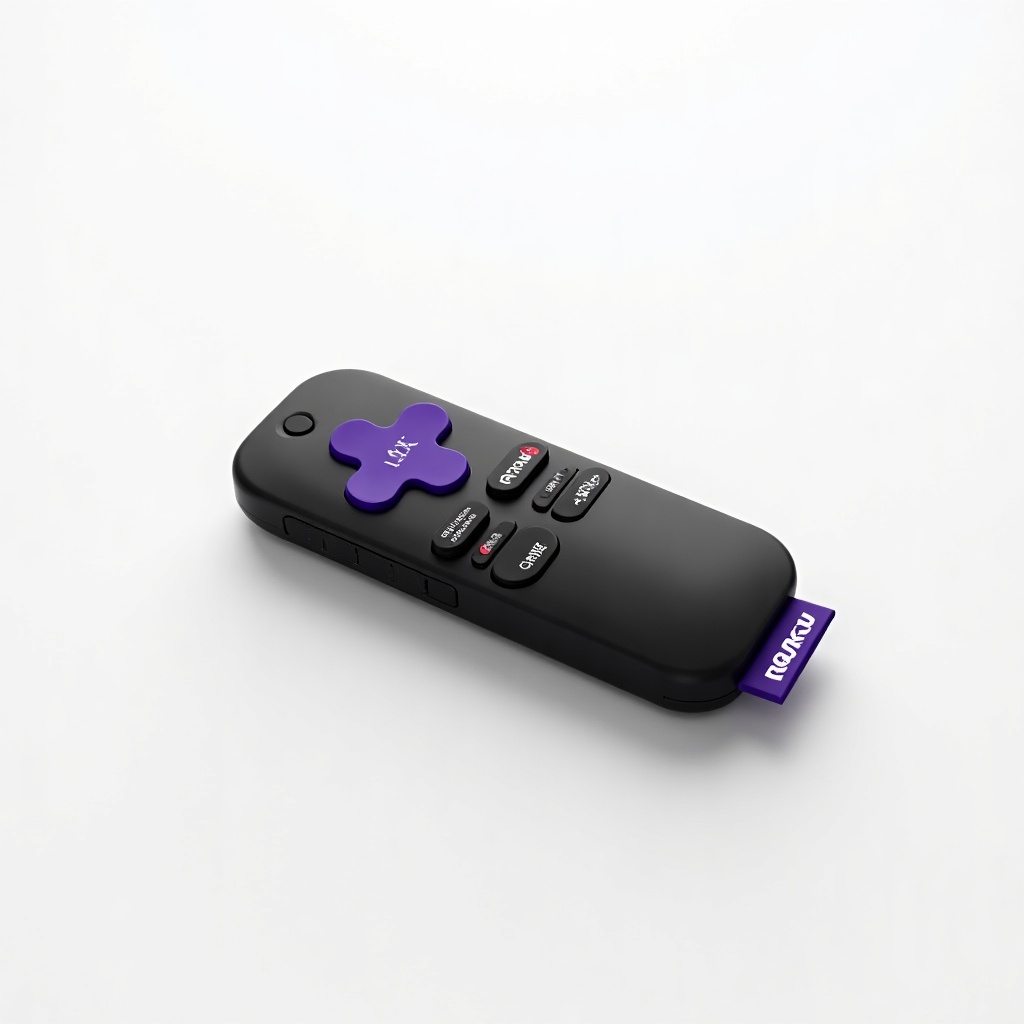
App launches are quick. Not instant, but quick enough that you won't sit staring at a splash screen. The voice remote is the part people actually rave about. You hold the button, say a title or an actor, and it pulls up results across apps without you typing. It also has TV power and volume buttons, so the stick can replace your TV remote entirely for most sessions.
Picture quality is exactly what you'd expect from a properly certified 4K HDR device. Dolby Vision content looks rich on a TV that supports it. The limit here is your television and your internet, not the Roku.
The good and the annoying
Pros: dirt-cheap for what it does, genuinely simple software, strong Wi-Fi, Dolby Vision support, and a remote with voice search and TV controls. It's also tiny and pulls power from the TV's USB port on many sets, so you're not adding another wall wart.
Cons: the remote runs on replaceable AAA batteries rather than a rechargeable cell, which is fine but feels dated next to pricier remotes. There's no headphone jack on the remote for private listening (you'll need the Roku app for that). And while the menus stay clean, Roku does sprinkle sponsored tiles on the home screen. It's mild, but it's there.
Who should buy it, and who should skip it
Buy it if you want cheap, reliable 4K streaming and you don't care about a flashy interface. It's our easy default recommendation for a spare bedroom TV, a first 4K upgrade, or anyone tired of a sluggish smart-TV operating system. It's also a smart travel pick because it's small and the setup is painless.
Skip it if you're deep in the Apple world and want AirPlay polish and tvOS speed; the Apple TV 4K is far pricier but noticeably snappier. Gamers leaning on cloud play or anyone who wants the absolute fastest navigation should also look up the rung. And if your TV is only 1080p, save a few dollars and grab the cheaper Roku Express instead.
The verdict
The Roku Streaming Stick 4K is the streamer most people should buy without overthinking it. At roughly $30 to $50, it delivers solid 4K HDR, a clean menu, and a voice remote that earns its keep. It won't dazzle anyone, and it doesn't need to. It just works, which is exactly what you want from a $40 gadget.
Frequently asked questions
- Does the Roku Streaming Stick 4K support Dolby Vision?
- Yes. It supports Dolby Vision, HDR10, and HDR10+, so you'll get the best available HDR format your TV and your streaming app support.
- Do I need a Roku Streaming Stick 4K if my TV is already a smart TV?
- Often it's still worth it. Many built-in smart TV systems are slow and clunky after a couple of years. The Roku is faster, gets app updates longer, and gives you a cleaner interface, so it's a cheap way to refresh an aging TV.
- What's the difference between the Streaming Stick 4K and the cheaper Roku Express?
- The Stick 4K adds full 4K HDR with Dolby Vision, better dual-band Wi-Fi range, and the voice remote with TV controls. If your TV is only 1080p, the Express is enough and saves money.
Aaron digs into offers, cards, and software so you don't have to read the fine print. He flags the genuinely good deals and the traps.


