
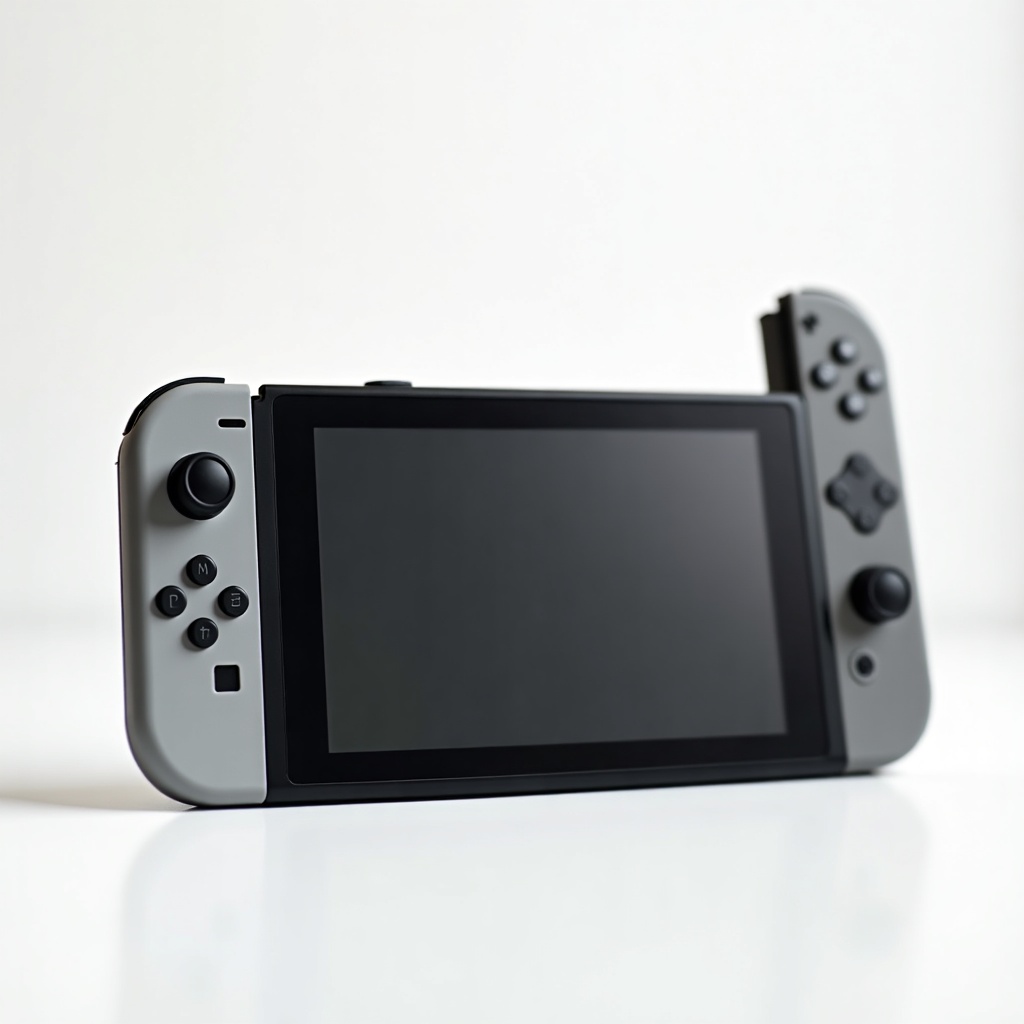
Nintendo Switch OLED Review

A vivid 7-inch OLED screen makes handheld gaming pop—then dock it for the big screen.
The OLED model fixes the original Switch's biggest weakness: a dim, washed-out screen. If you play handheld more than docked, this is the version worth your money.
What the Switch OLED actually is
This is the mid-life refresh of the standard Switch, not a power upgrade. Nintendo took the same chip, the same games, the same Joy-Con controllers, and bolted on a bigger, far better screen. The display jumps from 6.2 inches to 7 inches and swaps the original's mediocre LCD for a proper OLED panel. Blacks are actually black. Colors in Mario, Zelda, and Metroid look saturated instead of muddy.
A few smaller changes come along for the ride. There's a much sturdier kickstand that runs the full width of the back, so tabletop play no longer feels like balancing a flimsy plastic flap. Storage doubles to 64GB, the dock gets a wired LAN port, and the speakers are noticeably louder. Frame rates and resolution are unchanged. Docked output still tops out at 1080p, handheld at 720p.
How it performs day to day
Handheld is where the OLED earns its keep. The screen is the main reason to own this version, and it's the kind of upgrade you stop noticing only because you'd never want to go back. Text is sharper, HDR-ish punch in colorful games is genuinely lovely, and the slightly larger panel makes busy games easier to read on a couch or a plane tray table.
Battery life lands around 4.5 to 9 hours depending on the game, which is fine but not transformative. Demanding titles like Tears of the Kingdom sit at the low end. Docked, you get the same picture you'd get from a launch Switch, so anyone who lives on the TV is paying extra for a screen they'll rarely look at. The Joy-Con drift problem that haunted earlier units is still a risk here. Nintendo never fully engineered it out, so budget mentally for a replacement set down the road.
Who it's for and who should skip it
Buy the OLED if you play in handheld or tabletop mode most of the time. Commuters, kids, dorm dwellers, and anyone who games in bed will see the upgrade every single session. It's also the no-brainer pick if you're buying your first Switch and the price gap to the base model is small, which it usually is.
Skip it if you almost always play docked on a TV. You'd be spending the premium on a screen you've effectively turned off. Skip it too if you want portability above everything and never plan to use a television, because the $200-ish Switch Lite is smaller, lighter, and cheaper, though it can't dock at all. And if a Switch 2 is on your radar, weigh that before committing, since the older hardware's days as Nintendo's flagship are numbered.
The verdict
At roughly $300 to $350 on Amazon, the Switch OLED is the best version of an aging but deep console. The screen is the reason to buy it, and it's a good enough reason for handheld-first players. Everyone else can save money on the standard model without missing much.
It won't run games any faster and it won't fix Joy-Con drift. But for the way most people actually use a Switch, curled up with it in their hands, it's the one we'd recommend.
Frequently asked questions
- Is the Switch OLED worth it over the regular Switch?
- If you play mostly in handheld or tabletop mode, yes. The OLED screen is a clear upgrade in brightness, contrast, and color. If you play docked on a TV almost all the time, the picture is identical to the cheaper standard Switch, so the upgrade isn't worth the premium.
- Does the Switch OLED have better graphics or performance?
- No. It uses the same processor as the original Switch, so games run at the same resolution and frame rate. The improvements are the 7-inch OLED display, a sturdier kickstand, louder speakers, 64GB of storage, and a LAN port in the dock.
- Does the Switch OLED still have Joy-Con drift problems?
- It can. Nintendo didn't fundamentally redesign the Joy-Con sticks for this model, so drift remains a known long-term risk. Many owners eventually replace a controller or send it in for repair.
Aaron digs into offers, cards, and software so you don't have to read the fine print. He flags the genuinely good deals and the traps.


