
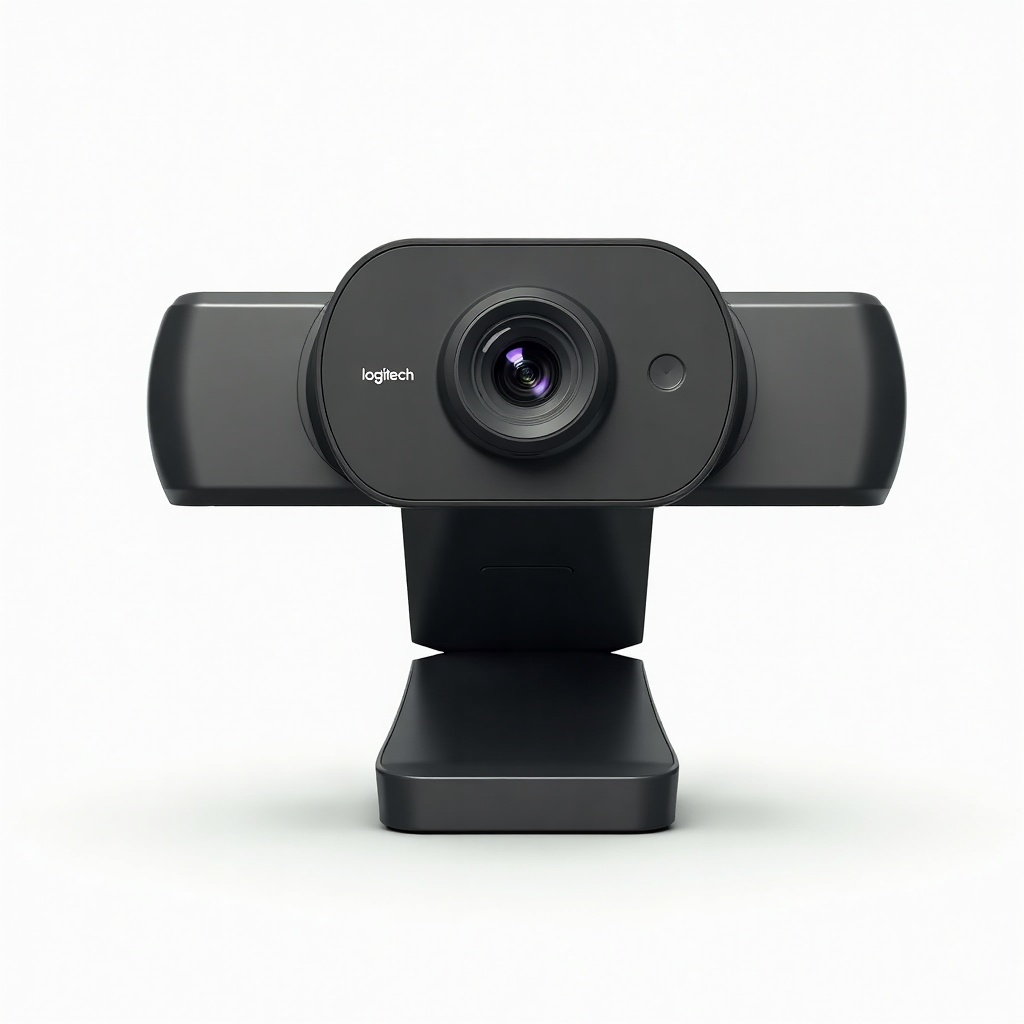
Logitech StreamCam Review

Crisp 1080p/60fps webcam built for creators who want to look sharp on every call and stream.
If your laptop's built-in camera makes you look like a hostage on every Zoom call, the Logitech StreamCam fixes that with sharp 1080p at 60fps and a price that won't make you flinch.
What the Logitech StreamCam Actually Is
The StreamCam is Logitech's webcam aimed squarely at people who show up on camera a lot. It shoots 1080p at 60fps, connects over USB-C, and comes with a clip that mounts on a monitor or a tripod. Logitech also throws in a quarter-inch thread adapter, which is a nice touch most webcam makers ignore.
It slots in below the pricier Brio (which does 4K) and above the cheap C920 that's been on every desk since 2012. Think of it as the sensible middle child. You're paying for that 60fps and smoother autofocus, not for resolution bragging rights.
How It Performs Day to Day
In good light, it looks great. Owners consistently praise how clean and natural the image reads on calls and streams, and the 60fps makes movement look fluid instead of stuttery. That matters more than people expect once they see themselves gesturing on a 30fps cam.
The autofocus is fast and the face-tracking actually works, which is the whole pitch for streamers who lean in and out of frame. The downside is the same one that haunts most webcams in this class. Drop the lighting and the image gets noisy and soft fast. This sensor needs light. Sit near a window or get a key light and it sings. Rely on an overhead bulb at 9pm and you'll be disappointed.
Setup is plug-and-play on Windows and Mac. The real power lives in Logitech's software, called Logi Tune (formerly G Hub for some features), where you adjust exposure, framing, and field of view. The vertical-mode option is genuinely useful for anyone shooting TikTok or Reels content from a desk.
The Good and the Annoying
On the plus side: sharp 1080p/60fps, reliable autofocus, USB-C, a solid mounting kit, and a build that feels more premium than the price suggests. The 78-degree field of view is wide enough for one person without warping your face like a fisheye.
The gripes are real though. The microphones are mediocre, so anyone serious about audio should use a separate mic. There's no privacy shutter, which feels stingy in 2025. The USB-C cable is hardwired, so a damaged cable means a damaged webcam. And the software can be clunky, with occasional updates that move settings around for no clear reason.
Who Should Buy It (and Who Shouldn't)
Buy it if you're a streamer, content creator, or remote worker who's tired of looking blurry and wants buttery 60fps without jumping to 4K. It's also a smart pick for vertical video on a budget.
Skip it if you work in a dim room and won't add lighting, because you'll waste the sensor's potential. Skip it too if 1080p at 30fps is plenty for your needs. The aging C920 or a Razer Kiyo will save you money. And if you want crisp 4K for high-end production, stretch to the Logitech Brio or step into a mirrorless-camera setup instead.
The Verdict
The StreamCam earns its reputation. It's the webcam to get when 'fine' isn't good enough but you don't need 4K overkill. Give it decent light and a real microphone and it punches well above its price. Just go in knowing the soft low-light performance and missing privacy shutter are part of the deal.
Frequently asked questions
- Is the Logitech StreamCam good for streaming on Twitch and YouTube?
- Yes. The 1080p/60fps output and quick autofocus are exactly what streamers want, and the vertical mode helps with short-form content. Pair it with proper lighting and a dedicated mic for the best results.
- Does the StreamCam have a privacy shutter?
- No, it doesn't include one, which is a notable miss at this price. You'll need to buy a third-party clip-on shutter or cover the lens manually when you want privacy.
- StreamCam vs Logitech Brio: which should I get?
- Get the StreamCam if you want smooth 1080p/60fps and value. Get the Brio if you specifically need 4K resolution and Windows Hello face login, and you're willing to pay more for it.
Marcus has spent over a decade testing consumer tech and gadgets. He cares about whether a product earns its price in real life — not on a spec sheet.


