
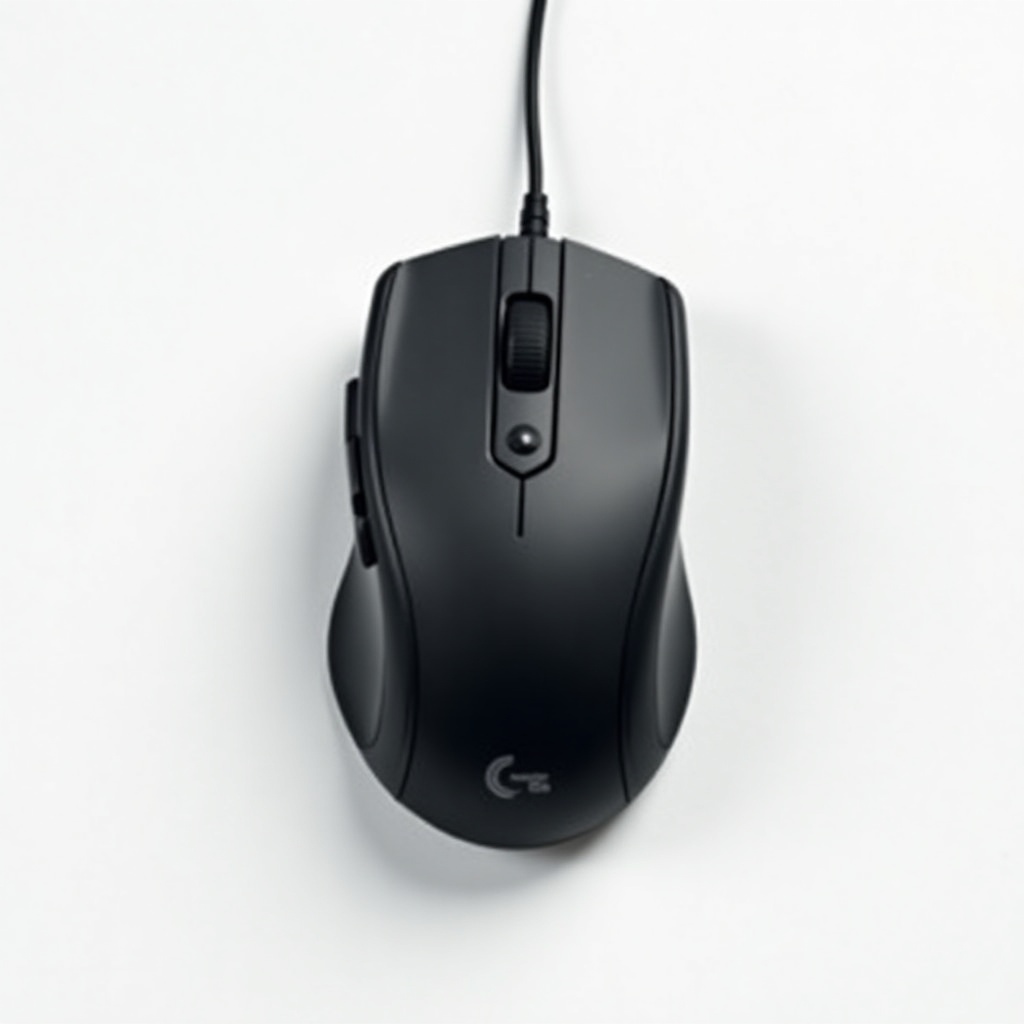
Logitech MX Vertical Ergonomic Mouse Review

An ergonomic mouse that cradles your wrist at a natural angle and eases the all-day ache.
If your wrist aches by mid-afternoon, the MX Vertical tilts your hand to a 57-degree angle that takes the strain off. It's the rare ergonomic mouse that fixes the problem without making you fight the cursor.
What the MX Vertical actually is
This is Logitech's answer to wrist pain, built for people who spend eight-plus hours a day clicking. Instead of lying flat, it stands your hand up at a 57-degree angle, closer to a handshake than the palm-down twist a normal mouse forces. The idea is to reduce forearm pronation, which is the technical way of saying it stops you from constantly rotating your wrist into an unnatural position.
It sits in the $80 to $110 range, runs on Logitech's wireless ecosystem, and pairs over a USB receiver or Bluetooth. You can connect it to three devices and flip between them with a button, which matters more than it sounds if you juggle a work laptop and a personal machine.
How it performs day to day
The adjustment period is real. Owners consistently report that the first day or two feels awkward, and then your hand forgets it ever held a mouse any other way. That's the whole pitch and it largely holds up. The relief is most obvious for people already dealing with strain rather than those buying it as a preventative measure.
Tracking is solid. The 4000 DPI sensor works on most surfaces and the cursor feels precise enough for everyday work, spreadsheets, browsing, light photo editing. There's a dedicated cursor-speed button for when you need to slow down for detailed work. Battery life is genuinely excellent. A full charge lasts months, and a one-minute quick charge gives you several hours, so you're never actually stuck.
The scroll wheel is fine, not the freewheeling MagSpeel wheel from the MX Master line. The buttons are quiet and well-placed once your thumb learns where the back and forward buttons live.
The honest downsides
It's built for medium to large hands. People with smaller hands often find it too big to grip comfortably, and there's no smaller version, so size unseen is a gamble. It's also strictly right-handed. Lefties are out of luck entirely.
The vertical shape makes it useless for gaming. The angle that saves your wrist for office work slows you down when reflexes matter, so don't buy this for shooters. And while it's a wireless mouse you can carry, the tall profile doesn't pack as flat as a travel mouse. This is a desk tool.
Who should buy it, who should skip it
Buy it if you work long hours and your wrist or forearm is already complaining. This is one of the most recommended ergonomic mice for exactly that reason, and the consensus from owners with mild RSI symptoms is strongly positive. It's also a smart pick if you want one comfortable mouse that switches cleanly between a couple of computers.
Skip it if you have small hands, if you're left-handed, or if you mostly game. And if you have no wrist discomfort at all, a standard MX Master 3S gives you a better scroll wheel and more buttons for similar money. Buy the vertical for the angle, not the features.
The verdict
The MX Vertical does the one job it promises. It moves your wrist to a healthier position without wrecking your accuracy, the battery is nearly a non-issue, and the build feels worth the price. The size and right-hand-only design are the catches. For the right hands, it's an easy recommendation and one of the few ergonomic mice that doesn't feel like a compromise.
Frequently asked questions
- Is the Logitech MX Vertical good for wrist pain?
- Yes, for most people. The 57-degree angle reduces forearm rotation, which is the main source of strain from flat mice. Owners with mild wrist or RSI discomfort widely report relief after a short adjustment period. It's not a medical device, but it's one of the most recommended ergonomic mice for this purpose.
- Does the MX Vertical work for small hands?
- Not well. It's sized for medium to large hands, and there's no smaller model. Smaller-handed users often struggle to grip it comfortably, so try it in person first if you can or be ready to return it.
- Can you use the MX Vertical for gaming?
- It's not built for it. The vertical angle that helps with all-day comfort works against you in fast-paced games. Use it for work and everyday tasks, and keep a dedicated gaming mouse for anything competitive.
Daniel covers home, kitchen, and everyday-carry gear. He's a stickler for durability and value, and has no patience for overpriced hype.


