
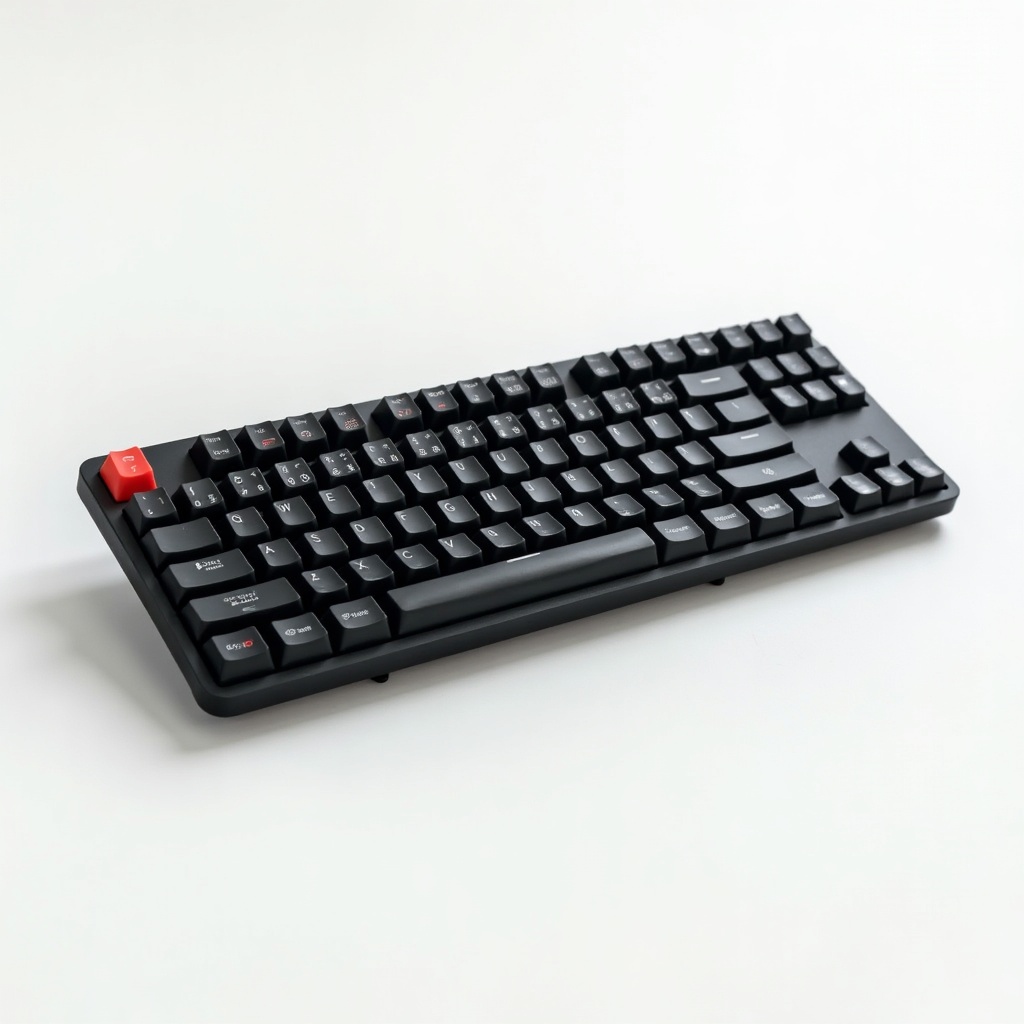
Logitech MX Mechanical Wireless Keyboard Review

Low-profile mechanical keys with a premium feel and weeks of battery on a charge.
A full-size mechanical keyboard that won't make your desk sound like a popcorn machine, with battery life measured in weeks instead of days.
What the MX Mechanical actually is
This is Logitech's attempt to bring mechanical switches to the office crowd without the bulk or racket of a gaming board. It uses low-profile Kailh switches in three flavors: Tactile Quiet (brown-style), Linear (red-style), and Clicky (blue-style). Most buyers grab the Tactile version, which is the sane default.
It pairs over Bluetooth or Logitech's Bolt USB receiver, and the Logi Bolt connection is rock-solid for anyone who's been burned by flaky Bluetooth. There's a smaller MX Mechanical Mini if you don't need the numpad, and honestly that version is the better pick for a lot of people. The full-size board is wide. Plan your desk accordingly.
How it performs day to day
The typing feel is the whole point, and it delivers. Low-profile keys mean shorter travel than a chunky mechanical board, so the adjustment from a laptop or a Magic Keyboard is quick. Owners consistently describe it as crisp and satisfying without being tiring over long sessions.
Switching between three paired devices is one button press, which is genuinely useful if you bounce between a work laptop, personal machine, and a tablet. The backlighting is smart too, lighting up when your hands approach and dimming to save power. The keycaps are concave and shaped well, so your fingers land where they should.
Battery life is the quiet flex
Logitech rates it around 15 days with backlighting on, and up to 10 months with the lights off. Real owners report going weeks between charges without thinking about it, which is the kind of battery anxiety you want: none. It charges over USB-C and keeps working while plugged in.
Compare that to a lot of RGB gaming keyboards that beg for a cable every few days. This thing just runs.
The catches
It's heavy and not really portable, so don't buy the full-size version expecting a travel companion. The price sits in the $140 to $170 range, which is steep next to a perfectly good $60 mechanical board. You're paying for the build, the multi-device pairing, and the Logitech software ecosystem.
Speaking of software, you'll want Logi Options+ to get the most out of remapping and per-app settings, and Options+ is a bit of a resource hog that not everyone loves. The keyboard is also tilted toward productivity, not gaming. There's no hot-swappable switches and the polling rate won't impress competitive players.
Who should buy it, who should skip
Buy it if you spend your day writing, coding, or living in spreadsheets and want a premium mechanical feel that won't annoy your coworkers or housemates. The Tactile Quiet version is the move for shared spaces. People juggling multiple computers get the most value here.
Skip it if you mainly game, in which case a board with faster switches and higher polling makes more sense. Skip it if you're on a budget, because cheaper mechanical keyboards type great. And if you want something you can toss in a bag, get the Mini instead of this full-size slab.
Verdict
The MX Mechanical is one of the best office-focused mechanical keyboards you can buy, and it earns its reputation. It's expensive and immovable, but the typing feel, the absurd battery life, and the easy multi-device switching make it a keyboard you stop thinking about, which is the highest compliment a keyboard can get.
Get the Mini unless you truly need the number pad. Get the Tactile Quiet switches unless you have a private office and a craving for clicks.
Frequently asked questions
- Is the Logitech MX Mechanical good for gaming?
- It's fine for casual gaming but it's built for typing, not competitive play. The switches and polling rate don't match dedicated gaming keyboards, so serious players should look elsewhere.
- How long does the battery last?
- Roughly 15 days with backlighting on and up to about 10 months with the lights off. Most owners go weeks between USB-C charges, and it works while plugged in.
- Should I get the MX Mechanical or the MX Mechanical Mini?
- Get the Mini unless you regularly use a number pad. It's smaller, lighter, and easier to fit on a desk, while offering the same switches, battery, and multi-device pairing.
Aaron digs into offers, cards, and software so you don't have to read the fine print. He flags the genuinely good deals and the traps.


