Logitech MX Master 3S Wireless Mouse Review

The productivity mouse pros swear by — silent clicks, scary-fast scroll, all-day comfort.
The MX Master 3S is the mouse people quietly buy, then refuse to give up. Silent clicks, a scroll wheel that flies, and a shape your hand stops noticing after an hour.
What the MX Master 3S actually is
This is Logitech's flagship productivity mouse, the one designers, coders, and spreadsheet lifers tend to land on after cycling through cheaper options. It runs around $90 to $120 on Amazon depending on color and sales, which makes it pricey for a mouse and reasonable for a tool you touch eight hours a day.
The 3S is a refinement of the 3, not a reinvention. Two headline changes: the clicks are now near-silent, and the sensor jumps to 8,000 DPI so it tracks cleanly on glass and other surfaces that used to embarrass optical mice. Everything else that made the line popular carries over.
How it performs day to day
The MagSpeed scroll wheel is the real draw. Flick it hard and it spins into a free-spin mode that rips through long documents and web pages in one motion, then ratchets back to click-by-click precision automatically. Owners consistently describe this as the feature they didn't know they needed and now can't live without.
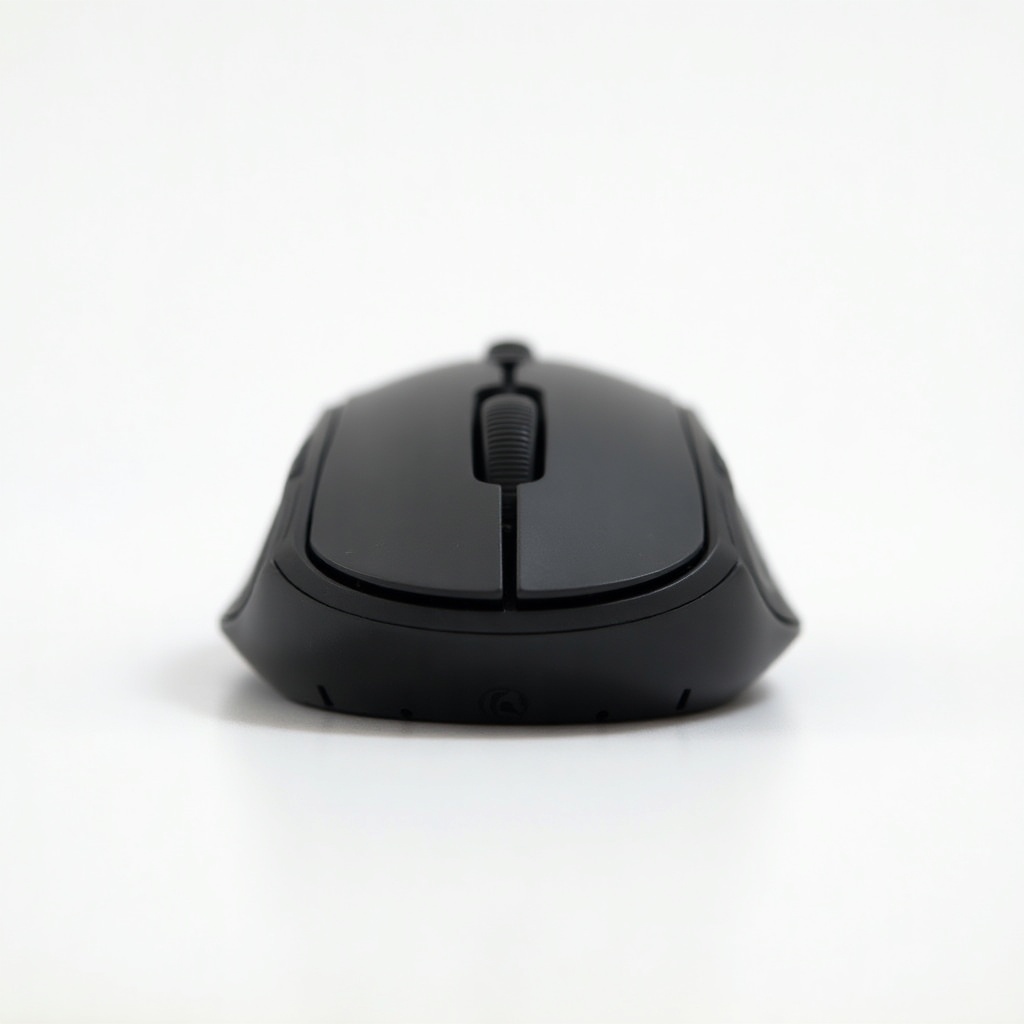
Comfort is the other reason it sticks around. The tall, sculpted shape supports the whole palm, and there's a dedicated thumb wheel for horizontal scrolling that's a genuine help in wide timelines and big spreadsheets. The silent clicks sound dull but matter more than you'd expect on calls and in shared offices. Battery life is the quiet win: a full charge lasts weeks, and a one-minute USB-C top-up buys you hours.
Logitech's software lets you set per-app button profiles, so the same side button can do one thing in Chrome and something else in Photoshop. It connects over Bluetooth or the included Logi Bolt receiver and pairs with up to three devices, with a button to hop between them.
The honest downsides
It's big and right-handed only. People with small hands or a fingertip grip often find it too large, and lefties are simply out of luck. If you want an ambidextrous shape, this isn't it.
It is not a gaming mouse. The Bluetooth and Bolt connection is rock-solid for work but not built for competitive latency, and the heavy, deliberate body is the opposite of what shooters want. The price also stings next to a perfectly decent $30 wireless mouse, and Logi Options+ software can be naggy with updates and login prompts.
Who should buy it, and who should skip it
Buy it if you spend your day in documents, code, design tools, or sprawling spreadsheets and have a normal-to-large right hand. The scroll wheel and per-app buttons pay for themselves fast if scrolling and navigation are most of your job.
Skip it if you have small hands, you're left-handed, you mainly game, or you just need a basic clicker for light browsing. In those cases the money is wasted on features you won't use. Worth knowing: the older MX Master 3 often sells cheaper and is nearly identical apart from the quieter clicks and the 8,000 DPI sensor.
The verdict
The MX Master 3S earns its reputation. It's the productivity mouse to beat, and the silent clicks plus the glass-friendly sensor make it the easy pick over the older model unless the discount is steep. Pay the premium only if you actually live in your computer. If you do, it's one of the few accessories that genuinely makes the workday smoother.
Frequently asked questions
- Is the Logitech MX Master 3S good for gaming?
- No. It's a productivity mouse built for comfort and navigation, not low-latency aim. The body is heavy and the connection prioritizes stability over speed. For gaming, look at a dedicated gaming mouse instead.
- What's the difference between the MX Master 3 and 3S?
- The 3S adds near-silent clicks and bumps the sensor to 8,000 DPI, which tracks better on glass and shiny surfaces. The shape, scroll wheel, and buttons are otherwise the same. If you find the older 3 on a big discount, it's still an excellent buy.
- Does the MX Master 3S work with both Mac and Windows?
- Yes. It works with Windows, macOS, Linux, and ChromeOS over Bluetooth or the included Logi Bolt USB-C receiver, and pairs with up to three devices at once. Logi Options+ software for custom buttons is available on Mac and Windows.
Daniel covers home, kitchen, and everyday-carry gear. He's a stickler for durability and value, and has no patience for overpriced hype.