
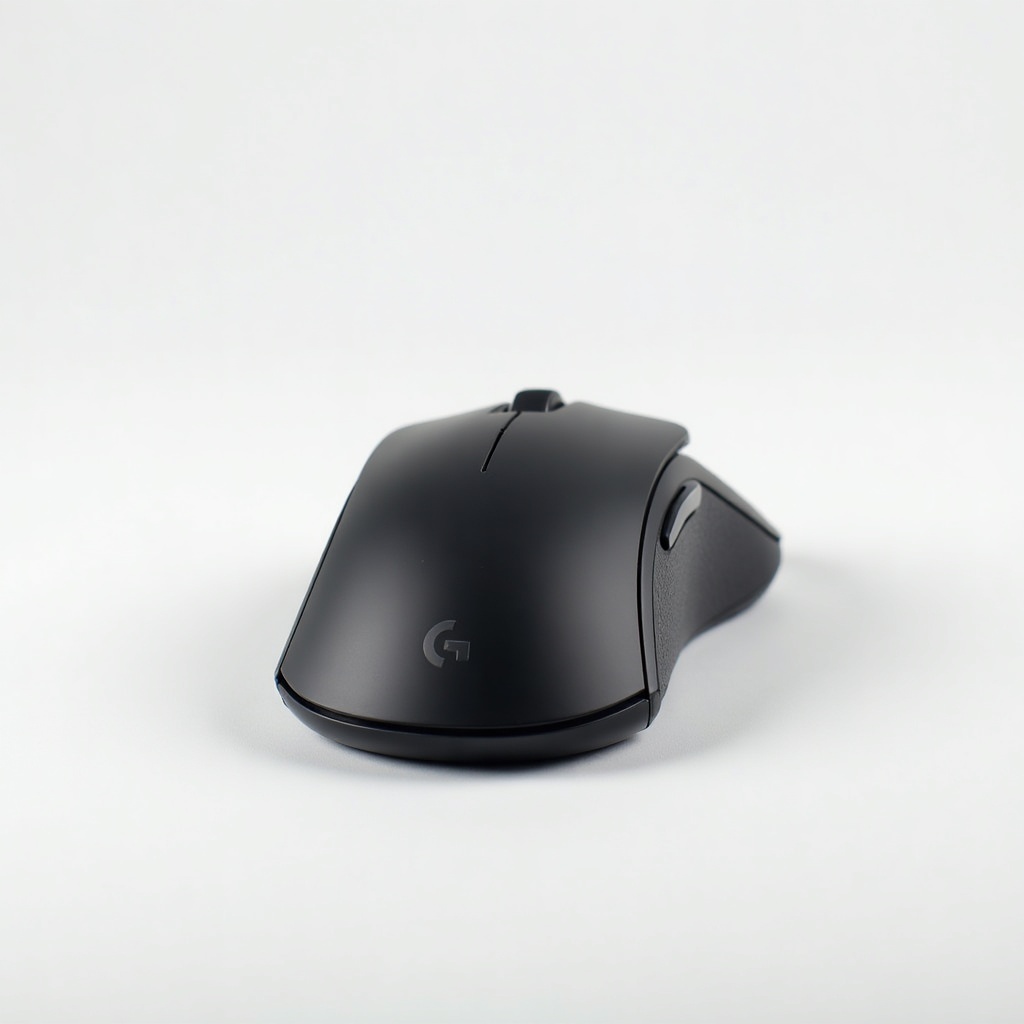
Logitech MX Master 3S (USB-C, Quiet Clicks) Review

The productivity mouse pros swear by, with whisper-quiet clicks and an electromagnetic scroll wheel.
The MX Master 3S fixes the two things people complained about in the old model: loud clicks and a finicky Micro-USB port. It's the mouse that makes scrolling through long documents feel almost unfair.
What the MX Master 3S actually is
This is Logitech's flagship productivity mouse, the one that shows up on the desks of programmers, video editors, and people who live in spreadsheets. It's a big, contoured right-handed shape built for palm grip, with a thumb rest, a horizontal scroll wheel, and that famous electromagnetic MagSpeed main wheel that switches between ratcheted clicks and a free-spinning mode that keeps going like a roulette wheel.
The '3S' part covers two real upgrades over the original MX Master 3. The clicks are roughly 90% quieter, so you get a soft thud instead of a sharp snap. And the sensor jumps to 8,000 DPI, which matters mainly if you run a 4K or ultrawide monitor and hate dragging the cursor across an acre of pixels. Charging is finally USB-C. Sells for around $80 to $100 on Amazon, often dipping toward the low end on sale.
How it performs day to day
The headline feature earns its reputation. Flick that scroll wheel and it spins freely, letting you fly through a thousand-line file in a second. Push down lightly and the ratchet snaps back for precise, line-by-line control. Owners consistently call it the thing they miss most when they go back to a normal mouse.
The quiet clicks are the sleeper upgrade. If you take video calls, share an office, or work next to a sleeping partner, the muted click is genuinely nice. It still feels tactile and positive, just without the report of a cap gun. Battery life is the usual Logitech flex: weeks per charge, and a quick top-up over USB-C buys you hours.
Software is where it goes from good to great. Logitech Options+ lets you remap the thumb buttons, the gesture button under the thumb rest, and set app-specific actions. Flow is the standout trick, copy on one computer and paste on another, dragging the cursor between a Mac and a PC like they're one screen. It pairs to three devices and switches with a button on the bottom.
The downsides worth knowing
It's a hand-filling mouse. If you have small hands or prefer a claw or fingertip grip, this will feel like steering a barge. There's no left-handed version, full stop. The horizontal scroll wheel sits where your thumb naturally rests, so accidental side-scrolls happen until you adjust.
It's also a low-DPI gaming non-starter. The sensor is excellent for work but the shape, weight, and click latency aren't built for competitive shooters. And Options+ has gotten heavier over the years, with a background process some people would rather not run. None of this is dealbreaking for the target buyer, but you should know going in.
Who should buy it, and who shouldn't
Buy it if you spend hours in long documents, code, timelines, or huge spreadsheets, and you want a comfortable mouse that lasts all day and works across multiple machines. The quiet clicks make it the obvious pick for shared offices and meeting-heavy jobs.
Skip it if you have small hands, want an ambidextrous design, or mainly game. Gamers should look at something like the Logitech G502 or a lightweight wireless gaming mouse instead. And if you already own the MX Master 3, the jump to the 3S is minor unless the noise or Micro-USB port genuinely bothered you.
The verdict
The MX Master 3S is the productivity mouse to beat, and the quiet clicks plus USB-C finally remove the asterisks from the old model. For knowledge workers, it's an easy recommendation and one of the few accessories people get evangelical about. Pay full price without guilt, but watch Amazon for the frequent sales near the bottom of its range.
Frequently asked questions
- Is the MX Master 3S good for gaming?
- Not really. The sensor is accurate, but the heavy shape, click feel, and latency aren't built for competitive play. A dedicated gaming mouse like the Logitech G502 or a lightweight wireless model will serve you far better.
- What's the difference between the MX Master 3 and 3S?
- The 3S adds near-silent clicks (about 90% quieter), bumps the sensor to 8,000 DPI, and switches charging from Micro-USB to USB-C. The shape, scroll wheel, and battery life are basically unchanged, so it's a refinement rather than a redesign.
- Can I use the MX Master 3S on both Mac and Windows?
- Yes. It works with both, and Logitech's Flow feature lets you control two computers with one mouse and even copy and paste between them, including across a Mac and a PC.
Marcus has spent over a decade testing consumer tech and gadgets. He cares about whether a product earns its price in real life — not on a spec sheet.


