
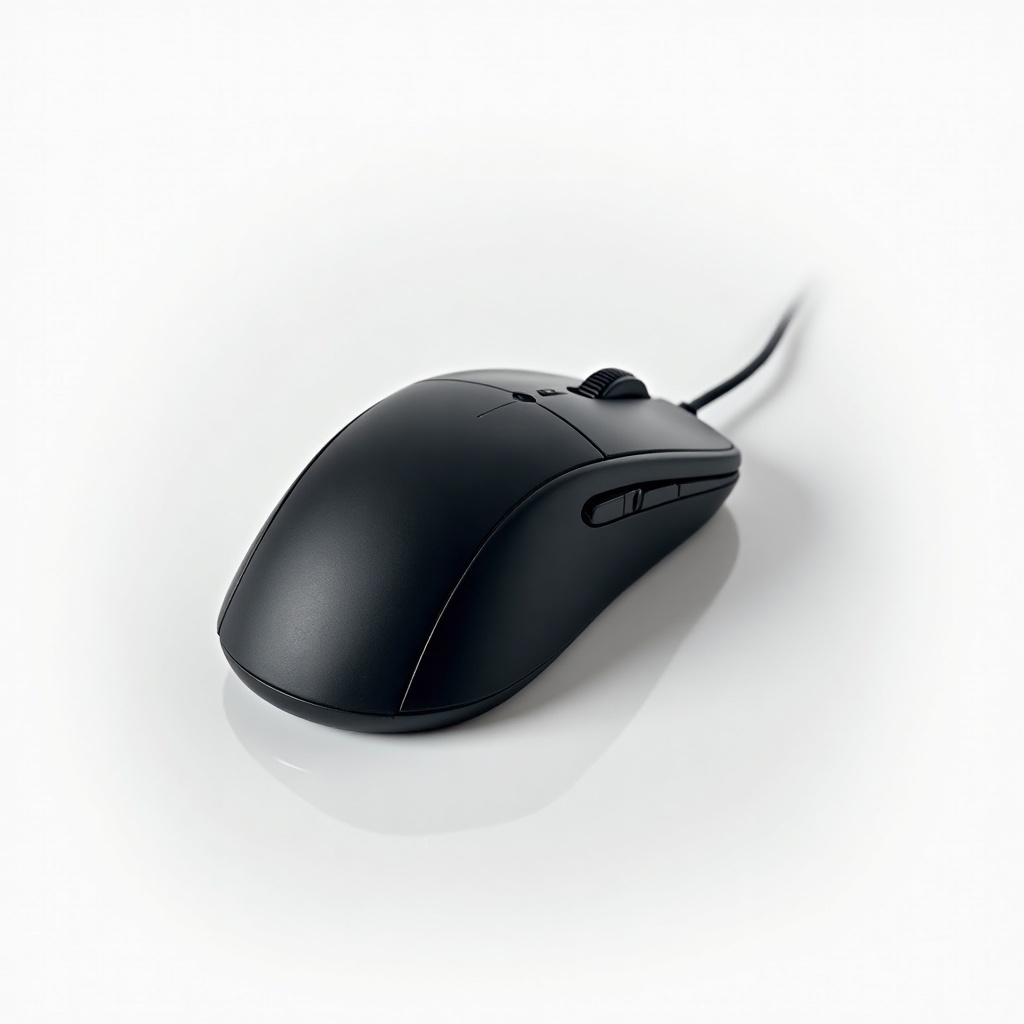
Logitech MX Master 3S (Standard) Review

Silent clicks, a magic scroll wheel, and a grip that spoils your hand for any other mouse.
The MX Master 3S is the mouse that ruins cheaper mice for you. Quiet clicks, a scroll wheel that flies through 1,000-row spreadsheets, and a shape your hand stops thinking about.
What the MX Master 3S Actually Is
This is Logitech's flagship productivity mouse, the workhorse that lives on desks at design studios and finance teams. It's a big, contoured right-handed mouse built for people who use a computer all day and want fewer clicks to do more. The 3S is a refinement of the much-loved MX Master 3, not a reinvention.
Two changes matter. The clicks are now quiet, around 90% less noise than the old version, and the sensor jumps to 8,000 DPI so it tracks cleanly on glass and most desk surfaces. Everything else that made the line famous carried over. It runs $80 to $100 depending on color and sales, which is steep for a mouse and worth it for the right person.
How It Performs Day to Day
The headline feature is the MagSpeed scroll wheel. It ratchets click by click for precise scrolling, then a flick spins it into a free-wheeling mode that coasts down a long document in one motion. Logitech says it does 1,000 lines a second. Spreadsheet and code people get the most out of it, and once you're used to it, going back to a normal wheel feels broken.
The quiet clicks are the other reason to upgrade. They feel the same firm tactile thunk as before without the sharp clack, which is a real benefit in shared offices, on calls, and next to a sleeping partner. Battery life is the unsexy hero here. A full charge lasts roughly 70 days, and a one-minute USB-C top-up buys you about three hours.
It connects over Bluetooth or the included Logi Bolt USB receiver, and Flow lets you slide the cursor between up to three computers and even copy-paste files across them. The thumb wheel for horizontal scrolling earns its keep in wide timelines and big spreadsheets. The side gesture button is more of a power-user toy than a daily necessity.
The Catches Worth Knowing
It's heavy at 141 grams and shaped for a palm grip on a medium-to-large right hand. Lefties are out of luck, and if you have small hands or claw-grip, try before you commit. This is not a gaming mouse. The sensor is great for work but the 3S isn't built for twitchy aim, so competitive gamers should look elsewhere.
The software is the usual mixed bag. Logi Options+ unlocks app-specific button customization and Flow, but it can feel bloated and occasionally needs a restart to behave. And the upgrade from a standard MX Master 3 is real but incremental. If you already own the 3 and don't care about silent clicks, your money is better spent elsewhere.
Who Should Buy It, Who Should Skip
Buy it if you work in spreadsheets, documents, code, or creative apps for hours and want a mouse that reduces hand fatigue and shaves clicks off your day. It's also the easy pick for anyone juggling two or three machines. The macOS crowd especially tends to love it as a Magic Mouse replacement.
Skip it if you mostly game, prefer a light mouse, are left-handed, or just want something to point and click for casual browsing. A $30 mouse does that fine. Verdict: the MX Master 3S is the best productivity mouse for most people who can stomach the price. It's expensive, it's worth it, and it will spoil you for anything cheaper.
Frequently asked questions
- Is the MX Master 3S worth upgrading from the MX Master 3?
- Only if you want the quiet clicks or the higher 8,000 DPI sensor. The shape, scroll wheel, and battery life are essentially identical, so most MX Master 3 owners won't notice a big difference.
- Is the MX Master 3S good for gaming?
- No. It's a productivity mouse. The sensor is accurate but the mouse is heavy and isn't tuned for fast, competitive gaming. Get a dedicated gaming mouse for that.
- Does the MX Master 3S work with Mac and Windows?
- Yes, both, plus Linux, ChromeOS, and iPadOS. It connects over Bluetooth or the Logi Bolt USB receiver, and Logi Options+ lets you customize buttons on Mac and Windows.
Marcus has spent over a decade testing consumer tech and gadgets. He cares about whether a product earns its price in real life — not on a spec sheet.


