
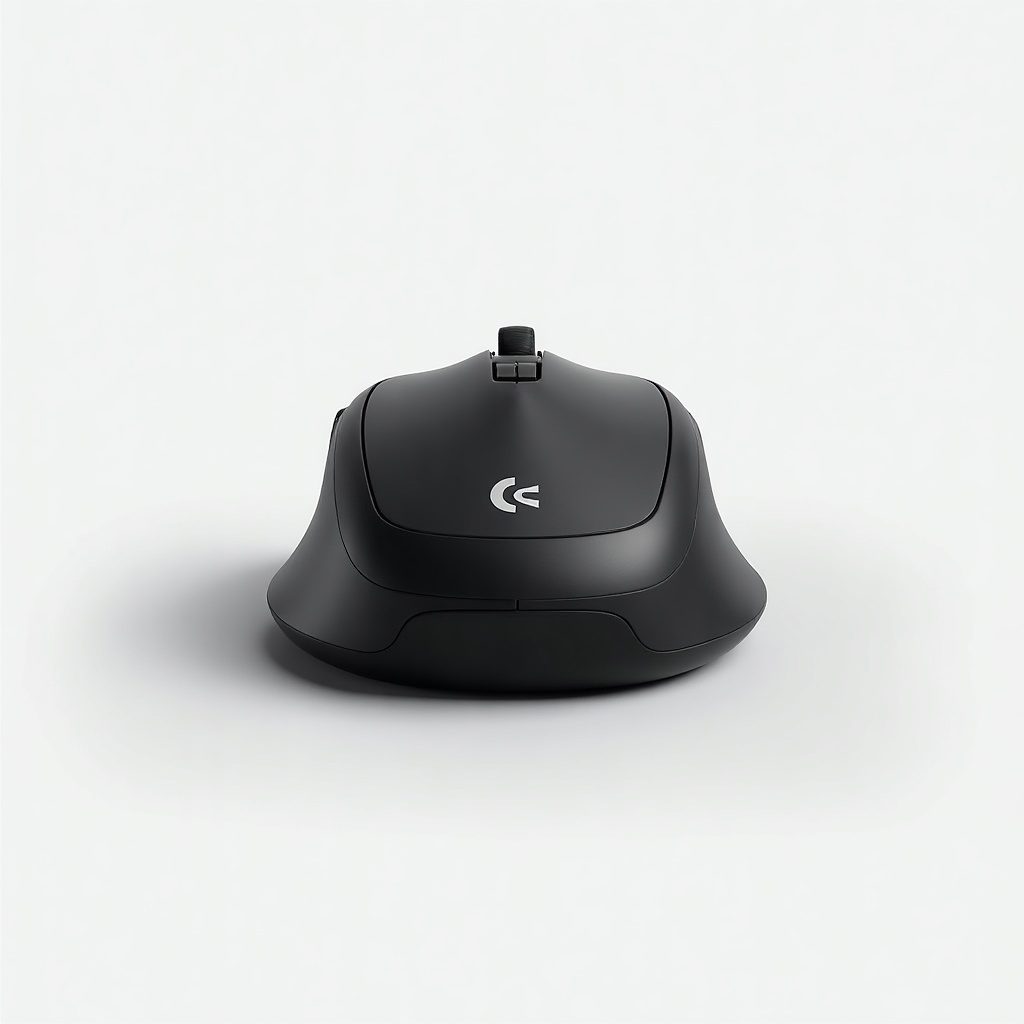
Logitech MX Master 3 (Original) Review

Sculpted productivity mouse with a hyper-fast scroll wheel that flies through long documents.
The MX Master 3 turns scrolling through a 200-page PDF or a sprawling spreadsheet into a flick of the finger. It's the mouse most productivity nerds settle on and stop shopping.
What the MX Master 3 actually is
This is Logitech's productivity flagship, the original MX Master 3 that's since been succeeded by the 3S. It's a sculpted, right-handed mouse aimed squarely at people who live in documents, spreadsheets, code editors, and creative apps. The headline feature is the MagSpeed electromagnetic scroll wheel, which switches between notched, line-by-line control and a free-spinning mode that keeps coasting after you let go.
It runs on Bluetooth or Logitech's tiny Unifying receiver, charges over USB-C, and pairs with up to three devices at once. The price floats roughly $70 to $100 depending on color and sales, which is a notch below the newer 3S that mostly upgrades the sensor and swaps in quieter clicks.
How it performs day to day
The scroll wheel is the reason people fall for this thing. Spin it hard and it free-wheels through long pages almost instantly, then auto-shifts back to precise clicks when you slow down. Owners consistently call it the feature they can't go back from. There's a second thumb wheel for horizontal scrolling, which earns its keep in wide spreadsheets and video timelines.
The shape is the other half of the story. It's big and heavily contoured, so your hand rests in it rather than gripping it. For palm-grip users with medium to large hands, the ergonomics are excellent over long days. The thumb area hides a gesture button and a scoop-shaped rest, and the side buttons fall naturally under your thumb. Logitech's Options+ software lets you remap nearly everything and set per-app profiles, which is where the mouse goes from good to genuinely useful.
Tracking is reliable on glass and glossy surfaces thanks to the Darkfield sensor. Battery life is a non-issue for most people, roughly 70 days on a charge, and a quick USB-C top-up gives you hours from a few minutes plugged in. Multi-device switching across a laptop and desktop is smooth, and Flow lets you slide the cursor between two computers and copy-paste across them.
The honest downsides
It's a brick. At around 141 grams it's not built for flick-heavy aiming, and it's wrong for competitive gaming. Lefties are out of luck entirely. The original's main clicks are noticeably louder than the 3S, so if a silent office is the goal, the newer model is the better buy.
Bluetooth wake-up can lag for a half second on some machines, which is mildly annoying when you tap back in. And while $70 to $100 is fair for what you get, it's still premium money for a mouse when a perfectly good wireless option costs a third of that.
Who should buy it, and who shouldn't
Buy it if you spend your day in long documents, big spreadsheets, code, photo, or video work, and you want the scroll wheel and per-app customization. Anyone running a laptop plus a desktop will get real mileage out of the device switching and Flow.
Skip it if you have small hands, you're left-handed, or you mainly game. And if quiet clicks or the latest sensor matter to you, spend the small premium on the MX Master 3S instead of hunting down the original.
Verdict
The MX Master 3 is still one of the easiest recommendations in tech gadgets for anyone who works on a computer for a living. The scroll wheel alone justifies the upgrade, and the ergonomics and software round it out. Our advice: grab it when it dips toward the low end of its price range, or pay a little more for the 3S if silence is a priority.
Frequently asked questions
- What's the difference between the MX Master 3 and the 3S?
- The 3S adds a higher-resolution 8,000 DPI sensor and much quieter clicks. The rest, including the MagSpeed scroll wheel and the shape, is essentially the same. If silence or the newer sensor matters, get the 3S. Otherwise the original at a discount is a smart buy.
- Is the MX Master 3 good for gaming?
- No, not really. It's heavy and built for productivity, not fast aiming. For competitive games you'll want a lighter dedicated gaming mouse. For casual play it's fine.
- How long does the battery last?
- Around 70 days on a full charge for typical use. It charges over USB-C, and a quick top-up of a few minutes gives you several hours of work.
Marcus has spent over a decade testing consumer tech and gadgets. He cares about whether a product earns its price in real life — not on a spec sheet.


