
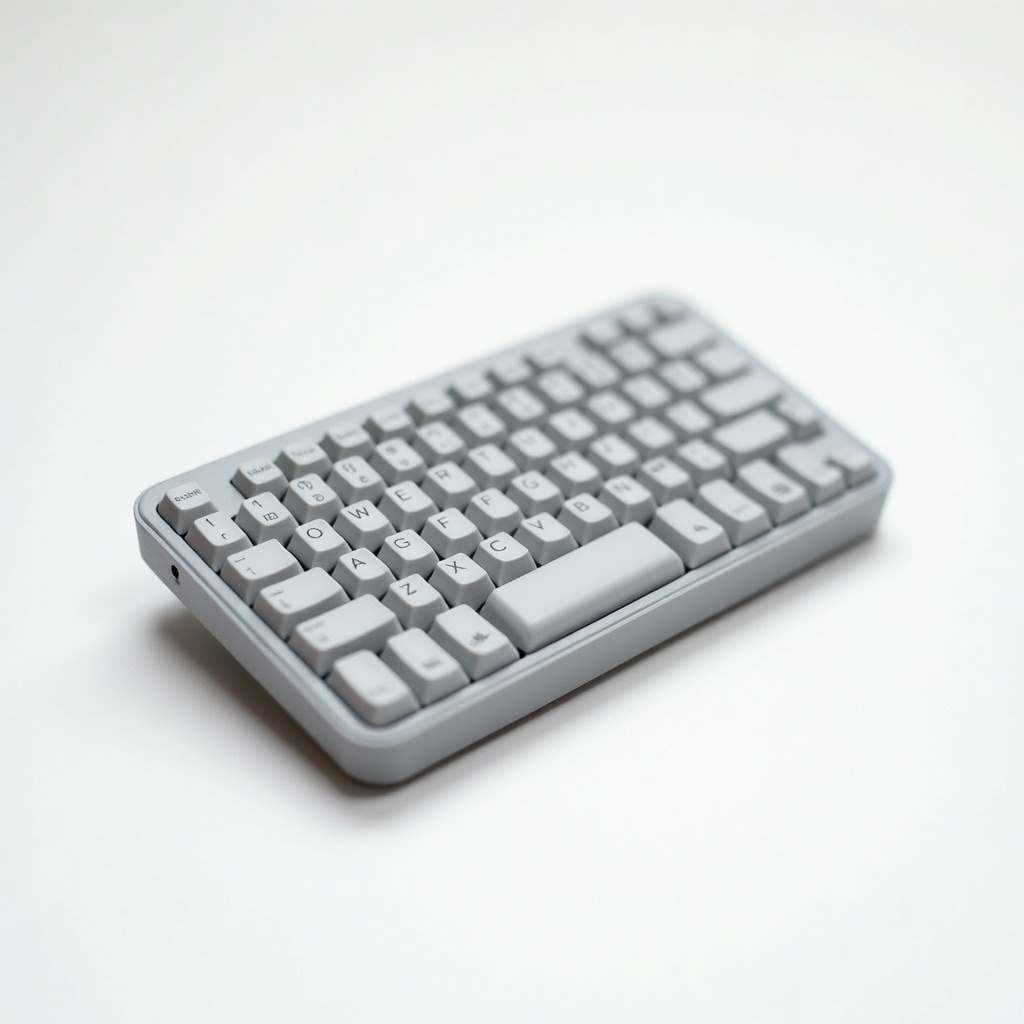
Logitech MX Keys Mini Wireless Keyboard Review

A compact, premium keyboard with backlit keys that adjust to your hands and a buttery typing feel.
A full-size typing feel without the full-size footprint. The MX Keys Mini gives you back desk space and still types like a keyboard you'd actually want to use all day.
What the MX Keys Mini actually is
This is Logitech's compact take on its popular MX Keys board. Same scooped, spherically-dished keys that your fingertips drop into. Same low-profile scissor switches. They just chopped off the number pad and the dedicated nav cluster to shrink it down to a tidy 60-percent-ish layout.
The result is a keyboard that frees up a surprising amount of desk room, which matters more than people expect. Pull your mouse closer to your body and you put less strain on your shoulder. That's the quiet ergonomic argument for going small, and it's a good one.
How it performs day to day
The typing feel is the headline, and it earns the reputation. Owners consistently describe it as quiet, cushioned, and accurate, with a satisfying little landing on each press. It's flat and low like a laptop keyboard, but better than almost any laptop you've used.
The backlight is genuinely smart. Sensors detect your hands approaching and light the keys up, then dim them when you walk away to save power. It also adapts to room lighting. Battery life runs roughly 10 days with the backlight on and up to five months if you switch it off, and it charges over USB-C.
Multi-device switching is the other strong card. Three keys let you jump between a laptop, a tablet, and a phone instantly. Pair over Bluetooth or use Logitech's Logi Bolt receiver. If you live across Mac, Windows, iPad and Android, this thing handles all of it and even relabels relevant keys.
The catches worth knowing
No arrow-key gap and no number pad. The arrows are crammed into a half-height row, and if you punch numbers all day for accounting or data entry, the missing numpad will annoy you fast. Buy the full-size MX Keys instead.
It's also not a gaming keyboard, full stop. The scissor switches are built for comfort and quiet, not for fast actuation or rollover. And there's no Lightspeed wireless here, so competitive players should look elsewhere. The plastic build feels solid but doesn't have the metal heft some rivals at this price flaunt.
Who should buy it, who should skip it
Perfect for writers, developers, and anyone running a clean multi-device desk who values quiet keystrokes and reclaimed space. It's an easy recommendation for people pairing it with an MX Master mouse, since the two share Logitech's Flow software for cursor-hopping between computers.
Skip it if you need a number pad, if you game seriously, or if you want a clicky mechanical experience. Those buyers will feel shortchanged no matter how nice the keys feel.
The verdict
At roughly $80 to $110, the MX Keys Mini is one of the most pleasant compact keyboards you can put on a desk. It nails the fundamentals that actually matter: comfortable typing, smart backlighting, painless device switching, and USB-C charging.
It won't satisfy gamers or number-crunchers, and the layout takes a day or two to adjust to. For everyone else who types for a living and wants their desk back, it's an easy yes.
Frequently asked questions
- Does the Logitech MX Keys Mini work with both Mac and Windows?
- Yes. It supports macOS, Windows, Linux, iPadOS, Android and Chrome OS, and it can label keys appropriately for your system. You can pair up to three devices and switch between them with dedicated keys.
- How long does the battery last?
- Roughly 10 days on a charge with the backlight on, and up to about five months with the backlight turned off. It recharges over USB-C, so a quick top-up keeps you going.
- Is the MX Keys Mini good for gaming?
- Not really. It uses low-profile scissor switches tuned for quiet, comfortable typing, and lacks the fast actuation and Lightspeed wireless gamers want. Buy a dedicated gaming keyboard for that.
Aaron digs into offers, cards, and software so you don't have to read the fine print. He flags the genuinely good deals and the traps.


