
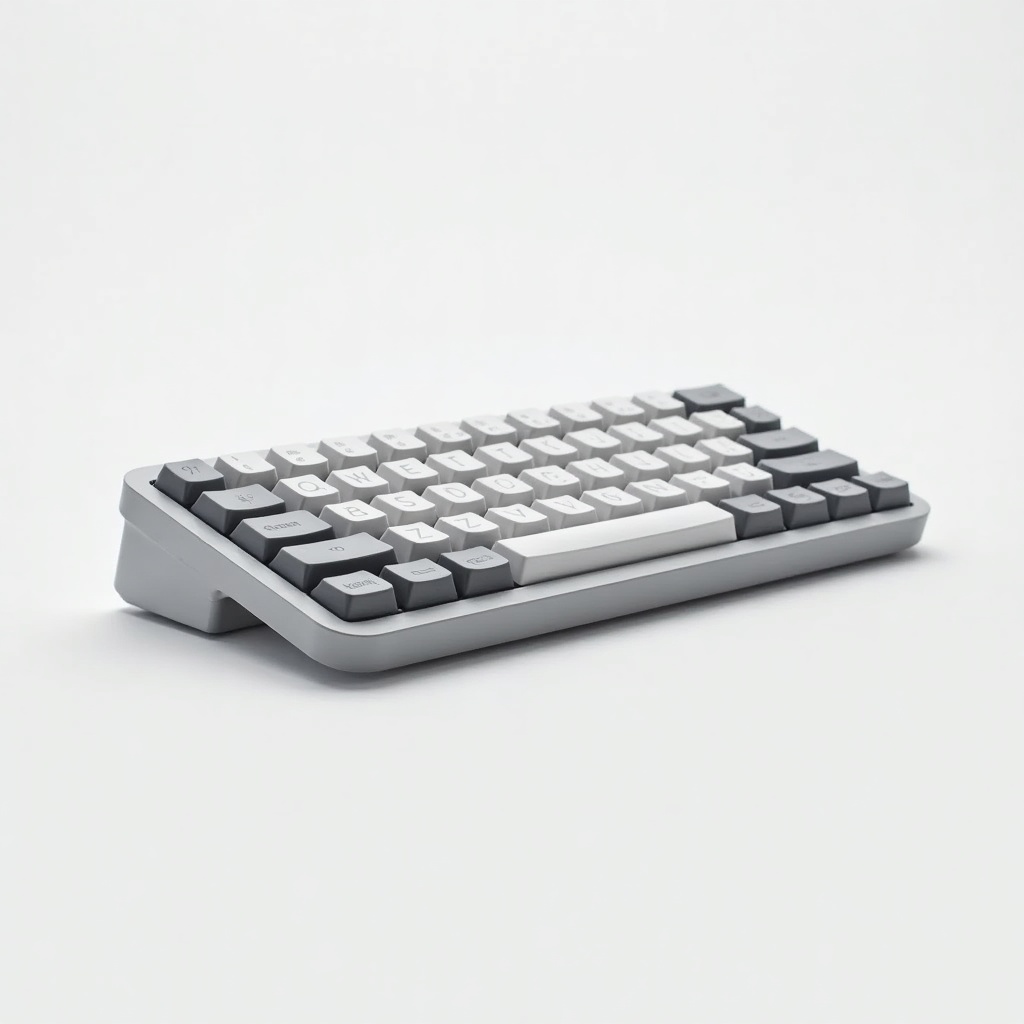
Logitech MX Keys Mini for Mac Review

Compact, premium keyboard built for Mac users who want quiet keys and effortless multi-device switching.
If you've ever fought your Mac's stock keyboard for desk space, the MX Keys Mini for Mac gives you a quiet, full-feel typing experience that disappears into your setup and bounces between three devices without breaking stride.
What the MX Keys Mini for Mac actually is
This is Logitech's compact wireless keyboard tuned specifically for Apple hardware. It ditches the number pad to save space, keeps the low-profile scissor switches Logitech is known for, and adds Mac-native key labels plus the dedicated dictation, emoji, and screenshot keys macOS users expect. It comes in colors that look at home next to a MacBook or iMac instead of fighting them.
The headline trick is Logi's Easy-Switch. Three buttons up top let you jump between a Mac, an iPad, and an iPhone with one tap. For anyone running a laptop plus a tablet on the same desk, that alone earns its keep.
How it performs day to day
The typing feel is the reason this keyboard has the reputation it does. The keys have subtly dished tops that catch your fingertips, and the travel is short but satisfying without the hollow rattle you get from Apple's flatter Magic Keyboard. Owners consistently describe it as quiet, which makes it a sane choice for shared offices and late-night sessions.
Backlighting is smart rather than flashy. The keys light up when your hands approach and dim when you walk away, and there's a proximity sensor doing the work. It's genuinely useful and it conserves battery. Speaking of which: USB-C charging means a few minutes of juice gets you through a day, and a full charge stretches for weeks with the lighting on, longer if you turn it off.
Pair it with Logi Options+ and you can remap keys and set per-app behavior. The software has gotten less clunky over time, though it's still an extra download you'll want to grab to unlock the full feature set.
The good and the not-so-good
Pros: superb compact typing feel, dead-simple three-device switching, proximity backlighting, USB-C, and a build that feels solid rather than plasticky. It also plays nicely with iPads, which a lot of Bluetooth keyboards handle poorly.
Cons: there's no Bluetooth-plus-USB-receiver flexibility here in the way some Logitech mice offer, so you're on Bluetooth. The lack of a number pad is the whole point, but spreadsheet-heavy users will miss it. And at roughly $90 to $120, it costs real money next to generic compact keyboards. You're paying for the switch quality and the Mac polish.
Who should buy it, and who should skip it
Buy it if you work across a Mac and an iPad or iPhone, want a tidy desk, and care about how a keyboard feels under your fingers for hours at a time. Writers, developers, and anyone tired of the Magic Keyboard's shallow feel are the core audience.
Skip it if you live in spreadsheets and need a number pad. Go for the full-size MX Keys instead. Skip it too if you want mechanical-keyboard clackiness or hot-swappable switches. This is a low-profile membrane-feel board, not a tactile mechanical, and no firmware will change that.
The verdict
The MX Keys Mini for Mac is the compact keyboard most Mac users should default to. It nails the basics that matter every day, the typing feel and the device switching, and the Mac-specific tweaks are more than cosmetic. It's not cheap and it's not for number-crunchers, but for everyone else it's an easy recommendation.
Frequently asked questions
- Does the MX Keys Mini for Mac work with iPad and iPhone?
- Yes. It connects over Bluetooth and the Easy-Switch buttons let you pair up to three Apple devices, then jump between your Mac, iPad, and iPhone with a single tap.
- How long does the battery last?
- Expect roughly 10 days with the backlight on and several months with it off. The proximity-based lighting helps a lot, and it charges over USB-C, so a quick top-up gets you going.
- Should I get the MX Keys Mini or the full-size MX Keys?
- Get the Mini for a clean, compact desk and better mouse positioning. Get the full-size MX Keys if you regularly use a number pad for data entry or accounting work.
Aaron digs into offers, cards, and software so you don't have to read the fine print. He flags the genuinely good deals and the traps.


