Logitech MX Keys Mechanical Mini Review

Low-profile mechanical keys with smart backlighting and multi-device switching for clean desk setups.
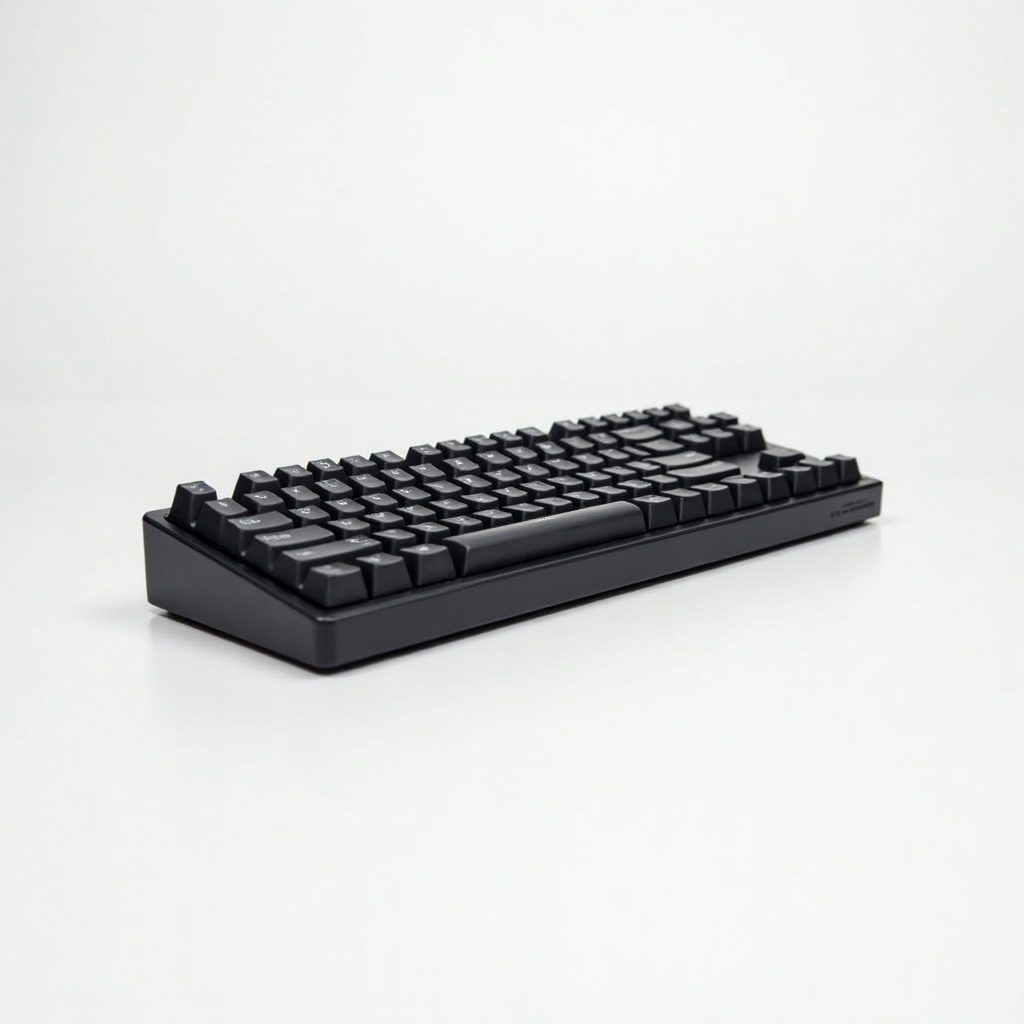
A low-profile mechanical keyboard that fits a clean desk without making you choose between typing feel and tidiness. If you want the MX Keys experience with actual switches, this is the version to look at.
What the MX Keys Mechanical Mini actually is
Think of it as Logitech's flagship MX Keys, shrunk to a tenkeyless footprint and fitted with low-profile mechanical switches instead of the standard membrane-style keys. You pick your switch flavor at purchase: tactile quiet, clicky, or linear. The body is the same dense aluminum-feeling slab Logitech has used for years, and it pairs over Bluetooth or the Logi Bolt USB receiver.
The headline trick is multi-device switching. Three keys at the top let you jump between a laptop, a desktop, and a tablet instantly. Logitech's Flow software takes it further, letting you slide your cursor and keyboard between machines and even copy-paste across them. It runs at roughly $150 to $180 on Amazon, which puts it firmly in premium territory for a compact board.
How it performs day to day
The typing experience is the reason to buy this. Low-profile mechanical switches give you a real, satisfying actuation with about half the travel of a normal mechanical keyboard, so it feels quick and controlled rather than mushy. The tactile quiet variant is the sweet spot for most people, especially anyone sharing an office or a video call. The clicky version is genuinely loud, so skip it if your coworkers value their sanity.
Backlighting is smart in a way that mostly just works. Proximity sensors light the keys as your hands approach and dim them when you walk away, and the brightness adapts to the room. It's a battery saver and a small luxury. With lighting on, expect roughly 10 days per charge. Turn the backlight off and Logitech quotes months. It charges over USB-C while you keep working.
Multi-device switching is the other strong card. Moving between a work laptop and a personal desktop is a single keypress, and pairing is painless. The compact layout frees up real desk space and brings your mouse closer to your typing hands, which your shoulder will quietly thank you for.
The trade-offs worth knowing
It's expensive. You're paying flagship money for a keyboard, and a lot of that cost is the build, the switching, and the Logitech ecosystem rather than the typing alone. Mechanical purists who want hot-swap switches, deep customization, or QMK firmware will find this closed and limited by comparison. Logi Options+ software handles remapping, but it's not the tinkerer's playground enthusiast boards offer.
The tenkeyless layout means no number pad, which is a dealbreaker for heavy spreadsheet and accounting work. There's no wrist rest in the box, and the low-profile keys, while fast, won't satisfy anyone who specifically loves tall, deep mechanical key travel. The fixed switch choice at purchase also means you commit early; there's no swapping later if you change your mind.
Who should buy it, and who shouldn't
Buy it if you're a professional who juggles multiple computers, values a clean desk, and wants a keyboard that types better than the average premium board without being a hobby project. It's a natural match for anyone already using an MX Master mouse, since the two share software and Flow.
Skip it if you need a number pad, want deep customization and hot-swap switches, or just want a solid mechanical keyboard on a budget. Keychron and Nuphy make low-profile boards with more flexibility for less money, and a standard membrane MX Keys saves cash if you don't care about mechanical feel at all.
The verdict
This is one of the most polished compact mechanical keyboards you can buy, and it earns its reputation among owners who want office-friendly typing with serious build quality. It is not the keyboard for enthusiasts or bargain hunters. For the working professional who wants premium feel, real switches, and effortless device switching, it's an easy recommendation despite the price.
Frequently asked questions
- Does the MX Keys Mechanical Mini have a number pad?
- No. It uses a tenkeyless layout with no dedicated number pad, which keeps it compact but makes it a poor fit for heavy data-entry or spreadsheet work.
- How long does the battery last?
- Roughly 10 days with the smart backlighting on, and Logitech quotes several months with the lighting turned off. It recharges over USB-C while you keep typing.
- Can it switch between multiple computers?
- Yes. Three dedicated keys let you switch instantly between up to three paired devices over Bluetooth or the Logi Bolt receiver, and Logitech Flow can move your cursor and clipboard across machines.
Aaron digs into offers, cards, and software so you don't have to read the fine print. He flags the genuinely good deals and the traps.