
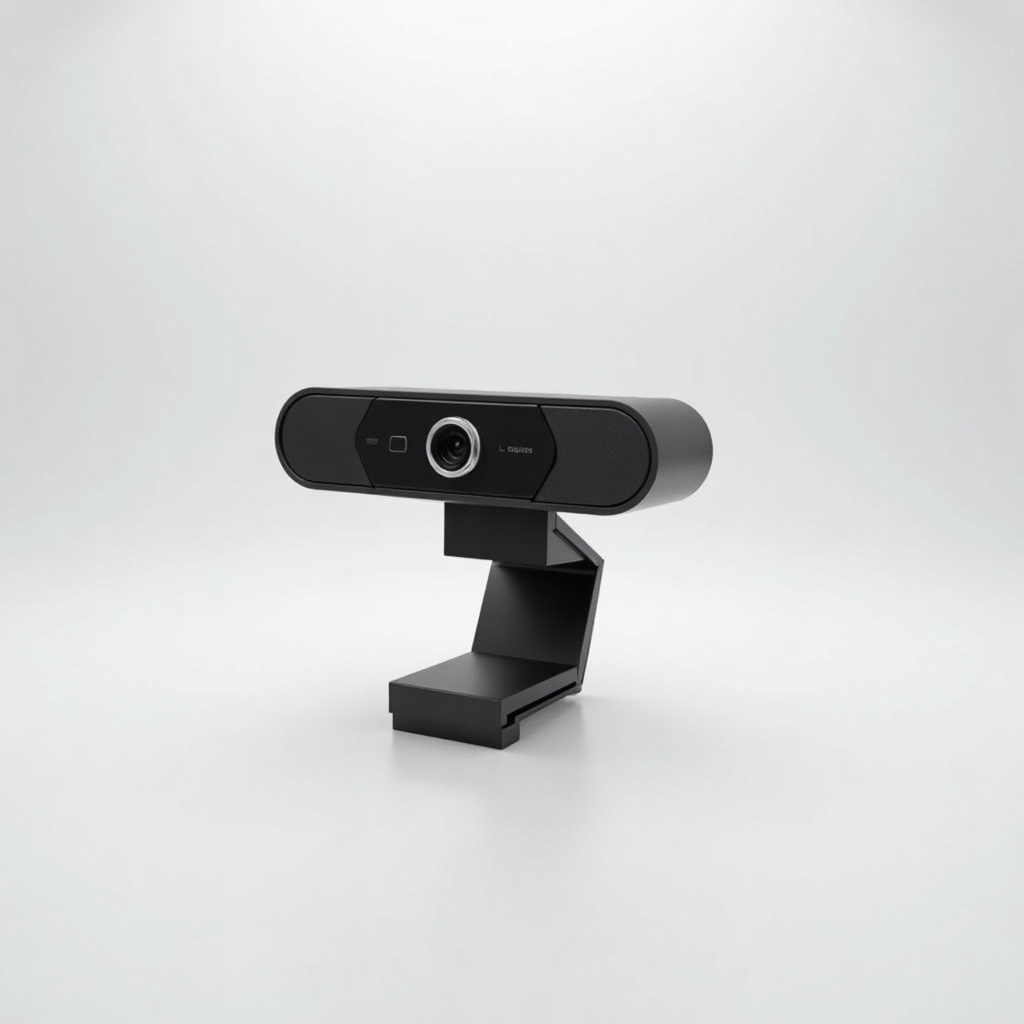
Logitech MX Brio 4K Webcam Review

Crisp 4K calls that make you look like you actually own a ring light.
The MX Brio shoots clean 4K and handles bad office lighting well enough that you can finally stop apologizing for your face on every call.
What the Logitech MX Brio actually is
The MX Brio is Logitech's premium 4K webcam, sitting above the old Brio 4K and the popular Brio 500. It's aimed at people who spend real hours on video and care how they show up. Think hybrid workers, managers who live in Zoom, streamers, and anyone tired of the soft, washed-out look most laptop cameras produce.
It clips on top of a monitor with a redesigned mount that grips better than the older Brio, and there's a magnetic privacy cover built in. USB-C plug, works on Windows and Mac, and tuned through Logitech's Logi Options+ software. At roughly $150 to $200, it's priced like the nice option, not the impulse buy.
How it performs day to day
The headline is image quality, and owner consensus backs it up. A larger sensor and 8.5MP resolution mean the MX Brio resolves more detail and handles dim rooms far better than the Brio 500 or anything baked into a laptop lid. The skin tones look natural instead of orange, and the auto-exposure doesn't blow out a bright window behind you nearly as often.
It outputs true 4K at 30fps, or 1080p at 60fps if you want smoother motion for streaming. Most video calls cap you at 1080p anyway, so the practical win is that the 4K sensor downsamples to a sharper, cleaner 1080p image. Autofocus is quick and the field of view is adjustable, so you can frame tight on your face or pull back to show a whiteboard.
Low light is where it earns the price. You won't need a ring light in an average home office, which is the whole pitch. It's not magic in a pitch-black room, but a single window or a lamp is enough to look genuinely good.
The downsides worth knowing
The built-in mics are fine for a webcam and bad compared to a real headset or USB mic. Use it for video, not audio, if quality matters. Logi Options+ is also the gatekeeper for a lot of the good settings, and it can be sluggish and occasionally nags you to update. The software experience is the weakest part of the package.
Then there's price. You're paying a clear premium over the Brio 500, and the gap in everyday 1080p call quality is smaller than the spec sheet suggests. If you never leave your desk and your lighting is decent, the cheaper Logitech may get you 85 percent of the way there for a lot less.
Who should buy it, who should skip it
Buy it if you're on camera for a living, stream or record content, work in a poorly lit space, or just want the best-looking webcam image without rigging up a mirrorless camera. The low-light handling and 4K sensor are the reasons to spend up.
Skip it if you mostly take a few calls a week, already have good lighting, or want clean audio in the same box. The Brio 500 or a mid-range alternative will serve you better for the money. Power users editing video or doing dual-monitor setups will appreciate the detail; casual users won't notice it.
The verdict
The MX Brio is the webcam to get when you've decided your face on calls is worth investing in. It's sharp, it's good in real-world lighting, and it makes most laptop cameras look like a security feed. The weak mics and clunky software keep it from being a slam dunk, and the price means it's overkill for light users.
For heavy on-camera people, it's an easy recommendation. For everyone else, the cheaper Logitech models are the smarter spend.
Frequently asked questions
- Is the Logitech MX Brio worth it over the Brio 500?
- If you're in low light a lot or want true 4K and the best detail, yes. For ordinary 1080p calls in a well-lit room, the Brio 500 gets you most of the quality for noticeably less money.
- Does the MX Brio work with Mac and Windows?
- Yes. It connects over USB-C and works on both macOS and Windows. The Logi Options+ app, used for tuning settings, is available for both as well.
- Are the MX Brio's built-in microphones good enough?
- They're acceptable for casual calls but not great. If audio quality matters for meetings or recording, pair it with a headset or a dedicated USB microphone.
Marcus has spent over a decade testing consumer tech and gadgets. He cares about whether a product earns its price in real life — not on a spec sheet.


