
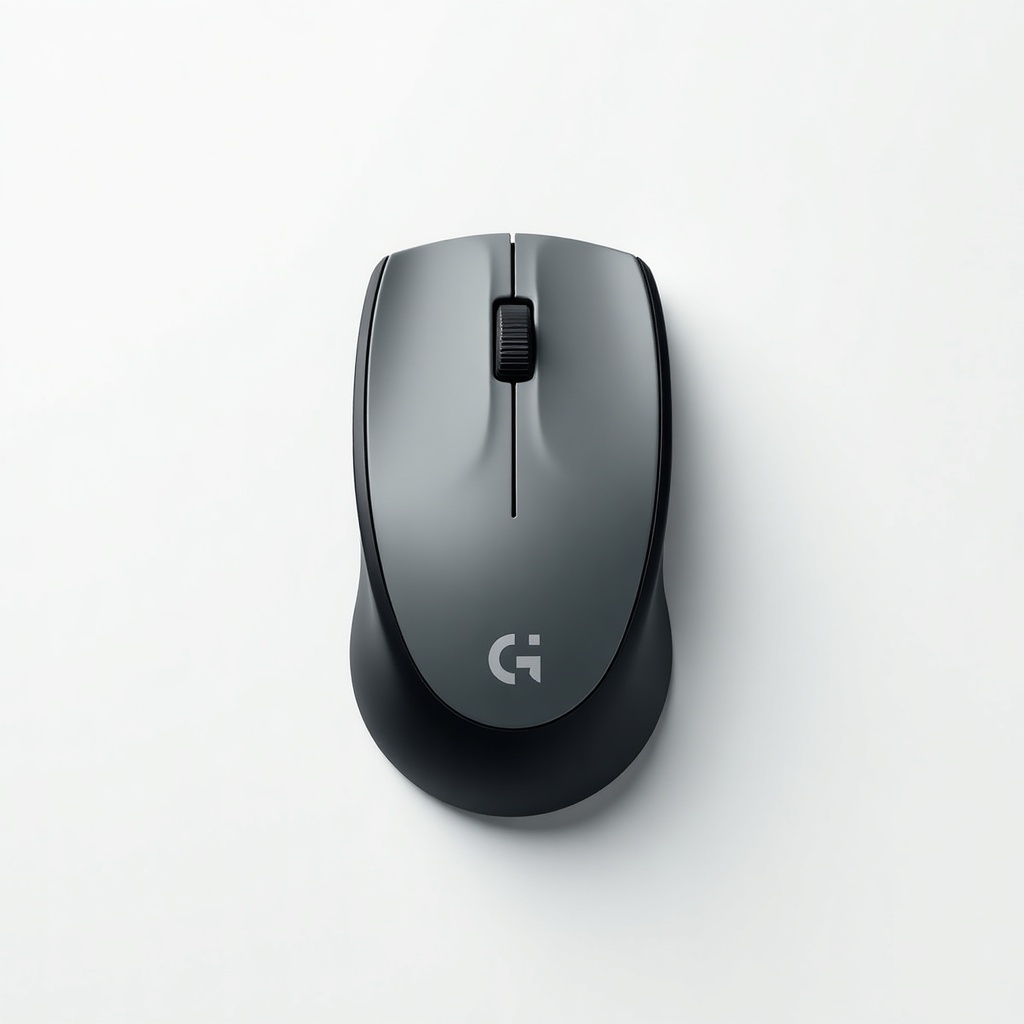
Logitech MX Anywhere 3S Wireless Mouse Review

Pocket-sized precision mouse that scrolls 1,000 lines a second and works on glass.
A travel mouse that scrolls a thousand lines in one flick and tracks on a glass coffee table. The MX Anywhere 3S is small enough to forget in a bag and good enough that you won't want to.
What the MX Anywhere 3S actually is
This is Logitech's compact sibling to the full-size MX Master 3S. Same brain, smaller body. It's aimed at people who work from more than one spot and don't want to lug a chunky desktop mouse between them.
The headline upgrades over the older 3 are a sharper 8,000 DPI sensor and quiet clicks. The shape, the metal scroll wheel, and the magnetic scroll trick all carried over. It pairs over Bluetooth or the included USB receiver and remembers up to three devices.
How it performs day to day
The scroll wheel is the reason to buy this thing. It ratchets click by click for precise work, then you give it a hard spin and it switches to free-spin mode, gliding through long documents and spreadsheets like the brakes came off. Owners who deal with giant files consistently call this the feature they can't live without after using it.
The 3S adds quiet clicks, and they're genuinely quiet. Roughly 90 percent less noise than the old model by Logitech's count, and the muffled thunk holds up in shared offices, libraries, and late-night sessions next to a sleeping partner. The tracking handles glass, marble, and other surfaces that defeat most mice, which matters more than it sounds when your 'desk' is a hotel side table.
Multi-device switching is the quiet hero. With Logitech's Flow software you can drag your cursor from a laptop to a second machine and copy-paste text and files across them. It's the kind of feature you set up once and then take for granted.
The good and the not-so-good
Pros: that magnetic scroll wheel, near-silent clicks, excellent build for the size, USB-C charging that gives you days of use from a quick top-up, and pairing across three devices. The customizable buttons through Logi Options+ are actually useful once you bother to map them.
Cons: it's small. If you have large hands or you palm your mouse, this will feel cramped and you'll be happier with the MX Master 3S. There's no Logitech Bolt receiver in the box on most versions, so older Unifying setups need checking. And the price sits in territory where you could buy two perfectly good basic mice instead. You're paying for the scroll wheel and the polish.
Who should buy it, and who shouldn't
Buy it if you move between a laptop and a desk, travel often, or want a serious mouse that disappears into a bag. It's our pick for people who scroll through long documents, code, or spreadsheets all day and want the precision without the desktop bulk.
Skip it if you have big hands or game competitively. This isn't a gaming mouse, and gamers will want something with a higher polling rate and a grippier shape. If you sit at one desk and never move, the larger MX Master 3S is more comfortable for the same money.
Verdict
At roughly $70 to $90 it isn't cheap, but the MX Anywhere 3S earns its keep for anyone who lives between machines. The scroll wheel and quiet clicks are the difference makers, and the build quality matches the price. Small hands and frequent travelers should buy without overthinking it. Everyone else should ask whether they'd be happier with the bigger Master 3S first.
Frequently asked questions
- What's the difference between the MX Anywhere 3S and the MX Master 3S?
- Size, mostly. The Master 3S is a full-size desktop mouse with a thumb wheel and a more ergonomic shape, while the Anywhere 3S is compact and travel-focused. Both share the 8,000 DPI sensor, quiet clicks, and magnetic scroll wheel. Pick Anywhere for portability, Master for all-day desk comfort.
- Does the MX Anywhere 3S work on glass?
- Yes. The Darkfield sensor tracks on glass and other shiny surfaces that stop most mice, including coffee tables and high-gloss desks. You'll need at least about 4mm of thickness for glass, but it handles the surfaces that normally force you to dig out a mouse pad.
- How long does the battery last?
- Logitech rates it at up to 70 days on a full charge, and a one-minute USB-C top-up gives you several hours. Real-world life depends on use, but most owners charge it rarely and never bother carrying the cable.
Marcus has spent over a decade testing consumer tech and gadgets. He cares about whether a product earns its price in real life — not on a spec sheet.


