
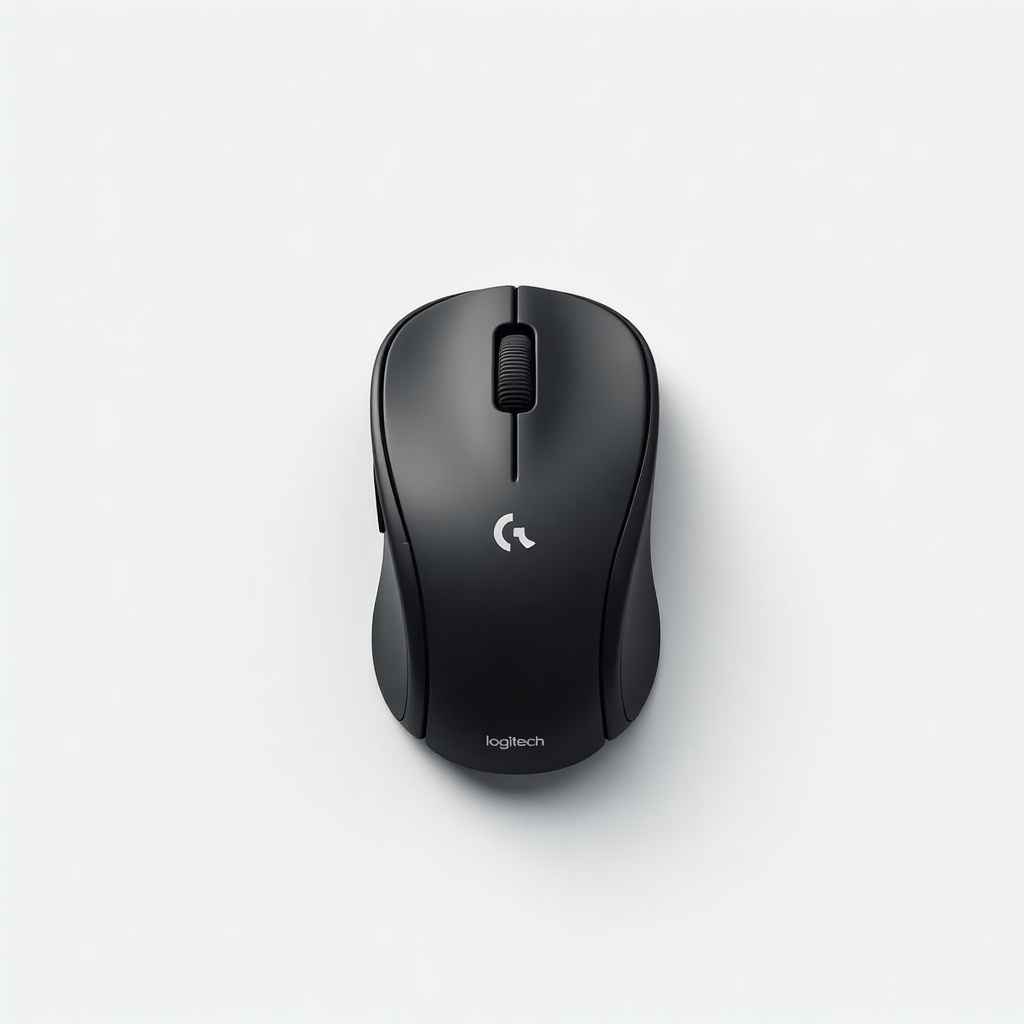
Logitech MX Anywhere 3S Compact Wireless Mouse Review

Pocket-sized precision mouse that scrolls 1,000 lines a second and works on glass.
A travel mouse that scrolls a thousand lines in a flick and tracks on a glass coffee table. The MX Anywhere 3S is small enough to forget in a jacket pocket and good enough that you'll miss it when it's not there.
What the MX Anywhere 3S actually is
This is Logitech's small, premium travel mouse. Think of it as the MX Master 3S shrunk down for a laptop bag. You get the same MagSpeed metal scroll wheel that flips between clicky line-by-line scrolling and a free-spin mode that races through long documents, plus an 8,000 DPI sensor that works on surfaces that wreck cheaper mice, including glass.
The 3S is a small refresh of the older Anywhere 3. The two headline changes are quieter clicks, roughly 90 percent less noise than the previous model, and that bumped 8K sensor. It connects over Bluetooth or Logitech's Bolt USB receiver, pairs to three devices, and recharges over USB-C. A one-minute top-up buys you several hours, and a full charge lasts weeks of normal use.
How it performs day to day
The scroll wheel is the reason people buy this thing. Ratchet mode gives you precise, clicky control for spreadsheets. Give it a hard spin and it switches to free-spin, and a 5,000-row sheet blurs past in one gesture. It feels genuinely useful rather than gimmicky, and it's the feature you'll resent giving up if you go back to a normal mouse.
Tracking is rock solid on desks, fabric, and yes, glass, so working off a café table or a hotel nightstand isn't a problem. The quieter clicks are a real upgrade for shared offices and late-night couch work. Logi Options+ software lets you remap the side and wheel buttons and set per-app gestures, which is where the mouse stops being just a mouse and starts saving you keystrokes.
The compromise is the shape. It's a low, narrow body built for portability, not an ergonomic throne. Larger hands will end up fingertip-gripping it. For a couple of hours at a coffee shop, fine. For eight-hour days at a fixed desk, the full-size MX Master 3S is the more comfortable call.
The good and the annoying
On the plus side: superb MagSpeed scrolling, reliable tracking on almost anything, quiet clicks, USB-C fast charging, three-device switching, and a build that feels worth the money. Battery anxiety basically doesn't exist.
The downsides are honest ones. It's flatter and smaller than is ideal for big hands or all-day desk marathons. There's no high-speed Lightspeed gaming receiver, so this is a productivity mouse, not a gaming one. And Options+ can be heavier and more nagging than it needs to be. None of these are dealbreakers for the people this mouse is aimed at.
Who should buy it, who should skip it
Buy it if you travel, hot-desk, or just want a premium mouse that disappears into a bag. It's our pick for people who live on a laptop and want the MX scrolling experience without lugging the full-size model.
Skip it if you sit at one desk all day with no plans to move, where the bigger, more sculpted MX Master 3S is more comfortable for the same kind of money. Gamers should skip it entirely and buy something with a fast wireless receiver. And if you only need basic point-and-click, a $25 mouse will do that part just fine. You're paying for the wheel and the polish.
The verdict
At roughly $60 to $90, the MX Anywhere 3S is the compact mouse to beat. It nails the things a portable mouse should nail: it goes anywhere, tracks on anything, charges over USB-C, and scrolls like nothing else in its size class. The only real reason to look elsewhere is hand size or a desire for a gaming sensor. For everyone else who works on the move, it's an easy recommendation.
Frequently asked questions
- Does the MX Anywhere 3S really work on glass?
- Yes. Its 8,000 DPI sensor tracks on glass surfaces at least 4mm thick, along with desks, fabric, and most other surfaces that trip up cheaper mice. It's one of the few small mice you can use on a glass coffee table without a mouse pad.
- What's the difference between the MX Anywhere 3S and the MX Master 3S?
- The Anywhere 3S is the smaller, travel-focused model with a flatter body and fewer buttons. The Master 3S is larger, sculpted for all-day desk comfort, and adds a thumb scroll wheel. Both share the fast MagSpeed wheel and quiet clicks. Pick the Anywhere for portability, the Master for an ergonomic main mouse.
- Can you use the MX Anywhere 3S for gaming?
- Not really. It's built for productivity and connects over Bluetooth or the Bolt receiver, neither tuned for low-latency gaming. It's fine for casual or slow-paced games, but competitive players should buy a dedicated gaming mouse with a Lightspeed-style receiver.
Daniel covers home, kitchen, and everyday-carry gear. He's a stickler for durability and value, and has no patience for overpriced hype.


