
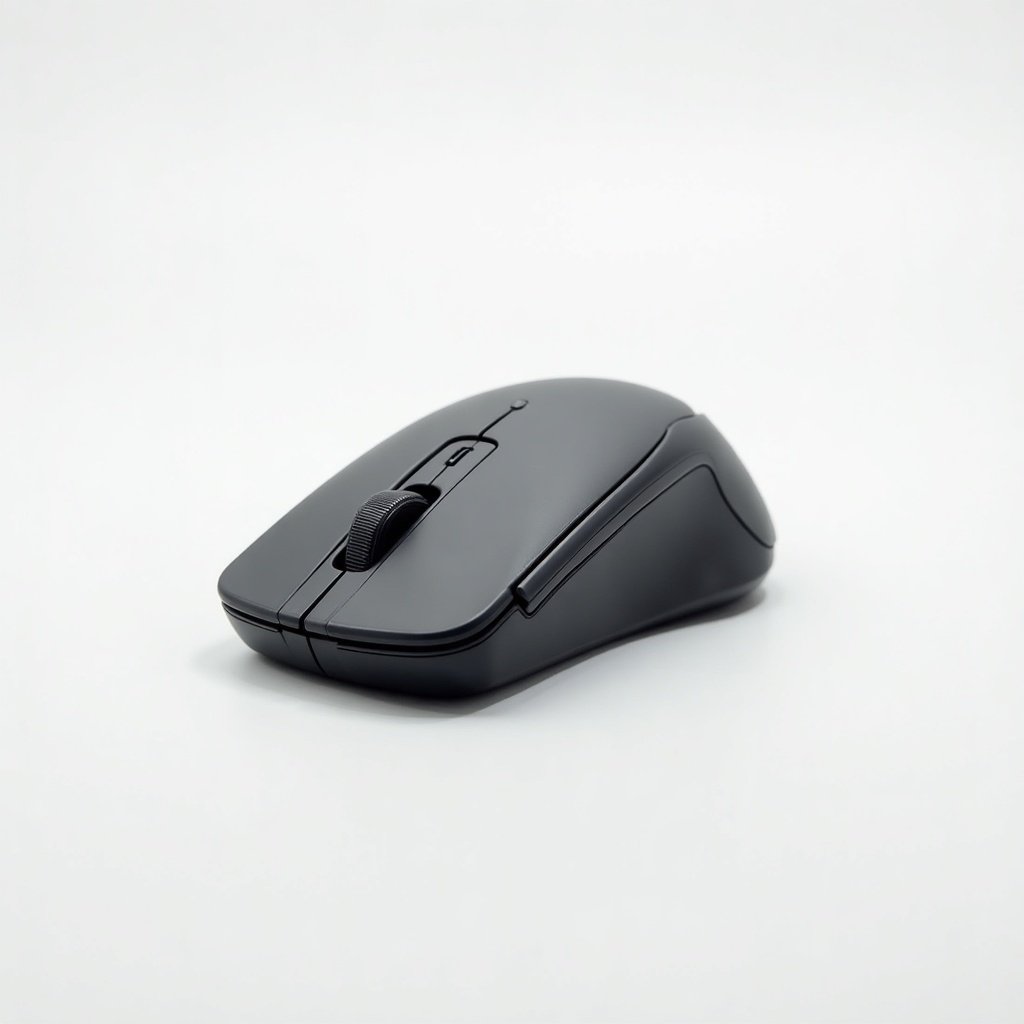
Logitech MX Anywhere 3 Wireless Mouse Review

Pocket-sized precision mouse that scrolls a thousand lines a second and works on glass.
A travel mouse that scrolls a thousand lines a second and tracks on glass. The MX Anywhere 3 is the rare small mouse that doesn't feel like a compromise.
What the MX Anywhere 3 actually is
This is Logitech's pocket-sized version of its excellent MX Master line. Same brain, smaller body. It's aimed at people who work on laptops, hop between machines, and don't want to lug a full-size mouse around. It runs USB-C, connects over Bluetooth or Logitech's Bolt receiver, and pairs to three devices you can swap between with a button on the bottom.
Price sits in the $60 to $80 range on Amazon depending on color and sales. That puts it above a basic wireless mouse and well below a gaming rodent. You're paying for the scroll wheel and the build, mostly.
The scroll wheel is the whole pitch
The MagSpeed wheel is the reason this mouse exists. Flick it hard and it switches into a free-spinning mode that ratchets through a thousand lines a second, which is genuinely useful if you live in long spreadsheets, code files, or sprawling documents. Nudge it gently and it clicks line by line. The shift between the two modes is automatic and quick.
Owner consensus backs this up: people who scroll a lot for a living tend to call it the standout feature. If your daily work is short web pages and email, you'll appreciate it less, and that matters for whether this is worth the premium.
Day-to-day performance
The 4,000 DPI sensor tracks on glass, which sounds like a gimmick until you're stuck at a glass coffee table or a glossy desk and everything just works. It's accurate and smooth across normal surfaces too. This isn't a gaming sensor and Logitech never claimed it was, so esports players should look elsewhere.
Battery life is strong. Logitech rates it around 70 days on a full charge, and a quick USB-C top-up gives you hours back. The buttons are quiet, the side buttons are reachable, and Logitech Options+ software lets you remap everything and set app-specific gestures. Flow lets you slide the cursor between two computers and copy-paste across them, which is the kind of feature you forget you have until you need it.
Where it falls short
It's a compact mouse, so it's flatter and smaller than a full MX Master. Large hands and palm-grippers will find it cramped over a long day. If you have a big desk and never travel, the bigger Master 3S is the more comfortable buy.
There's no Logitech receiver in the box on some configurations, so you may lean on Bluetooth or buy the Bolt dongle separately. And the price stings next to a $25 mouse if you don't actually use the fancy wheel. Plenty of people don't.
Who should buy it and who should skip
Buy it if you work from a laptop, move between rooms or machines, and scroll through real volume of content. It's our pick for a travel and small-desk mouse, and the multi-device switching is excellent for anyone juggling a work laptop and a personal one.
Skip it if you want a comfortable all-day mouse for a fixed desk (get the Master 3S), if you game seriously (get a proper gaming mouse), or if you just need something that moves a cursor. For that, a cheap wireless mouse does the job and saves you fifty bucks.
Verdict
The MX Anywhere 3 is the best small productivity mouse you can buy, and the scroll wheel justifies the price for the people it's built for. It's not for everyone, and that's fine. Match it to your hands and your workflow and it's an easy recommendation.
Frequently asked questions
- Does the MX Anywhere 3 work on glass?
- Yes. Its sensor is designed to track on glass surfaces at least 4mm thick, so glossy desks and glass tables that defeat cheaper mice aren't a problem.
- How long does the battery last?
- Logitech rates it at roughly 70 days per full charge. It charges over USB-C, and a one-minute quick charge gives you several hours of use.
- What's the difference between the MX Anywhere 3 and the MX Master 3S?
- The Anywhere 3 is smaller and made for travel and small desks. The Master 3S is larger, more comfortable for all-day desk use, and has more side buttons. Pick based on hand size and whether you travel.
Marcus has spent over a decade testing consumer tech and gadgets. He cares about whether a product earns its price in real life — not on a spec sheet.


