
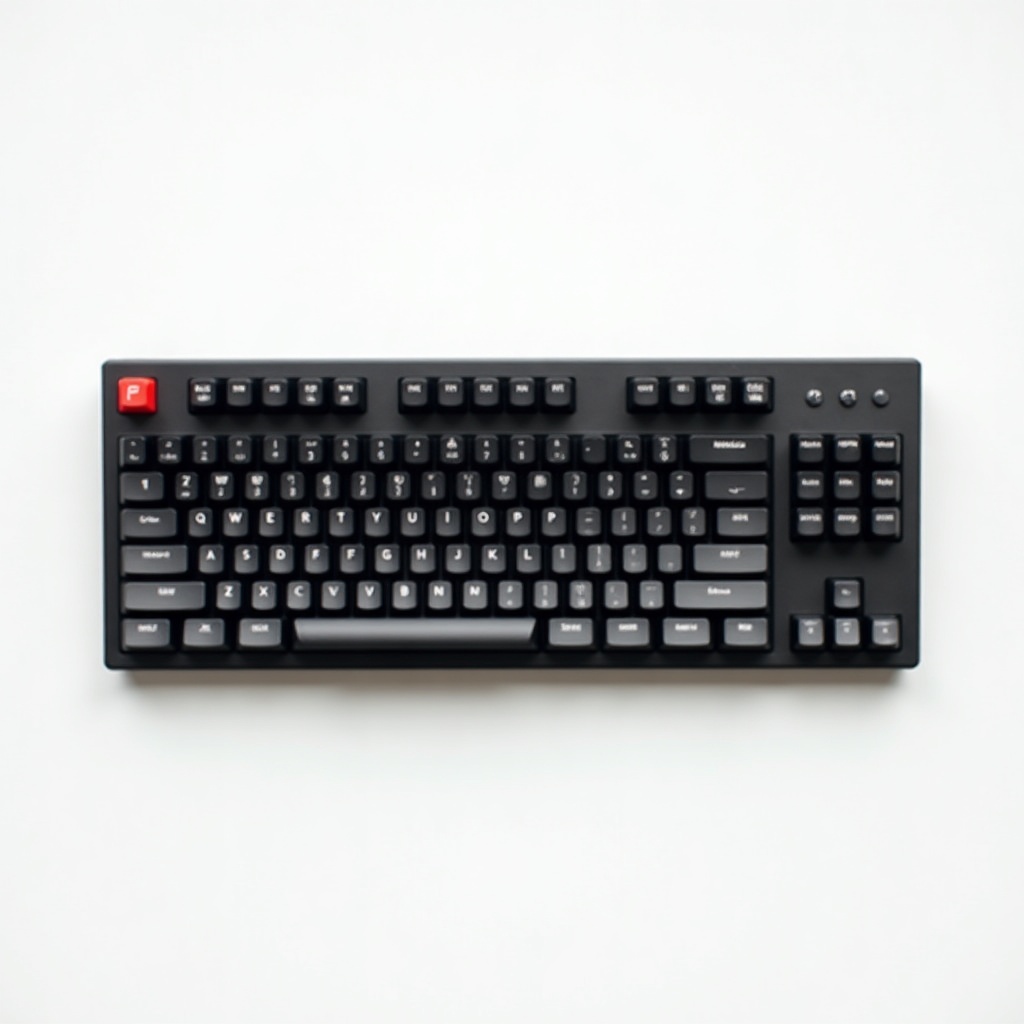
Logitech G915 TKL Wireless Mechanical Gaming Keyboard Review

Slim, low-profile mechanical keys with lag-free wireless and RGB that lasts for days on a charge.
A full mechanical keyboard the height of a chiclet laptop board, with wireless that doesn't lag and a battery you can mostly forget about. That combination still isn't common.
What the G915 TKL actually is
This is Logitech's tenkeyless version of the G915, meaning the number pad is gone to free up desk space and bring your mouse closer to your keyboard. It's a full mechanical keyboard squeezed into a low-profile body about half the height of a normal one. Aluminum top plate, slim keycaps, and Logitech's own low-profile GL switches in tactile, linear, or clicky.
Connectivity is the headline. It runs on Logitech's Lightspeed 2.4GHz wireless, Bluetooth, or USB-C cable. Lightspeed is the one you want for gaming, and it holds up. RGB is per-key and bright, and the battery is rated around 40 hours with lighting on, which stretches to weeks if you keep the lights dim or off.
How it performs day to day
The low-profile switches feel like a real mechanical board, not a mushy laptop imitation. The travel is short, so typists used to chunky tall switches will need a few days to recalibrate. Once it clicks, the speed is genuinely nice for fast-paced games and quick typing alike.
Lightspeed wireless is the part owners rave about. There's no perceptible input lag, and the dongle just works without fuss. Battery life lands where Logitech claims, and you can run it wired over USB-C while it charges, so it never strands you mid-match.
The dedicated media keys and the volume roller up top are small luxuries you'll miss on other boards. The roller in particular is one of the best volume controls on any keyboard.
The downsides worth knowing
Price is the obvious one. It sits in the $160 to $230 range depending on switch type and sales, which is a lot for a tenkeyless board. You're paying for the wireless and the slim aluminum build, but it's still hard to swallow next to cheaper wired competition.
There's no wrist rest in the box, which stings at this price, though the low profile means you need one less than usual. The keycaps are ABS and can develop shine over time. And these are proprietary low-profile switches, so the keyboard hobbyist crowd looking to mod and swap should look elsewhere.
Who should buy it, and who should skip
Buy it if you want a clean, low-profile desk, value true lag-free wireless, and don't mind paying for it. It's a great fit for people who type and game on the same machine and hate clutter. If you switch between a work laptop and a gaming PC, the multi-device flexibility is a real perk.
Skip it if you're on a budget, since something like the Keychron V or a wired Ducky gives you more keyboard for less money. Skip it if you want to mod your switches. And if you genuinely use a number pad for spreadsheets all day, get the full-size G915 instead of the TKL.
Verdict
The G915 TKL is one of the few wireless mechanical keyboards that nails the fundamentals: no lag, long battery, premium build, slim footprint. It's expensive and it's not for tinkerers. But for someone who wants a tidy desk and reliable wireless without compromise, it's an easy recommendation. Wait for a sale and it gets even easier.
Frequently asked questions
- Is the Logitech G915 TKL good for typing as well as gaming?
- Yes. The low-profile GL switches feel mechanical and responsive for both. The travel is shorter than a standard board, so expect a brief adjustment period. The tactile switch option is the most typing-friendly of the three.
- How long does the G915 TKL battery last?
- Around 40 hours with the RGB lighting on at full brightness. Dim or turn off the lights and it lasts far longer, often weeks of normal use. You can keep using it plugged in over USB-C while it charges.
- What's the difference between the G915 and the G915 TKL?
- The TKL drops the number pad for a smaller footprint and more mouse room. Internally they're nearly identical: same switches, same Lightspeed wireless, same build. Pick the full-size only if you actually need the numpad.
Marcus has spent over a decade testing consumer tech and gadgets. He cares about whether a product earns its price in real life — not on a spec sheet.


