
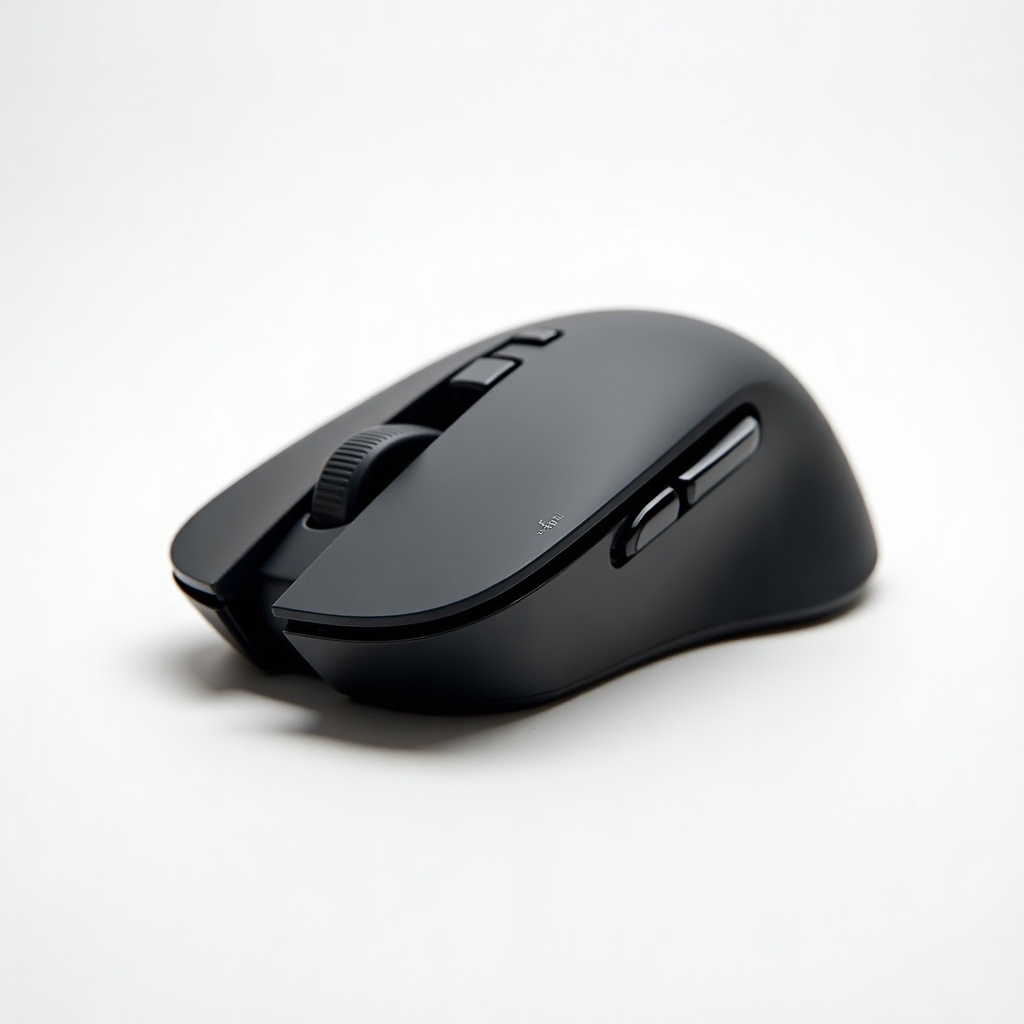
Logitech G502 X Wireless Gaming Mouse Review

A legendary gaming mouse goes wireless with hybrid switches and 25K-DPI tracking that nails every flick.
The most overengineered mouse in gaming finally cut the cord without losing its grip. If you want a wireless mouse that flicks where you point it and never asks you to recharge before a match, the G502 X is the obvious shortlist entry.
What the G502 X Wireless actually is
This is the wireless, modernized version of Logitech's long-running G502, the mouse that made a generation of PC gamers feel like they needed eleven buttons and an adjustable weight system. The X drops a chunk of the bulk, switches to Logitech's Lightforce hybrid optical-mechanical switches, and runs on the same HERO 25K sensor that powers the company's pro-tier mice.
It's a right-handed ergonomic shape with a contoured thumb rest, two side buttons, a sniper button, and that signature dual-mode scroll wheel that ratchets or free-spins. The wireless model uses Logitech's Lightspeed dongle for the low-latency connection that competitive players care about. There's also a pricier Plus version with RGB if you want lighting; this base wireless model skips it to save battery and weight.
How it performs day to day
The reputation here is well earned. The HERO sensor tracks cleanly, and 25K DPI is more headroom than any human will use, which is the point. Owners consistently report tight, reliable wireless tracking with no perceptible lag versus a wired setup. For flick-heavy shooters like Valorant or Apex, that matters, and the G502 X holds up against pricier options.
The Lightforce hybrid switches are the headline upgrade. They feel crisp and snappy, and the optical actuation is meant to sidestep the double-click issues that plagued older Logitech mice. Battery life is the quiet win. Without RGB draining it, you get roughly 130-ish hours, so this is closer to a charge-it-once-a-month mouse than a nightly ritual. It charges over USB-C.
At around 106 grams it's not a featherweight by modern standards. Plenty of ultralights now sit under 60 grams. But for a feature-loaded mouse with a real thumb rest and a tank-grade build, that weight feels appropriate rather than heavy. The shape suits palm and claw grippers with medium-to-large hands.
Pros and cons
The good: excellent sensor, fast and stable Lightspeed wireless, satisfying Lightforce switches, long battery life, the genuinely useful free-spin scroll wheel, and a comfortable shape if your hand fits it. The build quality is solid and the side buttons are well placed.
The not-so-good: it's heavier than the ultralight crowd, the price sits in premium territory at roughly $110 to $150, and small-handed or fingertip-grip users will likely find it too big. The base wireless version has no RGB and no Bluetooth fallback, so it leans on the dongle. The G HUB software is functional but not anyone's favorite.
Who should buy it, and who should skip it
Buy it if you have medium or large hands, you like a contoured ergonomic shape with extra buttons, and you want one mouse that handles competitive shooters, MMOs, and everyday work without compromise. The button count and free-spin wheel make it a quietly great productivity mouse too.
Skip it if you chase the lowest possible weight for esports, if you have small hands or use a fingertip grip, or if you want Bluetooth for laptop use on the side. In those cases a lighter symmetrical mouse like Logitech's own G Pro X Superlight or a Razer Viper V3 will serve you better.
The verdict
The G502 X Wireless is a confident, do-it-all gaming mouse that finally fixes the cable and the old switch gremlins. It's not the lightest and it's not the cheapest, but the sensor, battery, and build add up to a mouse most people will keep for years. For the right hand size, it's an easy recommendation.
Frequently asked questions
- How long does the G502 X Wireless battery last?
- Roughly 130 hours on the base wireless model, since it has no RGB to drain power. It charges over USB-C, so most users only need to top it up about once a month with regular play.
- Does the G502 X Wireless support Bluetooth?
- No. It connects through Logitech's Lightspeed USB dongle for low-latency wireless. If you want Bluetooth for casual laptop use, you'll need a different mouse.
- Is the G502 X Wireless good for small hands?
- Not really. It's a larger ergonomic shape best suited to medium and large hands using a palm or claw grip. Small-handed or fingertip-grip users should look at a smaller, lighter mouse instead.
Marcus has spent over a decade testing consumer tech and gadgets. He cares about whether a product earns its price in real life — not on a spec sheet.


