Logitech G Pro X TKL Lightspeed Wireless Gaming Keyboard Review

Tournament-grade tenkeyless board with swappable switches and lag-free wireless for serious play.
A tenkeyless competition board that finally cuts the cord without adding the lag wireless used to bring. If you've been holding onto a wired keyboard out of paranoia, this is the one that lets you stop worrying.
What the G Pro X TKL Lightspeed actually is
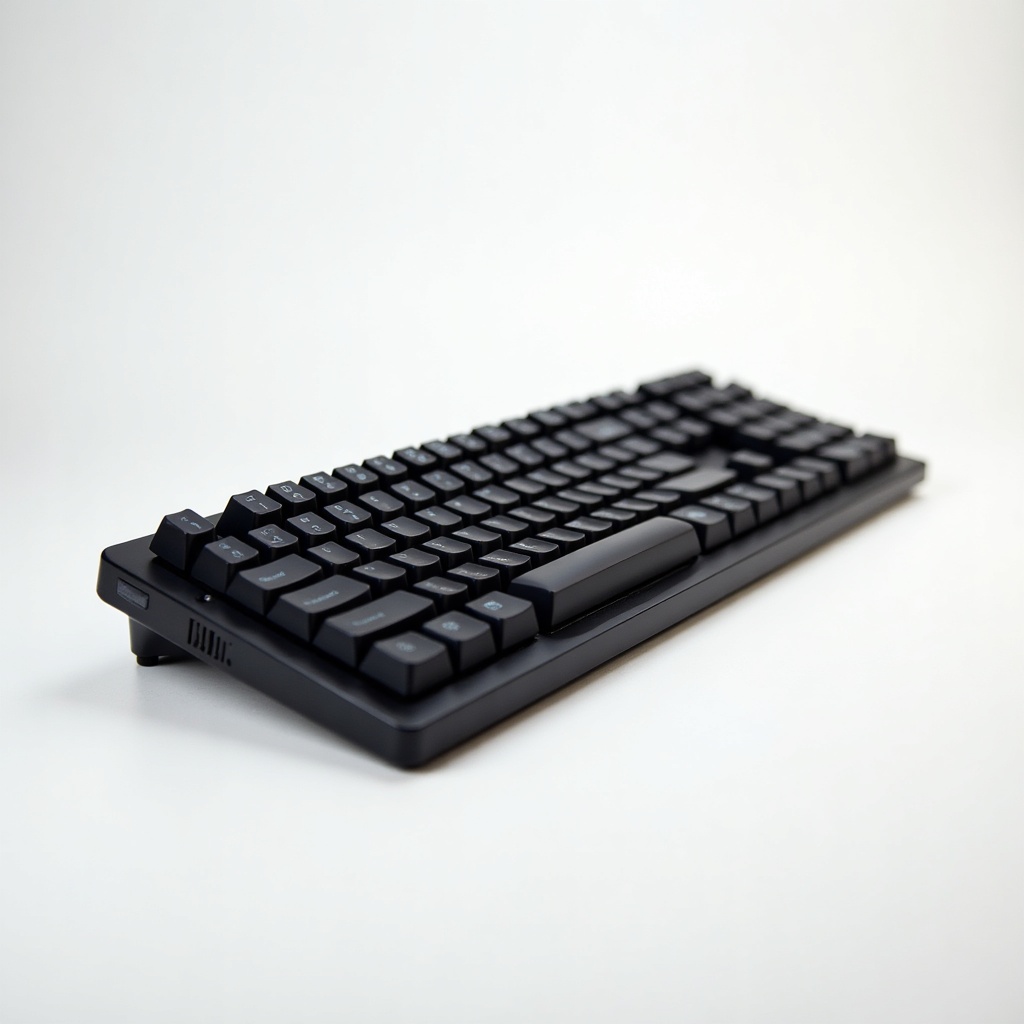
This is Logitech's tenkeyless answer for people who take competitive shooters seriously and want their desk back. TKL means no number pad, which sounds like a loss until you realize it frees up huge real estate for sweeping low-sens mouse movements. That's the whole point. Pros do this. Now you can copy them without a cable in the way.
It runs on Logitech's Lightspeed wireless, the same tech in their high-end gaming mice, plus Bluetooth for when you want to type on a laptop without burning a USB port. Switches are hot-swappable, so if you don't love the factory clicky, tactile, or linear option you picked, you can pull them and drop in your own. The board also leans into a low-profile, no-nonsense build with a volume roller and media controls up top.
How it performs day to day
The headline here is that the wireless genuinely feels wired. Owners consistently report no perceptible input delay in fast games, which is the entire reason this thing exists. If you've avoided wireless keyboards because you didn't trust them, this is the model that earns the trust back.
Battery life is the quiet win. You're looking at roughly 50 hours with the RGB on, and far longer if you dim or kill the lighting. Translation: you charge it occasionally, not constantly, and you can keep playing over USB-C while it tops up. The build feels solid and dense, not hollow, and the volume roller is one of those small touches you stop noticing because it just works.
Logitech's G Hub software is the usual mixed bag. It does everything you need for remapping, lighting, and switch profiles, but it's heavier and fussier than it should be. Most people set it once and never open it again, which is the correct way to live.
The catches worth knowing
It's expensive. At roughly $180 to $220, you're paying a premium over plenty of excellent wired TKL boards that perform identically in-game. The wireless and the brand pedigree are the tax. Whether that's worth it depends entirely on how much you value a clean desk.
There's no wrist rest in the box at this price, which stings a little. The keycaps are competent but not the thick PBT enthusiast crowd swap them anyway. And while it's hot-swappable, this is a gaming board first, so don't expect the deep customization rabbit hole of a dedicated mechanical keyboard from Keychron or a custom kit.
Who should buy it, who should skip it
Buy it if you play competitive FPS at low sensitivity and you've decided a cable is the enemy. It's also a strong pick if you want one keyboard that handles a gaming PC over Lightspeed and a work laptop over Bluetooth without compromise.
Skip it if you mostly type, game casually, or sit at a desk where a wire genuinely never bothers you. A wired Keychron or even Logitech's own cheaper boards will save you real money for nearly identical feel. And if you're a keyboard hobbyist who wants to mod everything, your money goes further in the custom world.
The verdict
The G Pro X TKL Lightspeed does the hard part right: wireless that doesn't cost you a single millisecond, in a compact body built for serious play. It's pricey and the software is annoying, but for competitive players who want freedom from the cable, it's an easy recommendation. For everyone else, the value math gets shaky fast.
Frequently asked questions
- Is the Logitech G Pro X TKL Lightspeed truly lag-free for competitive gaming?
- Yes, by all reasonable accounts. Logitech's Lightspeed wireless is the same low-latency tech used in their tournament mice, and owners report no perceptible input delay in fast-paced shooters. It performs like a wired board.
- How long does the battery last?
- Around 50 hours with RGB lighting on, and significantly longer if you dim or turn off the lights. You can also keep playing while it charges over USB-C, so you rarely get caught with a dead board.
- Can I swap the switches myself?
- Yes. It's hot-swappable, so you can pull the factory switches and drop in your own without soldering. Logitech sells it with clicky, tactile, or linear options, and you can change them later if your preference shifts.
Daniel covers home, kitchen, and everyday-carry gear. He's a stickler for durability and value, and has no patience for overpriced hype.