Logitech G Pro X Superlight Wireless Mouse (Original) Review

Featherlight 63g esports mouse with marathon battery and zero-lag wireless tracking.
If you've ever blamed a lost gunfight on input lag, the G Pro X Superlight quietly removes that excuse. It weighs almost nothing and tracks like it's wired.
What the G Pro X Superlight actually is
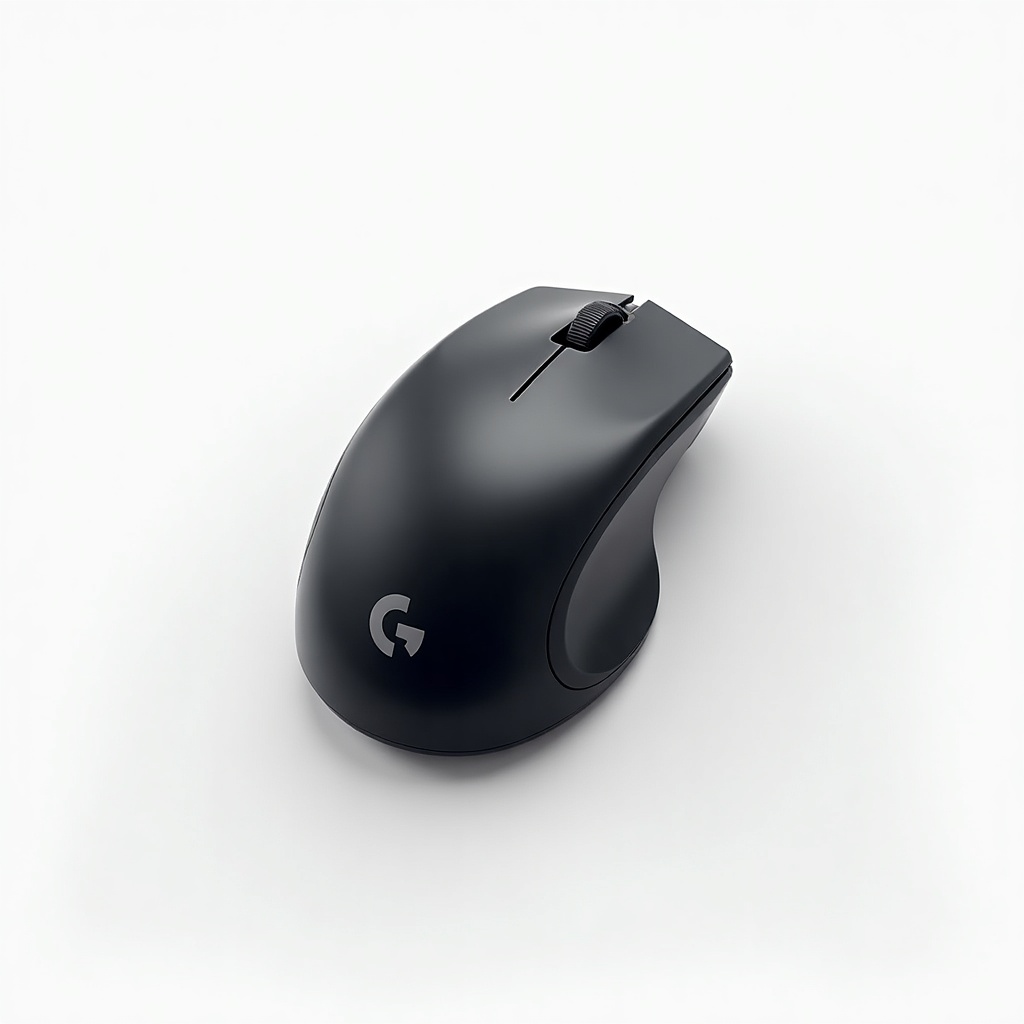
This is Logitech's flagship competitive mouse, built off the shape pros have been using for years and stripped down to 63 grams. No RGB. No fancy contoured grips. No removable weights. The whole design philosophy is to get out of your way.
It connects over Logitech's Lightspeed 2.4GHz wireless using a dongle, not Bluetooth, which is the whole point. The sensor is the HERO 25K, accurate enough that the wireless-versus-wired argument is basically over for most players. Sold on Amazon, it lands in the $100 to $150 range depending on color and sales, which is steep for a mouse with this few features but standard for a top-tier esports tool.
How it performs day to day
The headline is the weight. At 63g it changes how you flick. Owners who switch from a 90g-plus mouse consistently report faster, less fatiguing aim, and the difference is real, not placebo. For shooters like Valorant, CS2, and Apex, this is the appeal in one sentence.
Wireless performance is the other reason people pay up. There's no perceptible lag, and the connection holds rock solid as long as you keep the dongle within reasonable range (use the included extender). Battery life is genuinely excellent at around 70 hours, so most people charge it once a week and forget about it. The mouse is fully usable while charging over the wired connection, so a dead battery never benches you.
The shape is a safe, slightly humped ambidextrous-leaning design that suits palm and claw grips well. Fingertip grippers and people with large hands sometimes find it a touch small. The feet glide smoothly out of the box, and the build feels solid despite the low weight.
The catches worth knowing
First, the price. You are paying flagship money for a deliberately minimal product. There's no onboard memory beyond limited profiles, no Bluetooth, and the side buttons are just two. If you wanted a productivity mouse with tilt scroll and macros, you bought the wrong thing.
Second, the micro-USB charging port. On a mouse this expensive, sticking with micro-USB instead of USB-C is annoying and dated. Logitech fixed this on the newer Superlight 2, which is the main reason to consider the sequel.
Third, the scroll wheel and switches are good but not class-leading, and some units have shown the double-click drift that has dogged Logitech mice for years. It's covered under warranty, but it's a known risk.
Who should buy it, and who shouldn't
Buy this if you play fast shooters competitively and want a proven, lightweight wireless mouse without paying for the absolute newest model. It's frequently discounted now that the Superlight 2 exists, which makes the original the smarter value pick for a lot of people.
Skip it if you have large hands or a fingertip grip and prefer a bigger shell, if USB-C charging is a dealbreaker, or if you want extra buttons and software-heavy customization. MMO and productivity users should look elsewhere entirely. If budget matters, the Razer Viper V2 Pro and several lighter options compete hard at similar prices.
Verdict
The original G Pro X Superlight earned its reputation honestly. It's light, fast, and reliable, and it remains a top recommendation for competitive players. The micro-USB port is the one genuinely dated misstep. Buy the original when it's on sale and you'll get most of the Superlight 2's experience for less money. Pay full price only if you can't find the newer model for a similar deal.
Frequently asked questions
- Is the G Pro X Superlight worth it over the Superlight 2?
- The Superlight 2 adds USB-C charging, updated switches, and a newer sensor. If prices are close, get the 2. The original is the better buy when it's significantly discounted, because the core performance is nearly identical.
- How long does the battery last?
- Around 70 hours of continuous use on a charge. Most people get a week or more between charges, and you can keep using it plugged in while it tops up.
- Does it work with Bluetooth or only the dongle?
- Dongle only. It uses Logitech's Lightspeed 2.4GHz wireless for low latency and does not support Bluetooth, so you'll need a free USB port for the receiver.
Marcus has spent over a decade testing consumer tech and gadgets. He cares about whether a product earns its price in real life — not on a spec sheet.