
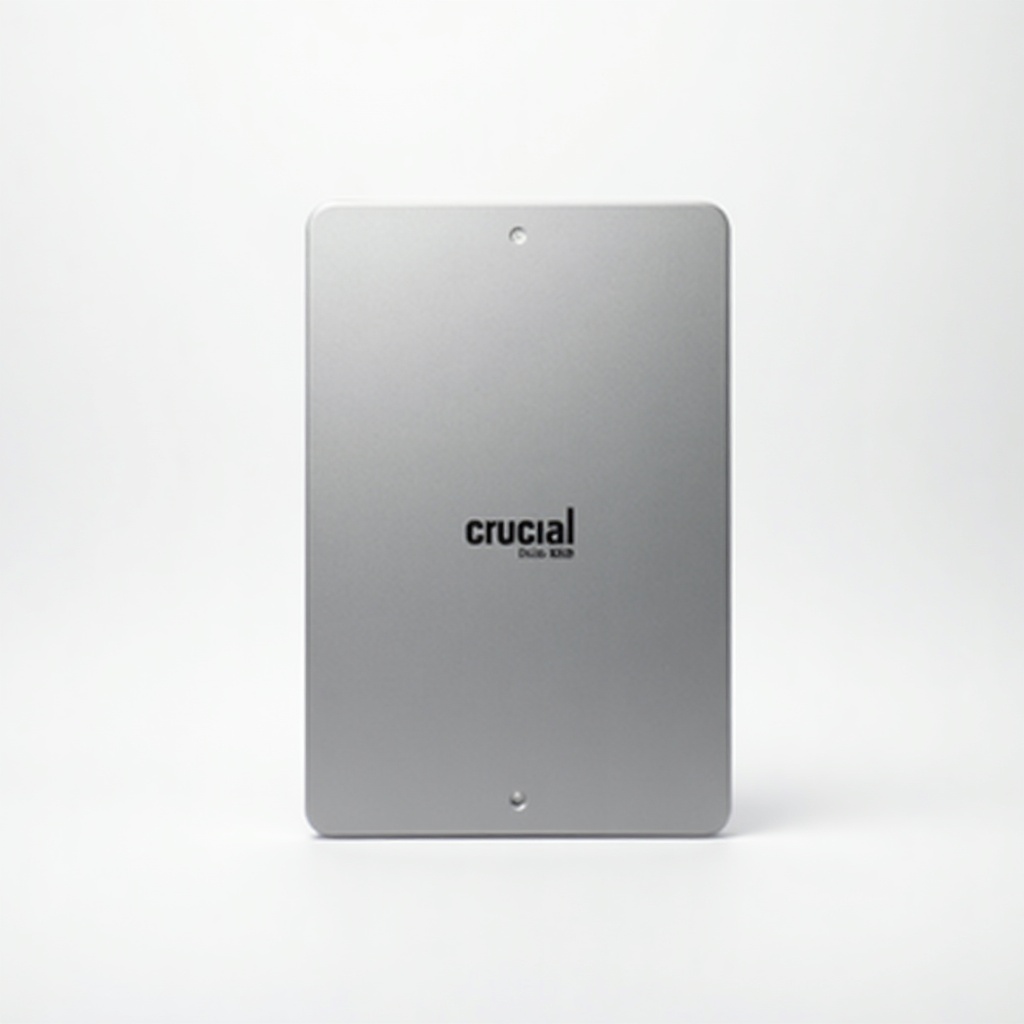
Crucial MX500 SSD (1TB) Review

Breathe new life into an aging laptop with a fast, reliable SATA SSD that just works.
If your laptop takes a coffee break every time you open a browser, a SATA SSD swap is the cheapest fix that feels like a new machine. The Crucial MX500 is the boring, dependable one that just works.
What the Crucial MX500 actually is
This is a 2.5-inch SATA solid-state drive in the 1TB capacity. It tops out at the SATA III ceiling, roughly 560MB/s read and 510MB/s write, which is as fast as the interface allows. No SATA drive on Earth goes meaningfully faster, so don't let anyone upsell you on numbers here.
The MX500 has been around for years, and that longevity is the point. Crucial is Micron's consumer brand, meaning the company makes its own NAND flash. The drive ships with a 5-year limited warranty and a 360TBW endurance rating on the 1TB model. For a budget pick, that's a serious commitment.
How it performs day to day
The honest truth about SATA SSDs in 2025 is that they all feel about the same in normal use, and the MX500 is firmly in that pack. Boot times drop from a minute to under fifteen seconds on most old laptops. Apps launch instantly. The fan stops sounding like a hairdryer because the drive isn't thrashing.
Where the MX500 earns its reputation is the unglamorous stuff. It has onboard DRAM cache, which keeps performance steady when you're copying big files or running a busy system. Cheaper DRAM-less drives stutter under sustained load. Owners consistently report the MX500 staying reliable for years, which is exactly what you want from the thing holding your data. Crucial also bundles power-loss protection on the capacitor level and AES 256-bit hardware encryption.
The catch: SATA is the old highway
Here's the limitation. If your computer has an M.2 NVMe slot, a modern NVMe drive runs five to seven times faster for similar money. The MX500 only makes sense when you're stuck with a SATA bay, which usually means a laptop from roughly 2012 to 2018, or a desktop where you want extra storage without touching the NVMe slot.
Check your machine before you buy. If there's a free M.2 slot that supports NVMe, get an NVMe drive instead. The MX500 is the right answer specifically for older or budget hardware that can't take anything faster.
Who should buy it, who should skip it
Buy it if you're reviving an aging laptop or desktop that uses a 2.5-inch SATA drive. It's the cheapest, lowest-risk upgrade that delivers a genuinely noticeable speed jump. The 1TB capacity hits the sweet spot for price per gigabyte, giving you room for an OS, apps, and a decent media library.
Skip it if your system supports NVMe, because you'd be leaving most of the performance on the table. Skip it too if you're building a fast new gaming rig or a video-editing workstation. This is an upgrade for hardware that can't do better, not a flagship for hardware that can.
The verdict
The Crucial MX500 1TB is the safe default in the budget SATA category, and that's high praise. It's well-built, DRAM-cached, backed by a long warranty, and priced fairly in the $60 to $90 range. It won't impress anyone with raw speed, but it turns a sluggish old computer into something usable again for the cost of a couple of takeout dinners.
It's not exciting. It's just correct. For a SATA SSD upgrade, that's the whole job.
Frequently asked questions
- Is the Crucial MX500 fast enough for everyday use?
- Yes. At roughly 560MB/s read speeds it maxes out the SATA interface and makes booting, app launches, and file browsing feel instant compared to a hard drive. It's only 'slow' next to NVMe drives, which need a different slot your computer may not have.
- Will the MX500 work in my laptop?
- If your laptop has a 2.5-inch SATA drive bay, yes. Most laptops from around 2012 to 2018 use one. If your machine only has an M.2 slot, check whether it's SATA or NVMe before buying, since the MX500 is a 2.5-inch SATA drive.
- How long does the Crucial MX500 last?
- The 1TB model is rated for 360 terabytes written and carries a 5-year limited warranty. For typical home use that's well beyond what most people will ever write to the drive, so longevity isn't a real concern.
Marcus has spent over a decade testing consumer tech and gadgets. He cares about whether a product earns its price in real life — not on a spec sheet.


