
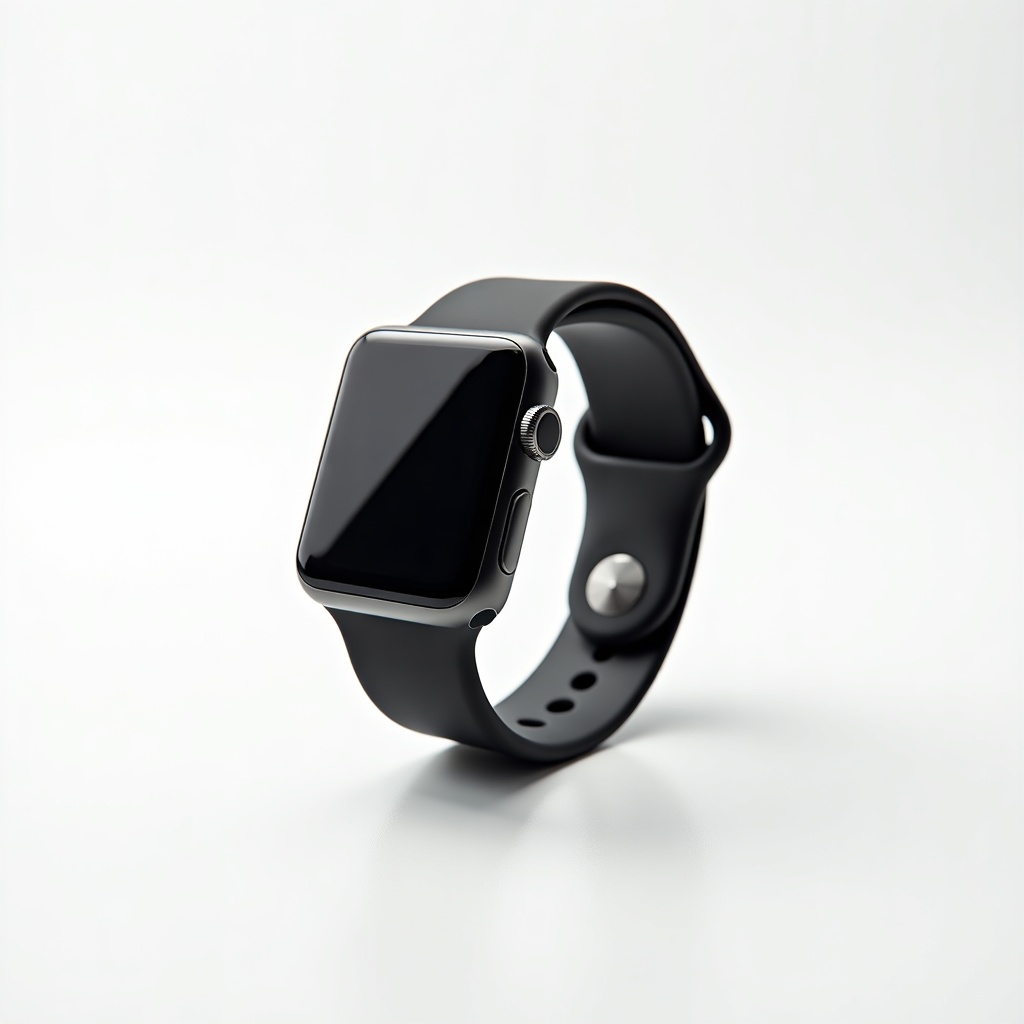
Apple Watch SE (2nd Generation) Review

The smartwatch that nails the essentials — fitness, alerts, and crash detection — for way less.
The Apple Watch SE does the stuff people actually buy a smartwatch for: track workouts, surface notifications, and call for help if you crash your car. It just skips the expensive extras most people never touch.
What the Apple Watch SE actually is
This is Apple's budget smartwatch, and it runs the same S8 chip found in the more expensive Series 8. Translation: it's fast, it doesn't stutter, and it'll keep getting watchOS updates for years. You give up a few sensors and a fancier screen, not the core experience.
It pairs with iPhone only. No Android. If you're on a Pixel or Galaxy, stop reading and go look at a Galaxy Watch. For everyone in the Apple ecosystem, the SE is the default recommendation for most people, full stop.
How it performs day to day
The fundamentals are excellent. Notifications arrive instantly, replies are quick, fitness tracking with heart rate and GPS is accurate enough for runners and cyclists, and Apple Pay on your wrist is genuinely convenient once it's part of your routine. Owners consistently report that it just works, which is the whole point.
Crash detection and fall detection are both here, and that's a bigger deal than the spec sheet makes it sound. For older parents or anyone who exercises alone, the SE quietly becomes a safety device. Emergency SOS rounds that out. These are the features that justify buying any Apple Watch, and the cheap one has them.
Battery is the usual Apple story: roughly 18 hours, so you charge it daily. If you want to track sleep, you'll be topping it off in the morning or evening. Nobody loves this. It's the price of admission across most of the lineup.
What you give up versus the Series 9
The SE has an older display that doesn't get as bright and lacks always-on. You have to raise your wrist or tap to wake it. After a while this becomes muscle memory, but people coming from a Series watch notice it immediately.
You also lose the blood oxygen sensor, the ECG app, the skin temperature sensor used for cycle tracking, and the faster on-device Siri. The screen is slightly smaller too. None of this matters to most buyers. If you specifically want ECG readings or always-on, that's your reason to spend more.
Who should buy it, who should skip it
Buy the SE if it's your first Apple Watch, if you're getting one for a kid or a parent, or if you mainly want notifications, workout tracking, and Apple Pay without paying flagship money. At around $220 to $280 it's one of the easiest tech recommendations going.
Skip it if you want always-on display, ECG, or blood oxygen tracking. Skip it if you're a serious endurance athlete who wants multi-day battery and deeper metrics, in which case the Apple Watch Ultra is the real target. And skip it entirely if you don't own an iPhone.
The verdict
The Apple Watch SE (2nd Generation) is the smart-money pick in Apple's smartwatch range. It nails the essentials, gets the important safety features, and saves you real cash by cutting extras you can live without. For the average iPhone owner, this is the one to get.
Frequently asked questions
- Does the Apple Watch SE have ECG or blood oxygen?
- No. The SE skips both the ECG app and the blood oxygen sensor. If you want those heart and respiratory features, you need the Series 9 or the Ultra. It does include heart rate monitoring and high/low heart rate alerts.
- Does the Apple Watch SE work with Android?
- No. The Apple Watch SE only pairs with an iPhone. If you use an Android phone, look at the Samsung Galaxy Watch or a Google Pixel Watch instead.
- How long does the Apple Watch SE battery last?
- About 18 hours on a charge, so you'll charge it roughly once a day. If you want to use it for sleep tracking, plan to top it up in the morning or evening to get through the night.
Aaron digs into offers, cards, and software so you don't have to read the fine print. He flags the genuinely good deals and the traps.


