
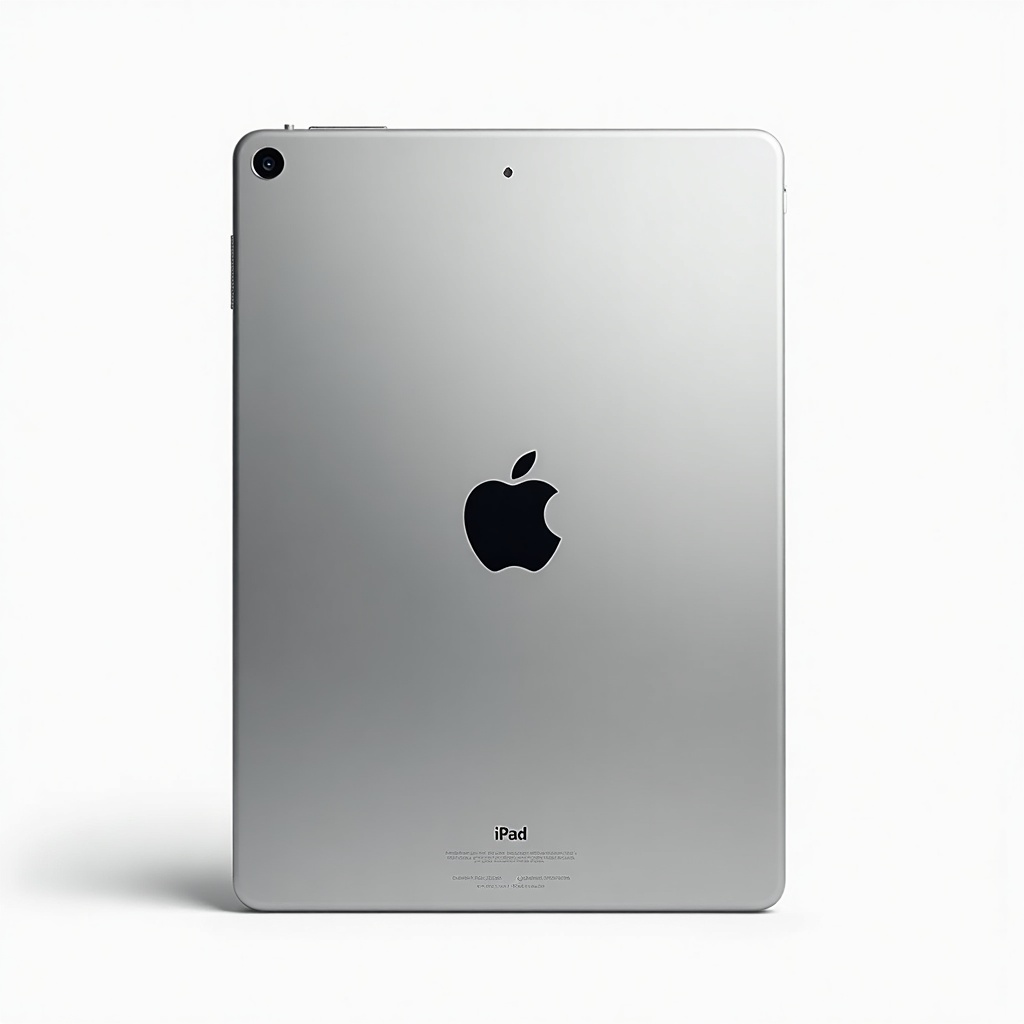
Apple iPad Air (M2) Review

Powerful M2 chip and a gorgeous Liquid Retina screen that handles work, sketching, and binge-watching with ease.
The iPad Air with the M2 chip gives you near-Pro speed and a beautiful screen for a few hundred dollars less. For the vast majority of people, this is the iPad to get.
What the iPad Air (M2) actually is
This is Apple's middle-child tablet, sitting between the cheap base iPad and the expensive iPad Pro. It runs the same M2 chip that powered the 2022 MacBook Air and Pro, which is a lot of computer for a tablet. You get it in two sizes now, an 11-inch and a 13-inch, and prices generally land in the $550 to $750 range depending on screen size and storage.
The pitch is simple. Most of the Pro's power, a gorgeous Liquid Retina display, and support for the Apple Pencil Pro, without paying Pro money. For drawing, note-taking, email, web, and a frankly absurd amount of streaming, it covers nearly everyone.
How it performs day to day
The M2 chip is overkill for browsing and Netflix, and that's a compliment. Apps open instantly. Heavy stuff like Procreate with big canvases, photo edits in Lightroom, or 4K video in LumaFusion runs without stutter. This is a tablet you won't outgrow for years.
The 11-inch model weighs about a pound, which makes it the better couch and travel pick. The 13-inch is roomier for split-screen work and sketching but starts to feel like a small slab in bed. Battery comfortably gets through a full day of mixed use, and owners consistently report the all-day claim holds up.
The good and the annoying
On the plus side: serious speed, a bright laminated screen with anti-reflective coating, USB-C, Touch ID built into the power button, and the relocated front camera that finally sits on the landscape edge for video calls. Pencil Pro support adds barrel roll and a squeeze gesture that artists will appreciate.
The cons are real though. The display is a standard 60Hz LCD, so it lacks the ProMotion smoothness and inky contrast of the Pro's OLED. Scrolling and pencil latency are fine, just not as buttery. There's no Face ID. And the accessories tax stings, since a Magic Keyboard and Pencil Pro can add hundreds on top. Storage starts at 128GB, which is finally reasonable.
Who should buy it, and who shouldn't
Buy the Air if you want a fast, do-everything tablet that handles art, light productivity, and entertainment, and you don't want to think about it again for five years. Students, casual creatives, and anyone replacing an aging iPad will be thrilled.
Skip it in two directions. If you only browse, watch video, and check email, the base iPad does that for far less and you won't notice the difference. If you're a professional editing 4K all day, color-grading, or you crave the OLED ProMotion screen, the iPad Pro earns its premium. The Air is the sensible middle, and most people belong in the middle.
Verdict
The iPad Air (M2) is the easy default recommendation. It's fast enough to feel future-proof, the screen is lovely even without ProMotion, and the price leaves room in the budget for an accessory. The 11-inch is our pick for most buyers. Get the 13-inch only if you genuinely want the extra canvas.
Frequently asked questions
- Is the iPad Air (M2) worth it over the base iPad?
- If you draw, multitask, or want the device to stay fast for years, yes. The M2 chip, better laminated screen, and Pencil Pro support are meaningful upgrades. If you mostly stream and browse, the cheaper base iPad is plenty.
- Should I get the iPad Air or the iPad Pro?
- Get the Air unless you specifically need the Pro's OLED ProMotion display, top-tier camera, or M4 power for heavy professional editing. For most people the Air delivers nearly the same daily experience for several hundred dollars less.
- Does the iPad Air (M2) support the Apple Pencil Pro?
- Yes. It works with the Apple Pencil Pro and the USB-C Pencil, but not the older second-generation Pencil. The Pencil Pro adds features like barrel roll and a squeeze shortcut that artists will get the most out of.
Marcus has spent over a decade testing consumer tech and gadgets. He cares about whether a product earns its price in real life — not on a spec sheet.


