Apple iPad (10th Generation) Review

A bright, fast tablet for streaming, sketching, and getting things done without the Pro price tag.
The 10th-gen iPad does almost everything a casual user wants from a tablet, and it does it fast, bright, and without the Pro-level sticker shock.
What the 10th-gen iPad actually is
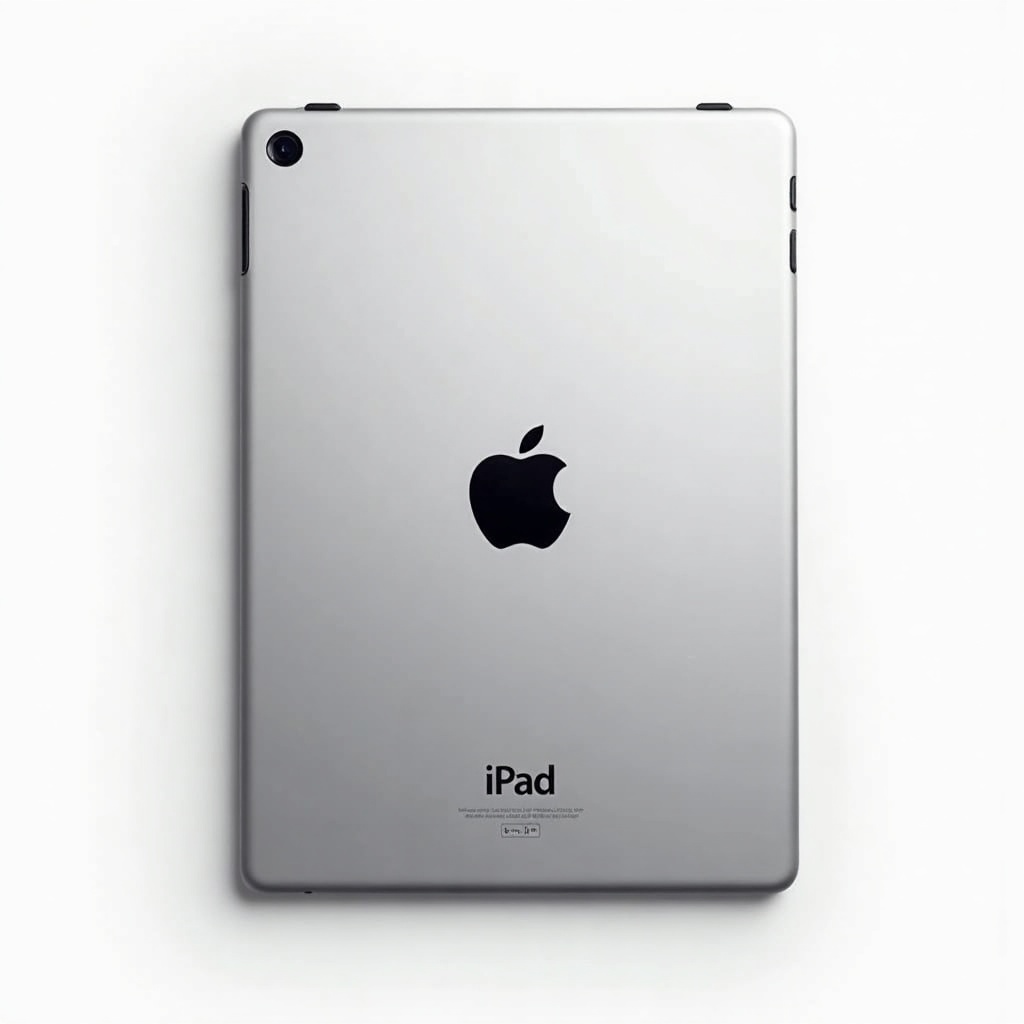
This is Apple's entry-level full-size tablet, redesigned to look like the rest of the lineup. Flat edges, slim bezels, a 10.9-inch Liquid Retina display, and the power button doubling as Touch ID. The home button is gone. It runs on the A14 Bionic, which is a few years old now but still chews through everything a normal person throws at it.
Apple finally moved the front camera to the long edge, so you don't look like you're staring off-screen during video calls. Small change, big quality-of-life win. USB-C replaces the old Lightning port, so it charges with the same cable as your MacBook or recent iPhone.
How it performs day to day
Fast. Streaming Netflix, scrolling, juggling a dozen Safari tabs, editing photos, light gaming, jumping between apps. None of it makes this tablet sweat. The A14 chip is overkill for what most buyers actually do on a tablet, which is exactly why it'll stay snappy for years.
Battery life lands around the all-day mark Apple promises, roughly 10 hours of video. The screen is the one to talk about. It's bright, sharp, and color-accurate enough for sketching in Procreate or watching movies on a plane. The catch is it's a standard 60Hz panel with no anti-reflective coating and no laminated glass. Side by side with an iPad Air, the Air's screen feels noticeably more premium, and there's a faint air gap between the glass and the display here that picky users will notice when using the Pencil.
The Apple Pencil situation is annoying
Here's the catch nobody loves. The 10th-gen iPad supports the first-gen Apple Pencil, which charges via Lightning. But the tablet itself has USB-C. So you need a USB-C-to-Lightning adapter just to pair and charge the older Pencil. It works, but it's clumsy, and Apple knows it.
It also supports the newer USB-C Apple Pencil, which is the cleaner option if you're buying fresh. Either way, neither supports pressure sensitivity, so serious artists who want that should look at the iPad Air with the Pencil Pro.
Pros and cons
On the plus side: a gorgeous bright screen, plenty of speed for years, the landscape front camera, USB-C, four fun colors, and a price that dips well below the Air when it's on sale. It's the iPad most people should buy.
On the downside: the unlaminated 60Hz display, the goofy Pencil adapter dance, only 64GB in the base model (skip that, get 256GB if you can), and the fact that storage and accessories push the real cost up fast. The official Magic Keyboard Folio is also pricey for what it is.
Who should buy it, and who should skip it
Buy it if you want a big, fast tablet for streaming, browsing, reading, video calls, kids, and casual note-taking. For the typical household tablet that lives on the couch, this is the obvious pick.
Skip it if you're a digital artist who needs pressure-sensitive drawing, a heavy multitasker who wants a laminated 120Hz screen, or anyone eyeing real laptop-replacement work. Those people should stretch to the iPad Air. And if your budget is tight and you don't care about looks, the cheaper standard iPad with the home button still does the basics fine.
The verdict
The 10th-gen iPad sits in the sweet spot of Apple's lineup. It's fast, bright, well-built, and priced in the rough $330 to $430 range depending on storage and sales. The screen compromises and the Pencil adapter mess are real, but for the way most people use a tablet, they barely register.
Wait for a sale, get the 256GB version, and you've got a tablet that'll feel current for a long time. Recommended.
Frequently asked questions
- Is the 10th-gen iPad good enough for drawing and note-taking?
- For casual sketching and notes, yes. It works with the first-gen and USB-C Apple Pencils. But neither supports pressure sensitivity, and the display isn't laminated, so serious artists should consider the iPad Air with the Pencil Pro instead.
- Should I buy the 64GB or 256GB iPad?
- Get the 256GB if you can. 64GB fills up fast once you download apps, games, photos, and offline video. The storage jump is one of the few upgrades genuinely worth paying for.
- Is the 10th-gen iPad worth it over the iPad Air?
- For most people, yes. The Air adds a laminated screen, faster chip, and better accessory support, but it costs more. If you mainly stream, browse, and take light notes, the 10th-gen iPad saves money without feeling slow.
Marcus has spent over a decade testing consumer tech and gadgets. He cares about whether a product earns its price in real life — not on a spec sheet.