Kasa Smart Wi-Fi Power Strip (TP-Link HS300) Review

Control six outlets independently from your phone and kill phantom drain with a tap.
Six outlets you can control from your phone, plus per-outlet energy tracking that actually tells you which gadget is bleeding watts while it sits idle.
What the Kasa HS300 actually is
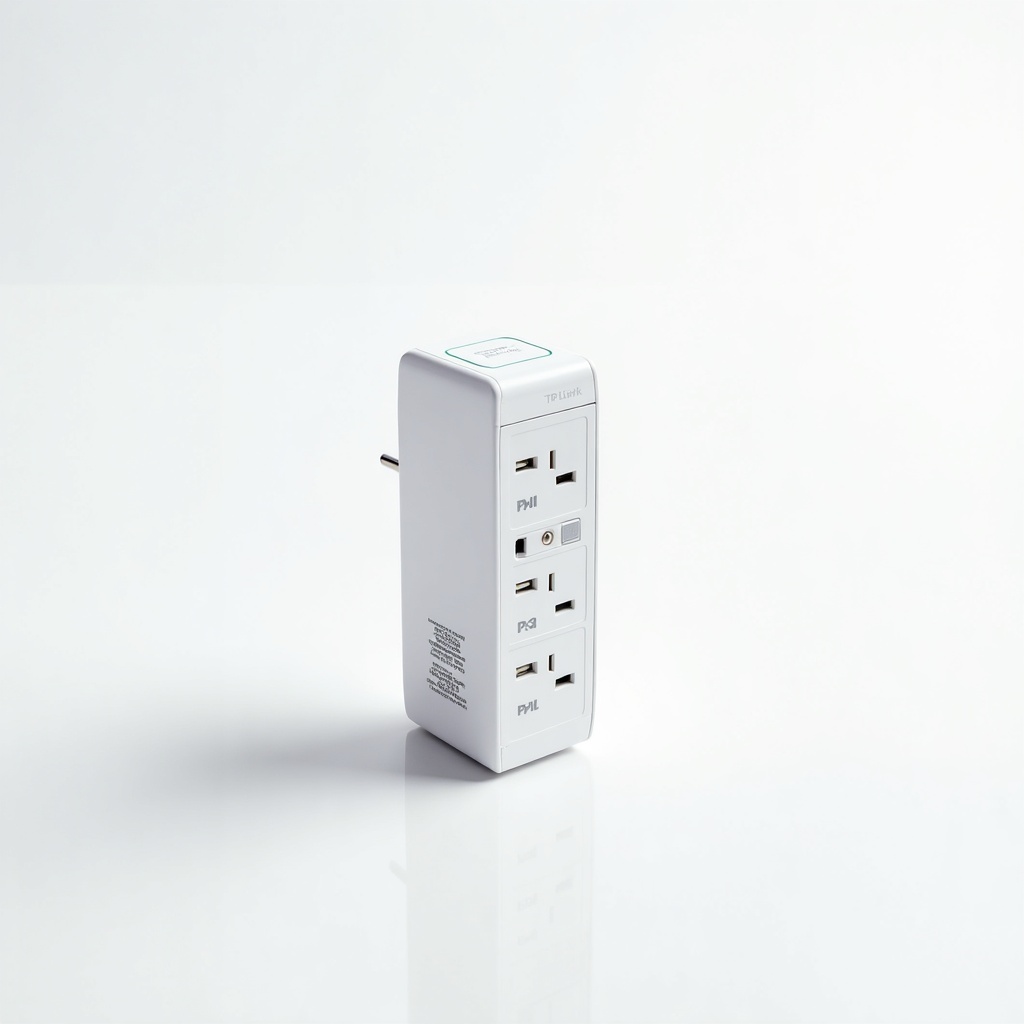
The HS300 is a Wi-Fi power strip with six independently controllable outlets and three always-on USB ports. Each of those six outlets can be named, scheduled, grouped, and switched on or off from the Kasa app or a voice assistant. That's the whole pitch, and it's a good one.
The standout feature is per-outlet energy monitoring. Most smart strips give you one combined reading or none at all. This one breaks down consumption socket by socket, so you can finally see that your old TV or a forgotten space heater is the thing quietly running up the bill. It connects over 2.4GHz Wi-Fi only, which matters if your router pushes everything to 5GHz by default.
How it performs day to day
Owners consistently report that the HS300 is set-and-forget reliable, which is the highest praise a smart plug can earn. Schedules fire when they should. Outlets respond quickly to app taps and to Alexa or Google Assistant commands. There's no required hub and no subscription, two things that quietly ruin a lot of competing gear.
The killing-phantom-drain use case is the real reason to own one. Park your entertainment center, your desk setup, or your coffee station on it, then schedule the dead-weight devices to cut power overnight. The energy data turns vague guilt about your electric bill into an actual list of culprits. It's genuinely useful for anyone who likes numbers.
The downsides worth knowing
It's physically chunky. This is a wide, fairly long brick, not something that hides neatly behind a slim console. Plan your cable run accordingly. The six outlets are spaced reasonably, but jam them with large wall-wart adapters and you'll lose a socket or two to crowding.
The other catch is the cloud dependence. Core local control works, but full app functionality and remote access lean on TP-Link's servers, so an outage or account hiccup can be annoying. There's no battery backup or surge protection worth bragging about, so don't mistake this for a UPS. And the 2.4GHz-only radio occasionally trips up people during setup until they separate their Wi-Fi bands.
Who should buy it, and who shouldn't
Buy it if you want to control several devices independently from one strip, automate a media center or office, and actually see where your power goes. It's also a smart pick for renters who want serious automation without rewiring anything. For the money, six controllable outlets plus monitoring is a strong deal compared to buying four or five individual smart plugs.
Skip it if you only need to automate one or two devices. A pair of single Kasa smart plugs costs less and takes up no real estate. Skip it too if you're shopping for surge protection or backup power, because that's not what this is. And if your home runs on HomeKit, look elsewhere, since Kasa's Apple support is limited.
The verdict
The HS300 is the smart power strip most people should default to. It's dependable, it doesn't nickel-and-dime you with subscriptions, and the per-outlet energy data is a feature competitors keep failing to match well. The size and 2.4GHz quirk are real but minor. At roughly $60 to $80, it earns the price the moment you stop buying plugs one at a time.
Frequently asked questions
- Does the Kasa HS300 work with Alexa and Google Assistant?
- Yes. It works with both Amazon Alexa and Google Assistant, and you can control each of the six outlets by name. Apple HomeKit support is limited, so it's not the right choice for a Home app household.
- Does the HS300 need a hub or subscription?
- No hub and no subscription. It connects directly to your 2.4GHz Wi-Fi and uses the free Kasa app. Just make sure your phone is on the 2.4GHz band during setup to avoid the most common pairing headache.
- Can it really tell how much power each device uses?
- Yes, and that's its best trick. The HS300 monitors energy use per outlet, not just as a single total, so you can identify exactly which connected device is drawing power and schedule the wasteful ones to switch off.
Daniel covers home, kitchen, and everyday-carry gear. He's a stickler for durability and value, and has no patience for overpriced hype.