Kasa Smart Wi-Fi Light Switch (TP-Link) Review

Swap a dumb wall switch for app and voice control — no hub required.
Walk into a dark room and say "lights on" instead of fumbling for the switch. The Kasa Smart Wi-Fi Light Switch makes that work for under $25 and skips the hub everyone else makes you buy.
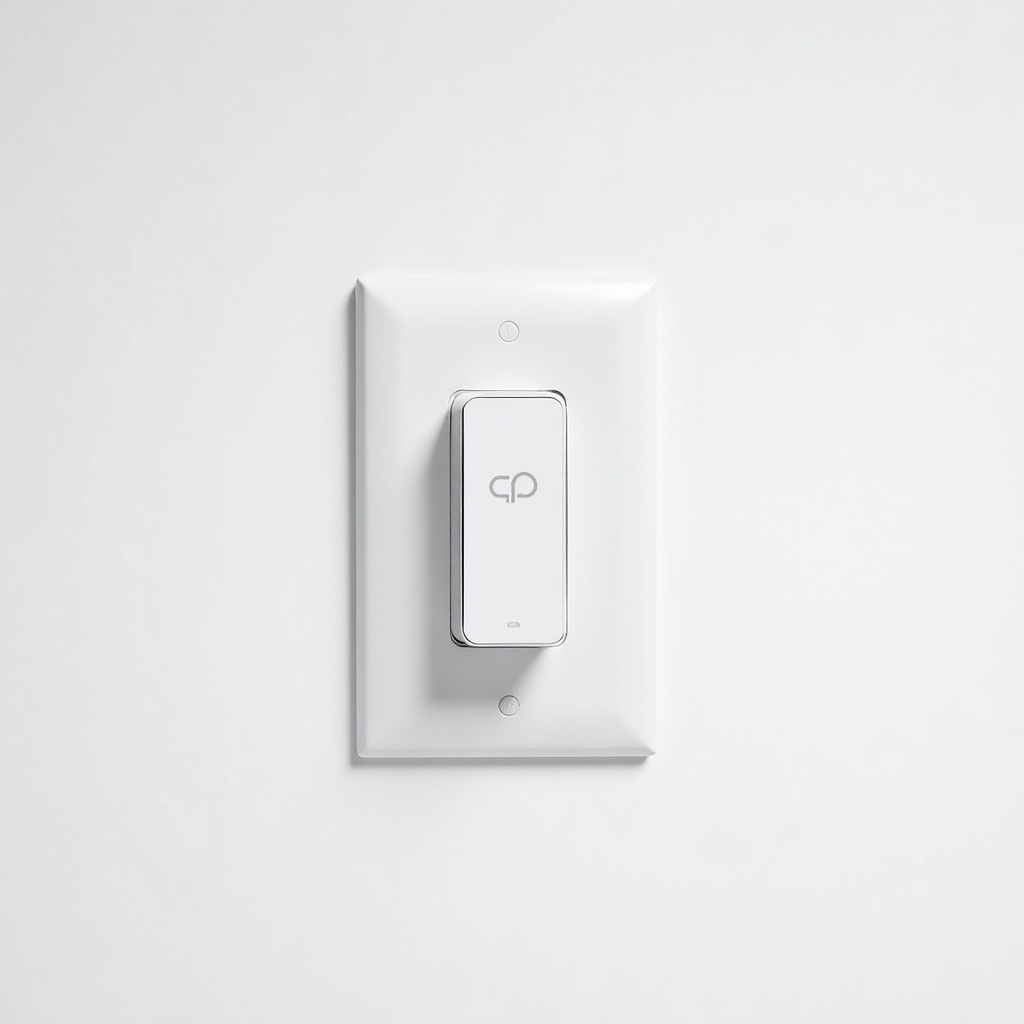
What the Kasa Smart Wi-Fi Light Switch actually is
This is a wall switch that replaces a normal dumb one and connects straight to your 2.4GHz Wi-Fi. No hub, no bridge, no extra $40 box sitting next to your router. That's the whole pitch, and it's a good one. Most budget smart-home gear still wants a SmartThings or Hue bridge before it'll do anything useful.
You get app control through Kasa, voice control through Alexa and Google Assistant, and scheduling. It controls the wiring, not the bulb, so any old non-smart bulb in that fixture suddenly answers to your phone. That's the key difference from smart bulbs, and it matters for fixtures with three or four bulbs you don't want to replace one at a time.
How it performs day to day
Reliable is the word owners keep using, and that's high praise in a category full of devices that drop offline every Tuesday. The physical switch still works like a switch, so guests and tech-skeptic relatives aren't stranded. Tap it, the light goes on. The smart stuff layers on top.
Schedules and "away" routines that flick lights on at dusk are the real everyday win, more than barking commands at it. Voice response is quick. The Kasa app is plain and a little dated looking, but it's stable and does what you need without nagging you to upgrade. Response times over Wi-Fi are fast enough that you won't stand there waiting after you say "turn off the kitchen."
The neutral wire catch you need to know about
Here's the dealbreaker for some people. The standard Kasa switch needs a neutral wire in the box. Newer homes almost always have one. Older houses, especially anything built before the mid-90s, often don't, and you'll find a bundle of white wires capped off or missing entirely. Pop the existing switch plate off and check before you buy. It takes two minutes and saves a return.
If you don't have a neutral, TP-Link sells a three-way and other variants, but read the listing carefully. The base single-pole model is the one most people want, and it assumes that neutral is there.
Pros and cons, no fluff
Pros: cheap, no hub required, genuinely reliable Wi-Fi connection, works with Alexa and Google, keeps a functional physical button, and installs in about 15 minutes if you're comfortable with a screwdriver and turning off a breaker. The price-to-usefulness ratio is hard to beat.
Cons: needs a neutral wire. No Apple HomeKit on this model, which stings if you're an iPhone-and-Siri household. No Z-Wave or Zigbee, so it leans entirely on your Wi-Fi holding up. And it's 2.4GHz only, which is normal for this gear but worth knowing if your router setup is fussy about band steering.
Who should buy it and who should skip it
Buy it if you want to dip into smart home without committing to an ecosystem or a hub, if you've got fixtures with multiple bulbs, or if you want simple dusk-to-dawn automation. It's an easy first purchase and a sensible bulk buy when you're switching over a whole house.
Skip it if your box has no neutral wire, if you live in Apple HomeKit and won't compromise, or if you want local control with no cloud dependency. In those cases look at Lutron Caséta, which uses its own reliable hub and supports HomeKit, though it costs noticeably more.
The verdict
For the money, the Kasa Smart Wi-Fi Light Switch is one of the smartest cheap upgrades in the smart-home aisle. It does the boring stuff well and stays connected, which is most of the battle. Check for a neutral wire, confirm you don't need HomeKit, and it's an easy recommendation.
Frequently asked questions
- Does the Kasa Smart Wi-Fi Light Switch need a hub?
- No. It connects directly to your 2.4GHz Wi-Fi network and works with the Kasa app, Alexa, and Google Assistant without any bridge or hub, which is its main advantage over Hue or SmartThings-based switches.
- Do I need a neutral wire to install it?
- Yes, the standard single-pole model requires a neutral wire in the switch box. Most homes built after the mid-1990s have one. Remove your current switch plate and check for capped white wires before buying.
- Does it work with Apple HomeKit?
- This Kasa switch does not support Apple HomeKit. It works with Alexa and Google Assistant. If you need HomeKit and Siri control, look at Lutron Caséta instead, which costs more but supports it.
Aaron digs into offers, cards, and software so you don't have to read the fine print. He flags the genuinely good deals and the traps.