Google Nest Learning Thermostat Review

Learns your schedule and trims energy bills—then runs itself so you don't have to fiddle.
Set it for a week, ignore it forever. The Nest Learning Thermostat figures out when you're home, when you're not, and quietly shaves money off your heating bill while you forget it exists.
What the Nest Learning Thermostat actually is
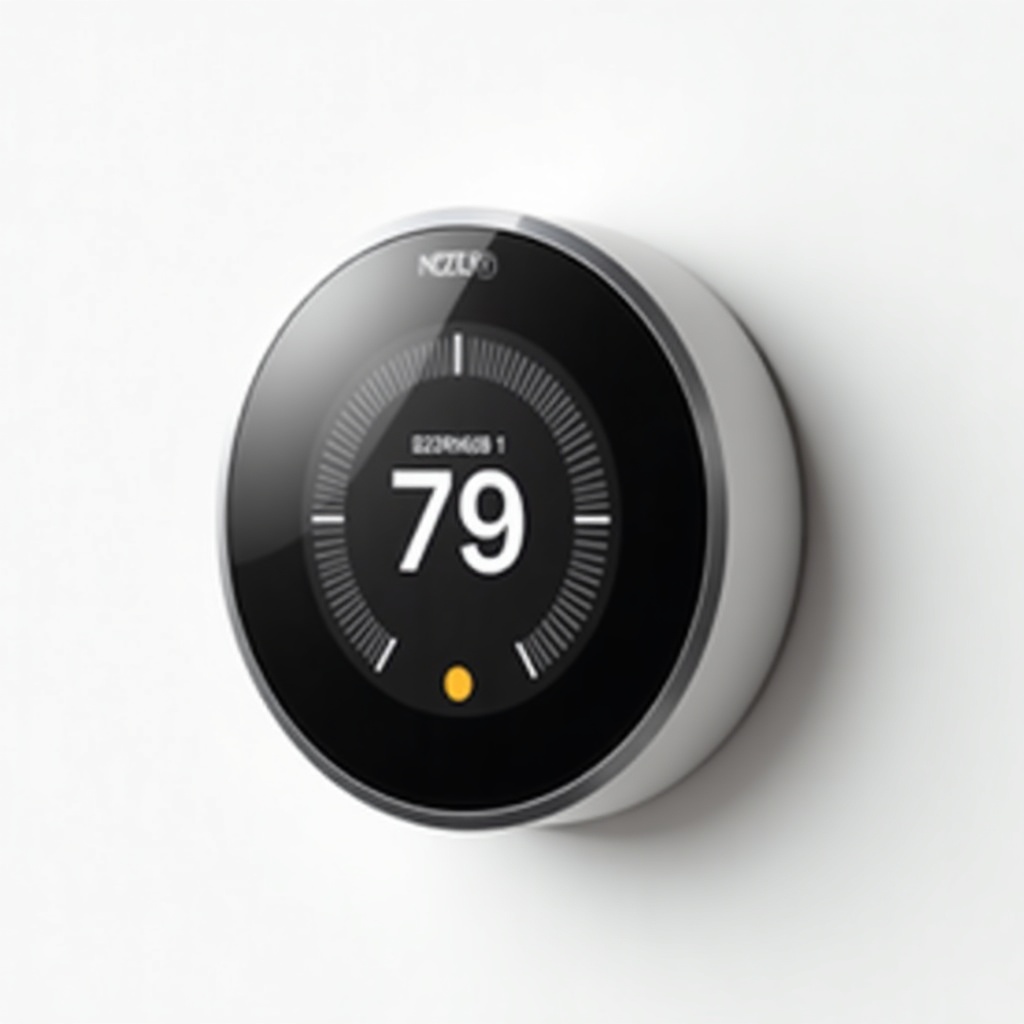
This is Google's flagship smart thermostat, the one with the satisfying metal dial and a color screen that lights up when you walk past. The pitch is simple. For the first week or so you adjust the temperature like a normal person. It watches what you do, learns your rhythm, and starts building a schedule on its own. After that you're meant to leave it alone.
It works with the Nest app, Google Home, and Alexa, so you can bark a temperature change from the couch or tweak things from a hotel room. It typically sells in the $130 to $250 range depending on the model and whatever sale Amazon is running, which puts it well above basic programmable thermostats and right in the crosshairs of the Ecobee.
How it performs day to day
The auto-scheduling is the headline feature and it mostly delivers. Owners consistently report that after a couple of weeks the thing settles into a routine that matches their lives without much babysitting. The Home/Away Assist function uses your phone's location and the unit's motion sensor to drop the temperature when the house empties out, which is where a lot of the savings come from.
Google quotes energy savings of roughly 10 to 12 percent on heating and around 15 percent on cooling. Treat those as ballpark figures, not a guarantee. Real savings depend on how wasteful your old habits were. Someone who already runs a tight schedule won't see dramatic cuts. Someone who heats an empty house all day will.
The hardware feels genuinely nice, which is rare in this category. The dial has weight to it. The display is crisp. The Farsight feature wakes the screen to show the time or temperature as you approach, which is a small thing that people end up liking more than they expected.
The catch: wiring and compatibility
Here's the part that trips people up. The Nest needs a C-wire (common wire) for reliable power on many systems. Without one it can charge off the heating and cooling wires, but that setup causes intermittent flakiness in some homes, dropped Wi-Fi connections and the occasional restart. Before you buy, check Google's compatibility tool with a photo of your existing wiring.
If you have an older or oddball HVAC setup, high-voltage baseboard heat, or a proprietary system, this may not be your thermostat at all. Installation is DIY-friendly for most central air and forced-air homes, maybe 30 minutes with a screwdriver. For anything unusual, budget for an electrician and the cost math changes.
Who should buy it, who should skip it
Buy it if you have a standard HVAC system, an irregular schedule, and you live inside the Google ecosystem already. The learning feature pays off most for people who can't be bothered to program a schedule manually. It's also the right pick if you just want a thermostat that looks good on the wall.
Skip it if you want fancier extras. The Ecobee bundles remote room sensors and built-in Alexa, which matters if your house has hot and cold rooms. Skip it too if you're price-sensitive and don't care about the metal finish, because Google's cheaper Nest Thermostat does the core smart stuff for less, just with a plasticky body and a touch strip instead of the dial.
The verdict
The Nest Learning Thermostat earns its reputation. It's attractive, it's easy to live with, and the auto-scheduling genuinely reduces fiddling. The energy savings are real but modest, so don't expect it to pay for itself overnight.
Our advice: confirm your wiring first, then decide between this and the standard Nest Thermostat based on how much you care about the design and the learning feature. Most people will be happy. The ones who get burned are almost always the ones who skipped the compatibility check.
Frequently asked questions
- Does the Nest Learning Thermostat need a C-wire?
- It works best with a C-wire (common wire) for steady power. Many systems can run without one by charging off the heating and cooling wires, but that can cause Wi-Fi drops or restarts in some homes. Check Google's compatibility checker before buying.
- How much money does the Nest actually save?
- Google cites roughly 10 to 12 percent on heating and about 15 percent on cooling. Your real savings depend on how inefficient your old habits were. People who heated empty houses save the most; those already running tight schedules save little.
- Is the Learning Thermostat worth it over the cheaper Nest Thermostat?
- Only if you want the metal dial, color display, Farsight feature, and full auto-scheduling. The standard Nest Thermostat costs less and handles the core smart features, so budget buyers can comfortably go with the cheaper model.
Daniel covers home, kitchen, and everyday-carry gear. He's a stickler for durability and value, and has no patience for overpriced hype.