Aqara Smart Switch H1 (No Neutral) Review

Upgrade old wiring to smart control — no neutral wire required in many homes.
Old house, no neutral wire, still want app and voice control of your lights? This is the switch that gets you there without rewiring or hiring an electrician.
What the Aqara Switch H1 (No Neutral) actually is
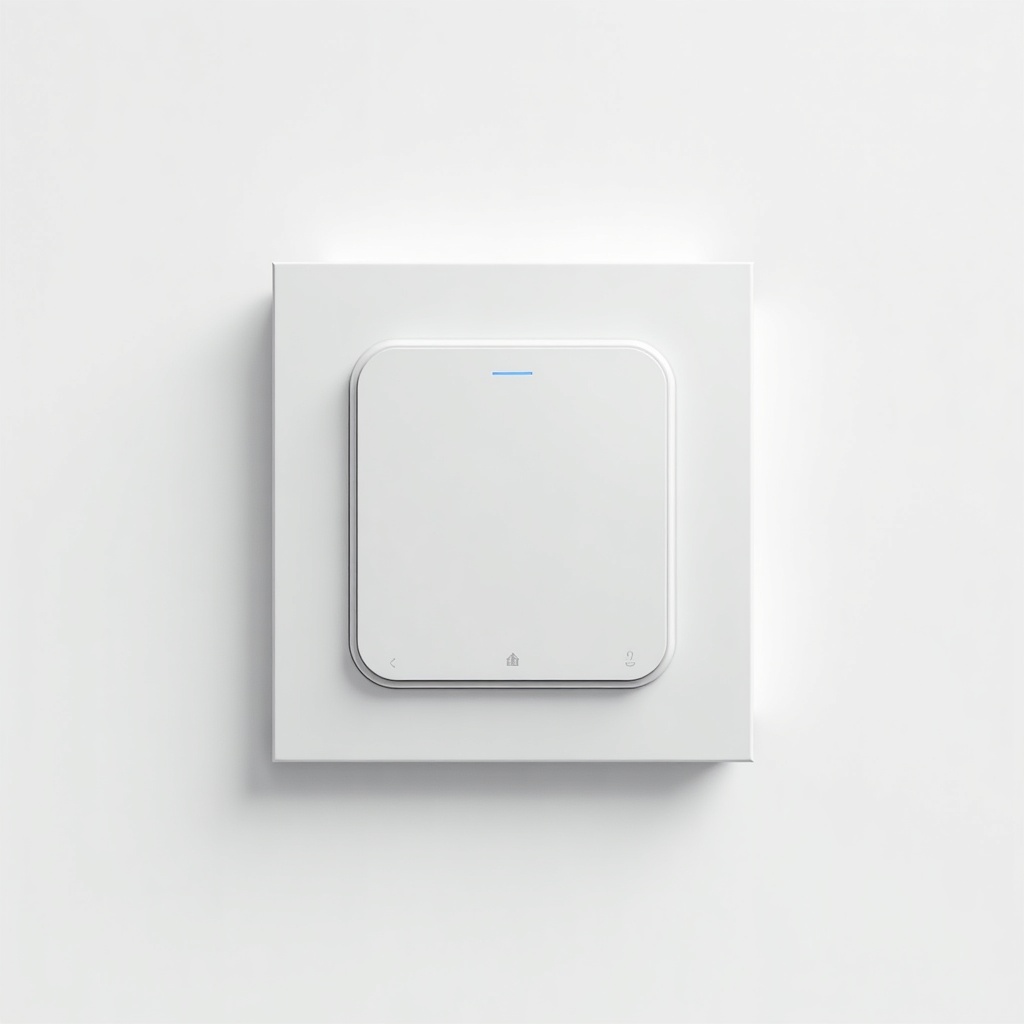
This is a wall switch replacement, not a plug-in gadget. You pull out your old dumb switch and wire this in its place. The headline trick is right there in the name: it works in homes that don't have a neutral wire at the switch box, which is most older houses and a lot of apartments. That alone rules in a huge group of people who've been locked out of smart switches for years.
It runs on Zigbee 3.0, so it talks to an Aqara hub (or another Zigbee coordinator like Home Assistant with a compatible stick). There's a non-neutral version, which is the one we're talking about here, and a neutral version with fewer caveats. It comes in single, double, and triple rocker layouts, so a multi-gang box isn't an automatic dealbreaker.
How it performs day to day
Once it's paired and behaving, it's genuinely good. Response time over Zigbee is fast, automations fire reliably, and you get the stuff people actually want: schedules, voice control through Alexa, Google, or HomeKit (via the hub), and the ability to keep using the physical rocker like a normal switch. The build quality feels a step above the cheap no-name switches on Amazon, and it looks clean on the wall.
The catch with any no-neutral switch is power. It trickles a small current through the bulb to keep itself alive, and that's where LED flicker, faint glow, or buzzing can creep in. Owners report this most often with low-wattage LED bulbs. Aqara includes a capacitor in the box to fix it, and for many setups that solves the problem. For some stubborn fixtures it doesn't fully, and that's the gamble you're taking. Dimmer-style LEDs and certain smart bulbs are the usual troublemakers.
The pros and cons, straight
Pros: it actually works without a neutral, the Zigbee connection is snappy and stable, it supports HomeKit through the hub (rare at this price), the multi-gang options are a real convenience, and the physical button still controls the light if your network or hub ever goes down. The price is fair for what it does.
Cons: you need an Aqara hub, which is an extra cost if you don't already own one. The no-neutral mode can cause flicker or glow with finicky LEDs, and there's no guarantee yours plays nice. The neutral wire requirement being absent is great, but the trade-off is that ground wire fussiness and box depth can still complicate the install. And the app is functional rather than polished.
Who should buy it, and who should skip it
Buy it if you're in an older home with no neutral wire and you've already bought into Aqara or you're happy to add the hub. It's also a smart pick for anyone running Home Assistant who wants reliable local Zigbee control of real wall switches.
Skip it if your boxes have neutral wires, in which case the neutral H1 or competitors like the Inovelli or a Lutron Caséta setup give you fewer headaches and dimming flexibility. Skip it too if you only have a couple of lamps to automate. A smart plug or smart bulb is cheaper and needs zero wiring. And if your light fixtures use very low-wattage LEDs, go in knowing the flicker lottery exists.
The verdict
For the no-neutral crowd, the Aqara Switch H1 is one of the better answers out there right now. It solves a problem that genuinely shuts a lot of homes out of smart lighting, and it does it without forcing a rewire. Just go in clear-eyed about the LED compatibility risk and the hub requirement. Get those two things sorted and it's an easy recommendation.
Frequently asked questions
- Do I need an Aqara hub for the Switch H1?
- Yes. The H1 uses Zigbee and needs an Aqara hub (or another compatible Zigbee coordinator like Home Assistant) to connect to your network, the app, and voice assistants. It won't work standalone over Wi-Fi.
- Will the no-neutral version cause my LED lights to flicker?
- It can, especially with low-wattage LED bulbs. Aqara includes a capacitor in the box to prevent flicker and ghost glow, and it fixes most setups. A small number of stubborn fixtures may still flicker, so it's worth checking your specific bulbs against owner reports.
- How much does the Aqara Switch H1 (No Neutral) cost?
- It typically runs around $35 to $55 on Amazon depending on the layout, with single-rocker versions cheaper than double or triple. Remember to budget for an Aqara hub if you don't already own one.
Aaron digs into offers, cards, and software so you don't have to read the fine print. He flags the genuinely good deals and the traps.