Aqara Smart Hub M3 Review

A Matter and Thread brain that finally makes your gadgets talk to each other.
If your smart home is a pile of gadgets that refuse to acknowledge each other's existence, the Aqara Smart Hub M3 is the translator that gets them in the same room.
What the Aqara M3 actually is
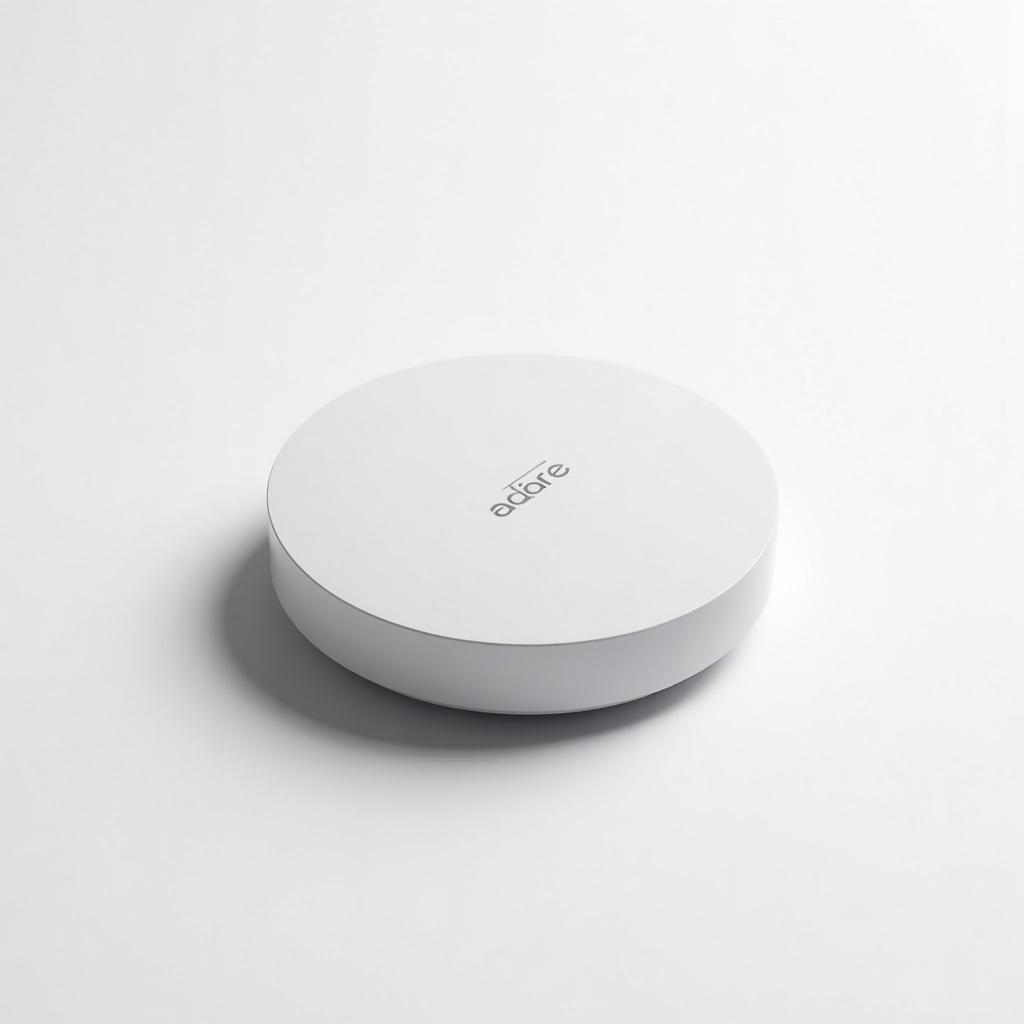
The M3 is a central hub that speaks Zigbee, Thread, and Matter, with Wi-Fi and wired Ethernet for the connection back to your router. Think of it as the multilingual diplomat for your smart home. Aqara sensors and switches that used to live in their own walled garden can now show up in Apple Home, Google Home, Amazon Alexa, and SmartThings through Matter.
It runs around $120 to $150 on Amazon, which puts it above a basic hub and below a high-end controller. The headline trick is that it acts as a Matter bridge, exposing connected Zigbee devices to whichever ecosystem you live in. That alone solves a problem a lot of people didn't realize they had until they bought their third brand of smart plug.
How it performs day to day
Owners consistently report rock-solid local control. Because the M3 functions as a Thread border router and a Zigbee 3.0 hub, automations fire locally instead of bouncing off a cloud server, so motion-triggered lights feel instant rather than laggy. That local processing is the whole point, and it's where Aqara has earned its reputation.
There's also an IR blaster baked in, so it can replace a Broadlink-style remote for your TV or air conditioner. Range on the Zigbee mesh is strong, and the wired Ethernet option is a small thing that matters a lot. Hubs that depend on flaky Wi-Fi are the number one cause of smart homes that mysteriously stop working at 11pm.
The catch is the app. Aqara's software is powerful but cluttered, and setup involves more menu-diving than the Apple or Google equivalents. Matter support has also rolled out feature by feature, so not every Aqara device exports cleanly to every platform yet. Check the compatibility list before you assume your exact sensor works in Apple Home.
Pros and cons
Pros: genuine local automations, Thread border router plus Zigbee plus Matter bridging in one box, wired Ethernet for reliability, a built-in IR blaster, and the ability to finally pull Aqara's cheap, excellent sensors into the ecosystem you already use.
Cons: the app has a learning curve, Matter export quirks crop up with certain devices, and at this price you're paying more than entry-level hubs. People deep into a single ecosystem with native gear may not need it at all.
Who should buy it, and who should skip it
Buy it if you've collected Aqara sensors and switches and want them visible in Apple Home, Google, or Alexa without a cloud middleman. It's also a smart pick if you want a single device acting as both a Thread border router and a Zigbee hub, cutting down the box count under your TV.
Skip it if your home is already all-HomeKit with a HomePod doing border router duty, or if you own three smart bulbs and have no plans to expand. For that, a cheaper hub or no hub does the job. The M3 earns its keep once your setup gets complicated enough that reliability and local control actually matter.
The verdict
The Aqara Smart Hub M3 is one of the most capable consumer hubs you can buy right now, and the cleanest way to bring Aqara's affordable hardware into a Matter world. The app is the weak link and Matter is still maturing across the board, so temper expectations on the software polish. As a piece of infrastructure, though, it's a strong recommendation for anyone serious about a fast, local smart home.
Frequently asked questions
- Does the Aqara M3 work with Apple HomeKit?
- Yes. The M3 supports Apple Home through Matter and can act as a Thread border router. It also bridges many connected Zigbee Aqara devices into HomeKit, though you should confirm your specific sensor on Aqara's compatibility list since support rolled out gradually.
- Do I still need an internet connection for automations?
- No, for local automations. One of the M3's main strengths is processing automations locally, so motion sensors and switches keep working even if your internet drops. Remote access and some cloud features still need a connection.
- Is the Aqara M3 worth it over a cheaper hub?
- If you only own a few devices, a cheaper hub is fine. The M3 is worth the extra money once you want Thread, Zigbee, and Matter bridging in one box, wired Ethernet reliability, and local control across a larger setup.
Marcus has spent over a decade testing consumer tech and gadgets. He cares about whether a product earns its price in real life — not on a spec sheet.