Aqara Motion Sensor P1 Review

Tiny battery sensor that auto-triggers lights and scenes the moment you walk in.
Walk into a room and have the lights snap on before your hand finds the switch. The Aqara Motion Sensor P1 does exactly that for the price of a couple sandwiches.
What the Aqara Motion Sensor P1 actually is
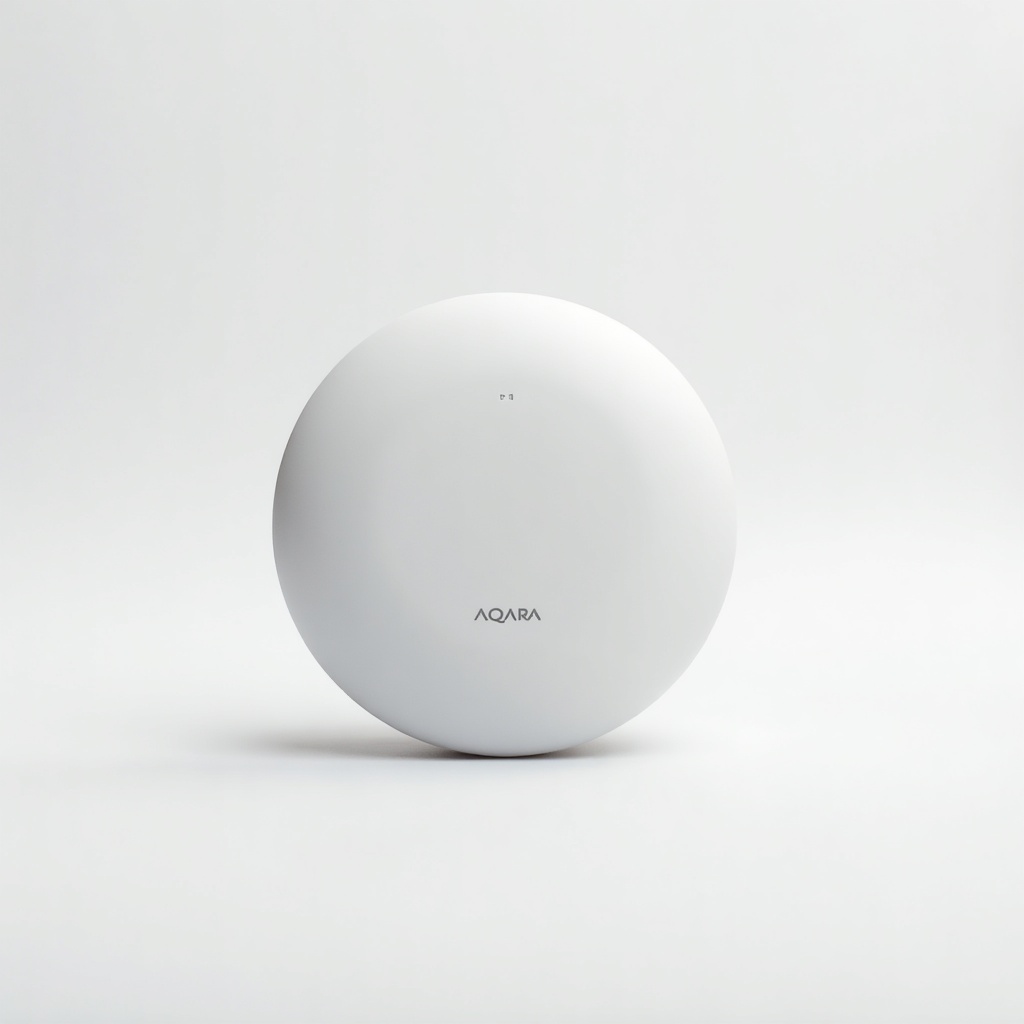
This is a tiny battery-powered motion sensor, roughly golf-ball-sized, that talks over Zigbee 3.0. Its whole job is to notice you and fire off an automation. Lights on, scene triggered, alert sent. It's a smart-home building block, not a security camera or an all-in-one gadget.
The big upgrade over Aqara's older sensors is the adjustable detection cooldown. You can set how long it waits before reporting 'no motion,' anywhere from a few seconds up to a couple of minutes. That sounds boring until you've lived with a sensor that kills the bathroom light while you're still standing at the sink. The P1 fixes that.
How it performs day to day
Owners consistently report fast, reliable triggering. Detection happens in well under a second, with a roughly 7-meter range and a 170-degree field of view. Mount it in a corner and it covers a normal room without sweeping its head around. It also reports light levels, so you can tell it to only switch lights on when the room is actually dark. Handy for hallways that get plenty of daylight.
Battery life is the headline feature. It runs on a single CR2450 coin cell, and Aqara claims around five years. Real-world results vary with how busy the room is, but two to four years is a fair expectation. That's the difference between a set-it-and-forget-it sensor and one you're constantly recharging. You will not be thinking about this thing often, which is the point.
The catch: you need a hub
This is Zigbee, not Wi-Fi, so it does not connect to your phone on its own. You need an Aqara hub (the M2, M3, or the Hub E1 dongle) or another Zigbee coordinator like a SmartThings or Home Assistant setup with a compatible stick. Budget for that if you're starting from zero.
The upside of going Zigbee is exactly why people do it. These sensors don't clog your Wi-Fi, they respond instantly, and you can run a dozen of them without the network drama you get from cheap Wi-Fi sensors. Once the hub is in place, adding more P1s is cheap and painless. HomeKit, Alexa, and Google Home all work through the hub.
Pros and cons
On the plus side: it's cheap, it's small and easy to stick anywhere with the included mount, detection is quick and dependable, the light-level sensor is a genuinely useful extra, and battery life is excellent. The adjustable timeout alone makes it worth choosing over the older Aqara P-series.
The downsides are the hub requirement, a detection cooldown that still isn't infinitely tunable for picky setups, and the fact that it only does presence on movement. It is not a true presence sensor. Sit perfectly still on the couch and it may decide the room is empty and cut the lights. For reading nooks and home offices, that's an annoyance you'll want to plan around.
Who should buy it, and who should skip it
Buy it if you already own an Aqara or Zigbee hub and want to automate hallways, closets, bathrooms, stairs, or entryways for a few dollars per spot. It's our easy pick for anyone scaling up a Zigbee home cheaply.
Skip it if you have no hub and only want one sensor. The hub cost wrecks the value. Skip it too if you need to detect people sitting still. For that, look at a pricier mmWave presence sensor like the Aqara FP2, which tracks stationary humans the P1 can't see.
Verdict
For about $20 to $30, the Aqara Motion Sensor P1 is one of the best-value motion sensors you can bolt onto a Zigbee system. Fast, tiny, years of battery life, and the timeout control that earlier models lacked. The only real homework is making sure you have a hub. Sort that out and it's an easy recommendation.
Frequently asked questions
- Does the Aqara Motion Sensor P1 need a hub?
- Yes. It uses Zigbee, not Wi-Fi, so it needs an Aqara hub (M2, M3, or Hub E1) or another compatible Zigbee coordinator such as SmartThings or Home Assistant. It won't connect to your phone by itself.
- How long does the battery last?
- Aqara claims up to five years on a single CR2450 coin cell. In real homes, expect roughly two to four years depending on how often the room sees traffic. Either way, you won't be swapping batteries often.
- Can it detect a person sitting still?
- No. The P1 detects movement, not stationary presence, so it can switch lights off on someone reading quietly. For true presence detection, step up to an mmWave sensor like the Aqara FP2.
Aaron digs into offers, cards, and software so you don't have to read the fine print. He flags the genuinely good deals and the traps.