Aqara Hub M100 (Matter Smart Home Hub) Review

A compact Matter and Thread bridge that ties your sensors and gadgets into one reliable brain.
If your smart home is a pile of sensors that don't talk to each other, the Aqara Hub M100 is the $60 box that gets them speaking the same language.
What the Aqara Hub M100 actually is
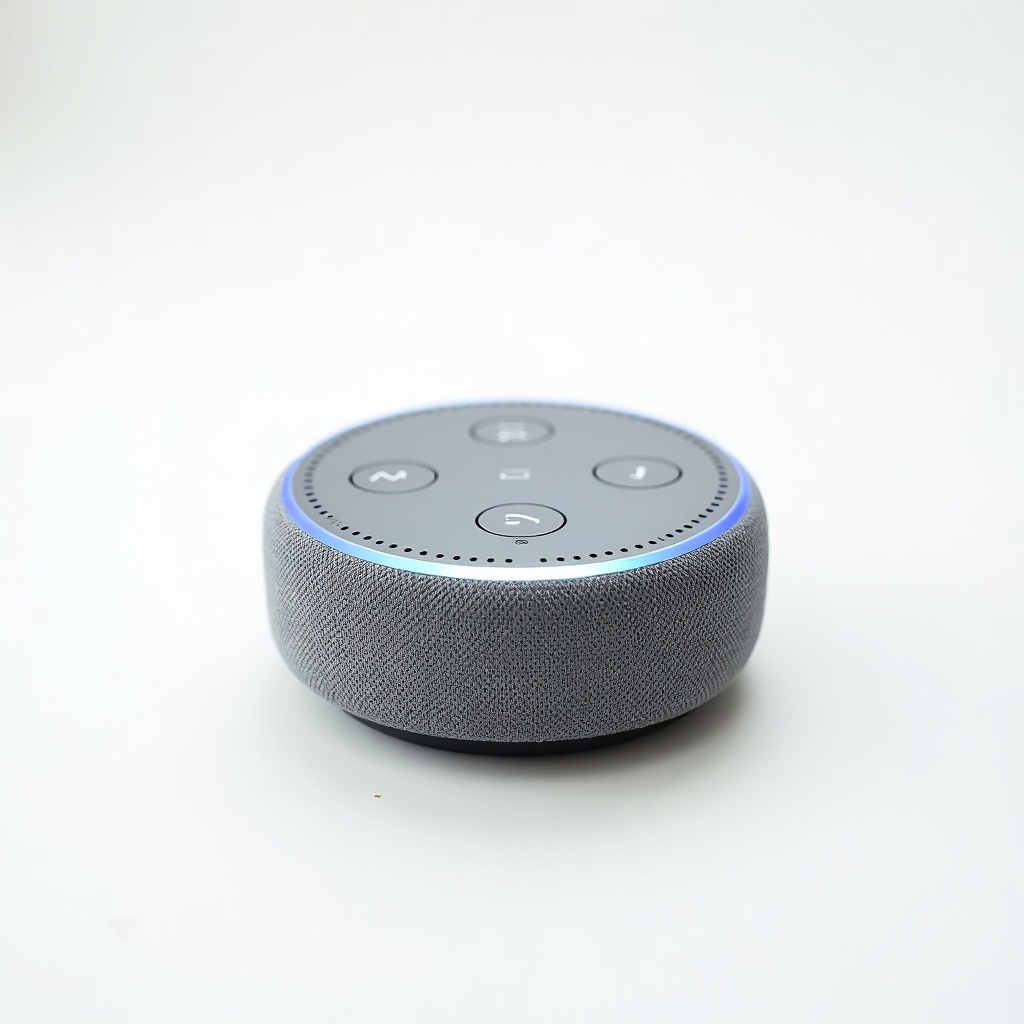
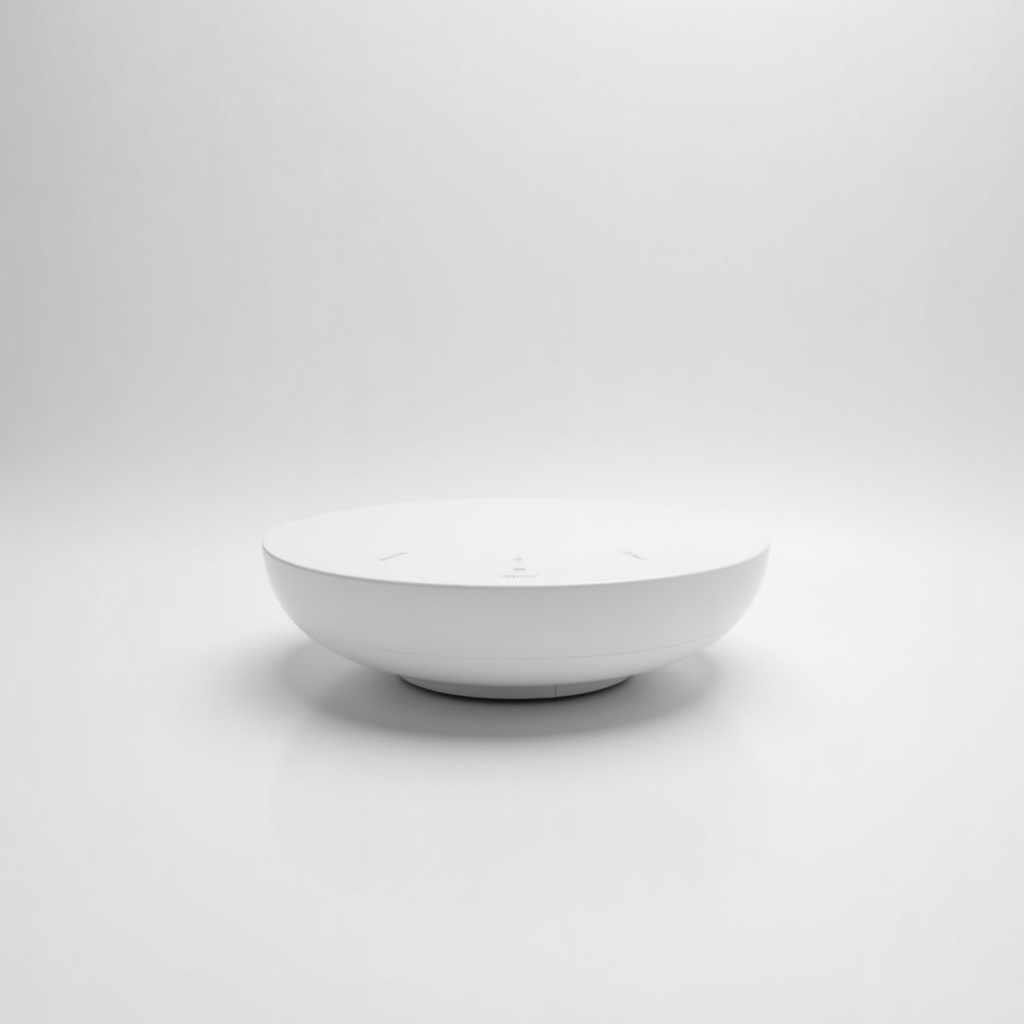
The M100 is a small wired hub that acts as a Thread border router and a Matter bridge. Translation: it lets your low-power devices reach your phone and your voice assistant, and it pulls Aqara's own Zigbee accessories into the broader Matter world so they show up in Apple Home, Google Home, Amazon Alexa, or SmartThings.
It sits in the $50 to $80 range, which is the whole point. Aqara already makes some of the cheapest decent door sensors, motion sensors, and temperature gadgets on Amazon. The M100 is the inexpensive brain that makes all of that usable across whatever ecosystem you've committed to.
How it performs day to day
Owners consistently report the boring thing you actually want from a hub: it stays connected. Sensors trigger automations fast, the Thread radio extends your mesh, and once paired devices tend to stay paired. For a bridge product, quiet reliability is the highest compliment.
Setup runs through the Aqara Home app, then you share devices out to your main platform via a Matter code. This works, but it's a two-app dance. Expect to fiddle for an afternoon if you're connecting a dozen accessories. After that it mostly disappears into the background, which is exactly where a hub belongs.
Range is solid for a small unit, and adding it to an existing Thread network gives you another border router, which helps coverage if your home is large or full of thick walls. It's wired-only, so it needs to live near a USB power source and your router's general vicinity. Not a problem, just plan the placement.
The catches worth knowing
The Aqara app is functional but not elegant, and the layered Matter sharing means some advanced Aqara features don't carry over to your third-party platform. You'll get the core sensor states. Fancier device-specific tricks often only live inside Aqara's own app.
It's also not a video or hub-with-screen product, and it won't replace a high-end controller if you run heavy local automations through Home Assistant or Hubitat. Power users who want everything local and scriptable will outgrow it. For a wired hub at this price, those are fair trade-offs rather than dealbreakers.
Who should buy it, and who shouldn't
Buy it if you've bought, or are about to buy, a handful of cheap Aqara sensors and you want them showing up in Apple Home or Google Home without spending three figures on a hub. It's also a smart pickup if your Thread network feels flaky and you want another border router on the cheap.
Skip it if you're an all-in HomeKit user who only owns native Matter-over-Thread accessories already, since you may not need a separate bridge at all. Skip it too if you're a serious Home Assistant tinkerer who wants full local control. For everyone in between, this is the easy, low-risk on-ramp to a connected home.
The verdict
The Aqara Hub M100 is the rare smart-home accessory that earns its keep by being cheap, small, and dependable. The app could be friendlier and Matter sharing adds a setup step, but the price and reliability make those easy to forgive.
For most people building a sensor-driven smart home on a budget, this is the hub to get. Recommended.
Frequently asked questions
- Does the Aqara Hub M100 work with Apple Home, Google Home, and Alexa?
- Yes. It bridges devices into all the major Matter platforms, including Apple Home, Google Home, Amazon Alexa, and SmartThings. You pair accessories in the Aqara app, then share them out using a Matter code.
- Is the M100 a Thread border router?
- Yes. It acts as a Thread border router, so it extends your Thread mesh and helps low-power devices stay connected. Adding it to an existing network gives you another router for better coverage.
- Do I still need the Aqara app if I use Apple or Google Home?
- For setup and some advanced Aqara-specific features, yes. Core sensor states and automations work in your main platform, but a few device-level options stay inside the Aqara Home app.
Marcus has spent over a decade testing consumer tech and gadgets. He cares about whether a product earns its price in real life — not on a spec sheet.