Amazon Fire TV Cube Review

Hands-free 4K streaming with a built-in Alexa speaker that controls your TV, soundbar, and smart home by voice.
The Fire TV Cube is the streamer for people tired of hunting for the remote. You talk, it listens, and your TV usually does what you asked.
What the Fire TV Cube actually is
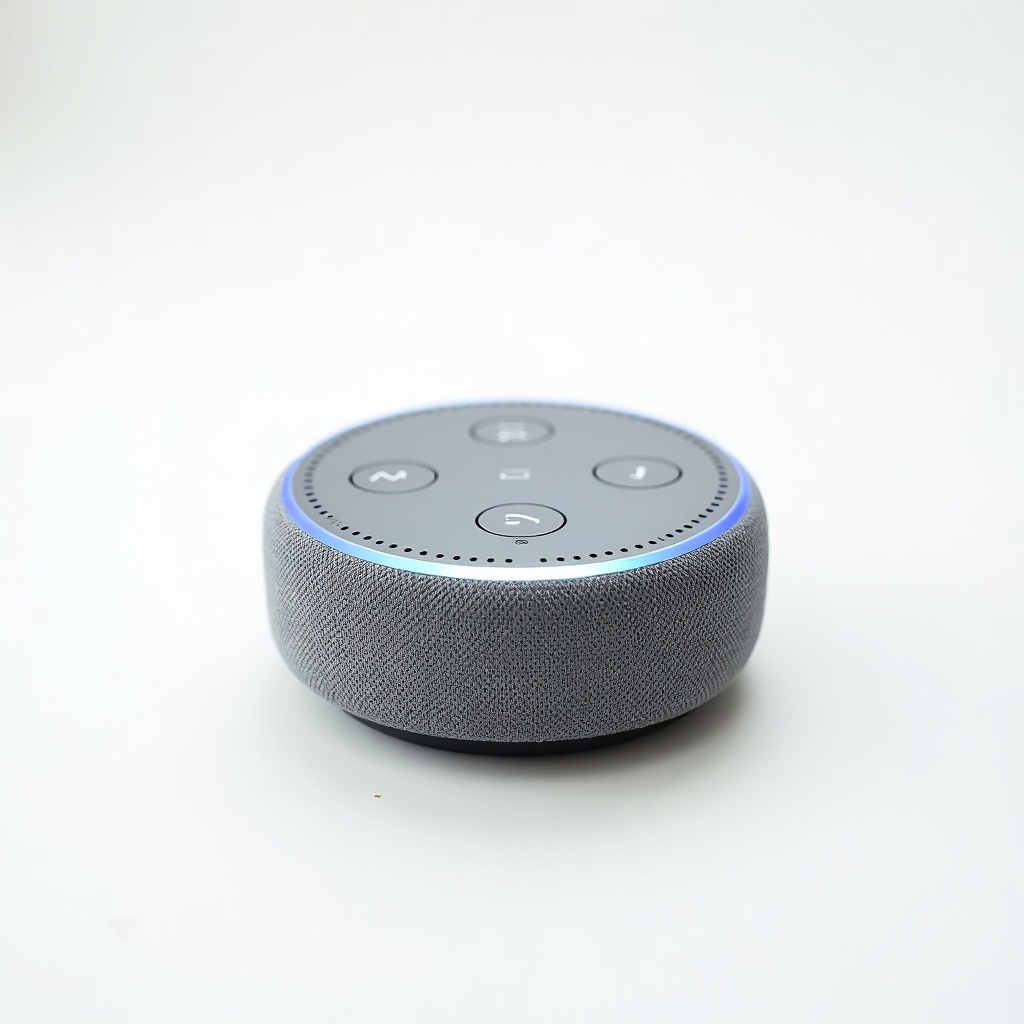
Think of the Cube as the Fire TV Stick 4K Max's bigger, faster sibling with an Alexa speaker bolted inside. It's a small black box, not a dongle, and it streams 4K HDR with Dolby Vision and Dolby Atmos. The headline trick is hands-free voice control. You don't need to pick up the remote to pause, search, or jump to a specific show. You just say it.
It runs the same Fire TV interface you'll find everywhere else in Amazon's lineup, which means a home screen heavy on ads and Prime Video recommendations. The Cube's edge is the hardware. An octa-core processor and the far-field microphones make it the snappiest Fire TV you can buy, and that speed shows when you're scrolling apps or launching Netflix.
How it performs day to day
The voice control is the reason to own this thing, and owners broadly agree it works. Say "Alexa, turn on the TV" and it powers up your set and switches inputs over HDMI-CEC and IR. It can adjust soundbar volume and dim smart lights too. When the chain of devices is set up right, it feels close to magic. When it isn't, you'll be poking at HDMI-CEC settings and cursing your receiver.
App loading is genuinely quick, faster than most cheaper streamers, and 4K playback is clean. The built-in speaker is fine for a quick Alexa answer or a timer, but it's no Echo replacement for music. One real annoyance: the interface buries your apps under sponsored rows, so you'll lean on voice search partly because navigating by remote is a chore.
The good and the not-so-good
Pros: it's fast, it handles 4K Dolby Vision and Atmos without complaint, and the hands-free Alexa is legitimately useful if you have other smart-home gear. The Ethernet port is a quiet win for anyone with flaky Wi-Fi. It also doubles as a passable smart speaker when the TV is off.
Cons: the price is the sticking point. At roughly $110 to $140 it costs two to three times what a Fire TV Stick 4K Max does, and the Max already streams the same 4K formats. The ad-cluttered home screen is the same on both. And if your TV and soundbar don't play nicely with CEC, the marquee feature gets fiddly.
Who should buy it, and who should skip it
Buy the Cube if you actually want hands-free control and you've already got Alexa devices, smart lights, or a soundbar you'd like to command by voice. The speed and Ethernet port also make it a smart pick for a main living-room TV where it's the daily driver. People who hate fumbling for a remote will get real value here.
Skip it if you just want to stream Netflix and Disney+ in 4K. The $50-ish Fire TV Stick 4K Max gives you nearly identical picture quality and the same apps for far less. Apple TV users and anyone in the Google ecosystem have better-matched boxes too. The Cube is a convenience purchase, not a picture-quality upgrade.
The verdict
The Fire TV Cube is the best Fire TV for speed and voice control, and it's the only one worth considering if hands-free Alexa is the point. It earns its keep in a smart home. For everyone else, the cheaper Stick does the same streaming job, and the gap in price is hard to justify. Great box, narrow audience.
Frequently asked questions
- Is the Fire TV Cube worth it over the Fire TV Stick 4K Max?
- Only if you want hands-free Alexa control and faster performance. Both stream the same 4K Dolby Vision and Atmos content. The Cube is quicker and adds a built-in speaker and Ethernet port, but the Stick 4K Max costs much less for nearly identical streaming.
- Can the Fire TV Cube control my TV and soundbar by voice?
- Yes. It uses HDMI-CEC and IR to power on your TV, switch inputs, and adjust volume on compatible sets and soundbars. Setup can be finicky if your gear has spotty CEC support, but when it works you can run everything by voice without the remote.
- Does the Fire TV Cube work without Wi-Fi?
- It needs an internet connection to stream, but it includes an Ethernet port so you can hardwire it instead of relying on Wi-Fi. That's a useful advantage for a main TV with an unreliable wireless signal.
Aaron digs into offers, cards, and software so you don't have to read the fine print. He flags the genuinely good deals and the traps.