Wyze Bulb Color (4-Pack) Review

Sixteen million colors and tunable white across four bulbs for the price of one fancy bulb.
Four color smart bulbs for the price of one name-brand bulb, no hub required. If you want to flood a room in 16 million colors without flooding your bank account, this is the obvious starting point.
What you actually get
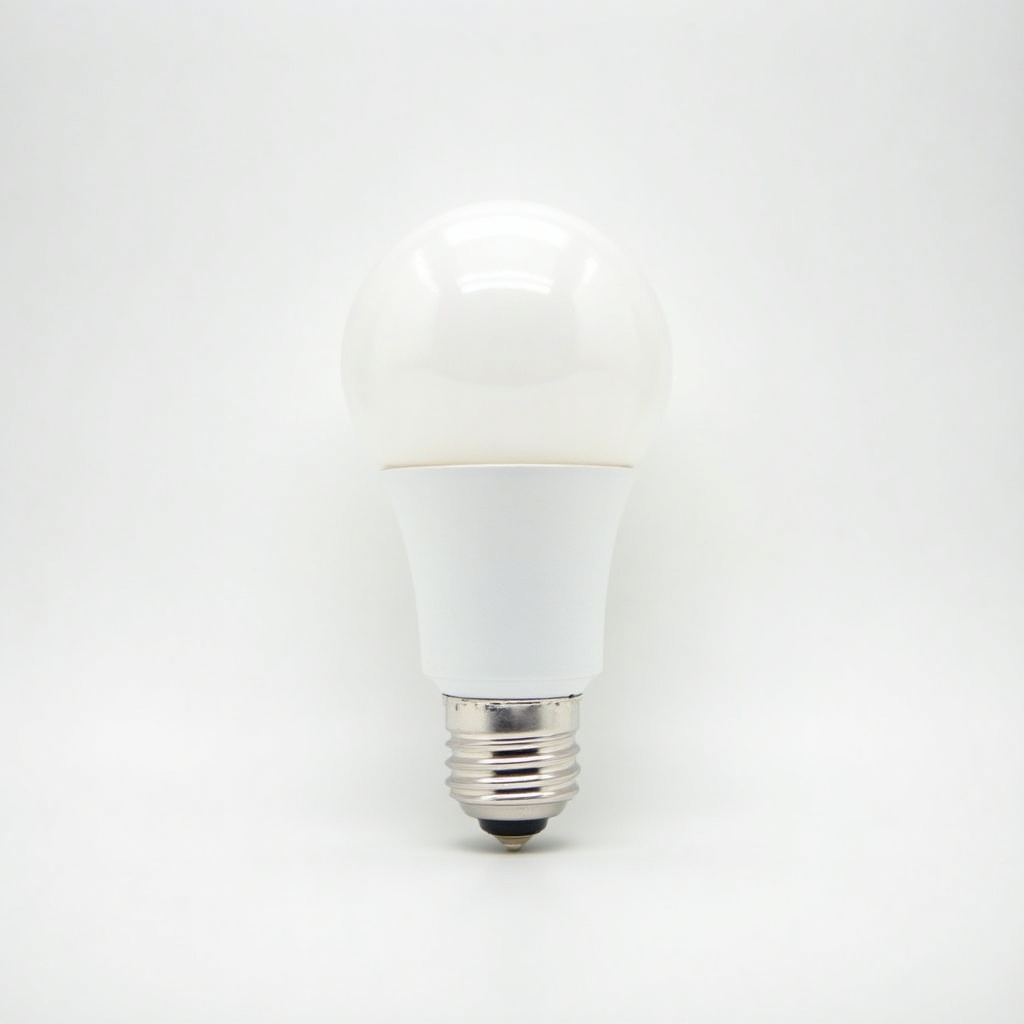
The Wyze Bulb Color is a standard A19 bulb that screws into any normal E26 socket and connects straight to your 2.4GHz Wi-Fi. No hub, no bridge, no separate gateway to lose behind the couch. The four-pack typically runs $30 to $45 on Amazon, which is the entire reason this thing exists. Philips Hue charges close to that for a single color bulb, and then asks you to buy a bridge on top.
Each bulb does the full party trick: 16 million colors plus tunable white from a warm 1800K up to a cold 6500K. Brightness lands around 1100 lumens, so these are genuinely bright enough to be your main room light, not just an accent in the corner. You control them through the Wyze app, voice through Alexa or Google Assistant, or with scenes and schedules.
How it performs day to day
For the money, the color is good. Reds, blues, and greens look saturated, and the tunable white actually matters more than the rainbow stuff once the novelty wears off. Warm white in the evening, daylight white for working, set on a schedule so you never think about it. That's the feature most people end up using.
The honest weak spots are software, not hardware. The Wyze app is functional but cluttered, and it has gotten pushier about Wyze's subscription services over the years. Wi-Fi bulbs also lean on your router, so if you cram a dozen of these onto a weak network you may see the occasional lag or a bulb that drops offline and needs a re-pair. People with a solid router rarely complain. People with mesh dead zones do.
Color accuracy isn't Hue-level, and the dimming at the very bottom of the range can get slightly uneven. None of this is surprising at this price, and frankly it's a small tax to pay when one Hue color bulb costs what four of these do.
Pros and cons
The good: dirt-cheap per bulb, no hub to buy, bright enough for real rooms, full color and tunable white, easy Alexa and Google integration, and quick scheduling. For a starter smart-lighting setup, the value is hard to argue with.
The not-so-good: the app nags about subscriptions, it depends entirely on decent Wi-Fi, color fidelity trails premium brands, and Wyze as a company has had its share of security headlines that are worth knowing about before you wire your whole house to them. These are bulbs, not cameras, so the stakes are lower, but it's fair to mention.
Who should buy it (and who shouldn't)
Buy it if you're new to smart lighting and want to do a couple of rooms cheaply, or if you just want fun color for a bedroom, a kid's room, or holiday mood lighting. It's also a smart pick for renters who don't want to invest in a permanent hub-based system.
Skip it if you're a smart-home perfectionist who wants Zigbee or Matter reliability, instant response times, and the best possible color accuracy. In that case Philips Hue or a Matter-over-Thread setup will cost a lot more and frustrate you a lot less. Also skip it if your Wi-Fi already struggles to keep a laptop connected.
The verdict
This is the easy recommendation for anyone testing the smart-color waters without committing real money. The Wyze Bulb Color four-pack does 90 percent of what a premium bulb does for a fraction of the cost, and the trade-offs are exactly the ones you'd expect to make at this price. Buy it, set up your white-light schedules first, play with the colors second, and accept that the app is the part you'll wish were better.
Frequently asked questions
- Do Wyze Bulb Color bulbs need a hub?
- No. They connect directly to 2.4GHz Wi-Fi and the Wyze app, so there's no bridge or hub to buy. That's a big part of why they're cheaper than Philips Hue.
- Do they work with Alexa and Google Assistant?
- Yes. Both Alexa and Google Assistant are supported for voice control, on/off, dimming, and color changes. They do not currently work with Apple HomeKit.
- Are they bright enough for a main room light?
- Yes. At roughly 1100 lumens each, they're bright enough to be the primary light in most rooms, not just accent lighting in a corner.
Aaron digs into offers, cards, and software so you don't have to read the fine print. He flags the genuinely good deals and the traps.