TP-Link Kasa Smart Plug Review

Turn any dumb lamp or fan into a voice-controlled smart device for a few bucks.
For less than the cost of a sandwich, the Kasa Smart Plug turns any old lamp or fan into something Alexa can switch off when you're already in bed. It's the entry-level smart home gadget that actually delivers.
What the Kasa Smart Plug Actually Does
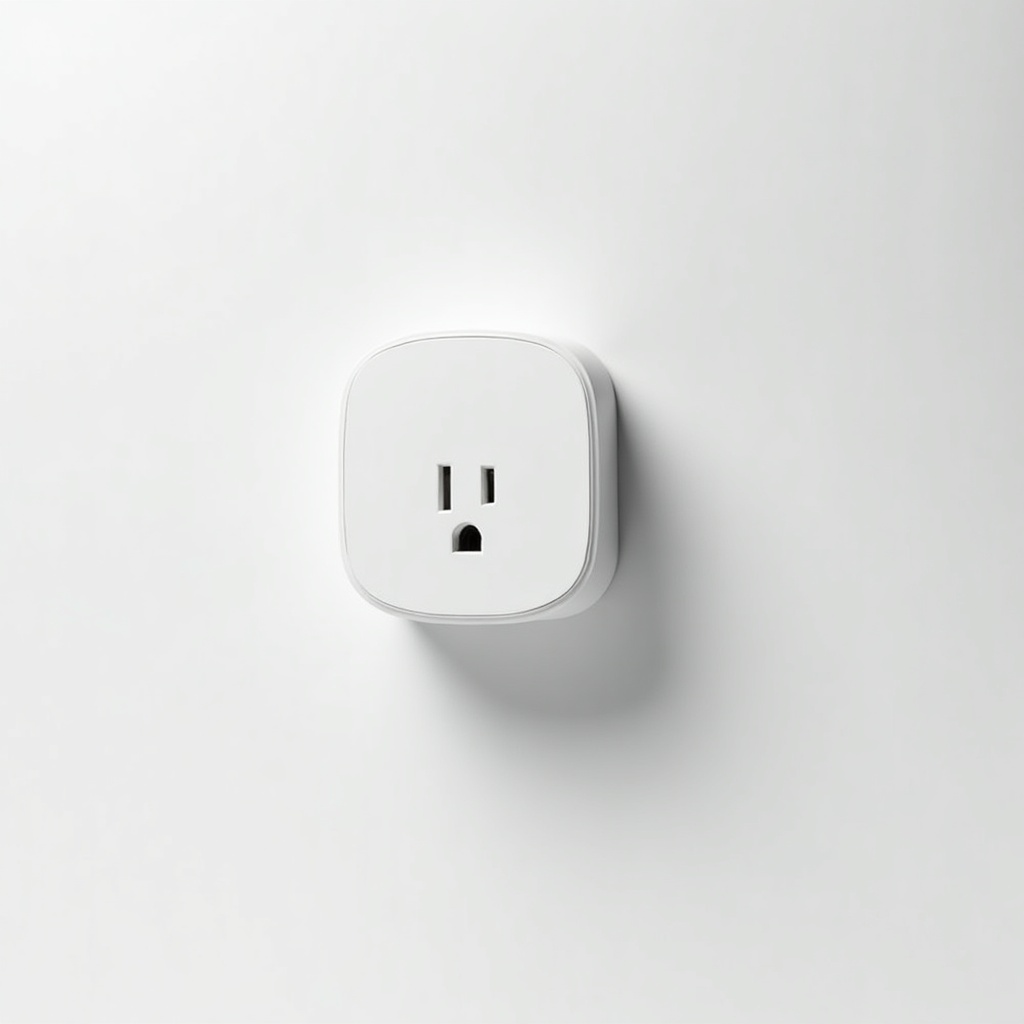
The pitch is simple. You plug it into a wall outlet, plug a lamp or fan or string lights into it, and now that device responds to your phone, your voice, or a schedule. No rewiring. No hub to buy separately. It runs over your home Wi-Fi (2.4GHz only, which matters, more on that below) and talks to Alexa, Google Assistant, and the Kasa app.
TP-Link sells these in a few flavors. The plain EP10 or HS103 single plug usually runs $8 to $12 on Amazon, and a four-pack lands in the $25 range, which is the smarter buy if you're outfitting a whole room. There's also the KP125 with energy monitoring if you want to see exactly how much that space heater is costing you.
How It Performs Day to Day
Owner consensus here is boringly positive, which is what you want from a $10 gadget. Setup through the Kasa app takes a couple of minutes. Voice control through Alexa is reliable. Schedules and the away mode (which randomly toggles lights to fake that someone's home) work as advertised and are genuinely useful for vacations.
The reputation knock is Wi-Fi. These plugs only connect to the 2.4GHz band, and some mesh routers that broadcast both bands under one network name can make pairing a headache. The fix is usually splitting your bands or temporarily disabling 5GHz during setup. Annoying, but a one-time chore. Once they're on the network, people report them staying connected for the long haul.
The Good and the Annoying
Pros: dirt cheap, no hub required, compact enough that one won't block the second outlet on most plates, and the Kasa app is cleaner than a lot of budget rivals. The energy-monitoring KP125 is a fun way to catch power-hungry appliances. Reliability over time is the main reason these keep selling.
Cons: 2.4GHz-only Wi-Fi and the occasional setup friction. There's no physical scheduling without the app or a smart speaker. And like any cloud-connected gadget, it leans on TP-Link's servers, so a rare outage can leave voice control dead until it comes back. For controlling a lamp, that's a shrug. For anything mission-critical, look elsewhere.
Who Should Buy It, and Who Shouldn't
Buy it if you want your first taste of smart home stuff without committing to an ecosystem. It's perfect for lamps, fans, coffee makers, holiday lights, and anyone who's tired of walking across the room to flip a switch. The four-pack is our pick for furnishing a living room or bedroom on the cheap.
Skip it if your whole house runs on a 5GHz-only setup you don't want to touch, or if you're deep into HomeKit. Kasa's HomeKit support is limited compared to its Alexa and Google game, so Apple-first users should check the specific model before buying. Heavy-duty appliances also need a heads-up: check the plug's amperage rating against what you're running.
The Verdict
The Kasa Smart Plug is the default recommendation in this category for a reason. It's cheap, it's reliable, and it does exactly what it promises. The Wi-Fi quirk is the only real wart, and it's a one-time setup issue, not a daily one.
If you've been curious about a smart home and didn't want to spend much, this is the $10 yes. Grab the four-pack and thank yourself later.
Frequently asked questions
- Does the Kasa Smart Plug need a hub?
- No. It connects directly to your home Wi-Fi and the Kasa app, no separate hub or bridge required. Just note it only works on the 2.4GHz band, not 5GHz.
- Does the Kasa Smart Plug work with Alexa and Google Home?
- Yes, it works well with both Amazon Alexa and Google Assistant for voice control. HomeKit support is more limited and varies by model, so Apple users should confirm before buying.
- Will it still work if my Wi-Fi or the internet goes down?
- Scheduled actions stored on the plug can still run, but voice control and remote app access rely on the cloud, so those features stop until your connection is back.
Daniel covers home, kitchen, and everyday-carry gear. He's a stickler for durability and value, and has no patience for overpriced hype.