Notion Review

Docs, wikis, and project boards in one flexible workspace you'll actually enjoy.
Notion replaces the messy pile of apps you use for notes, docs, and project tracking with one workspace that bends to almost any shape you need.
What Notion actually is
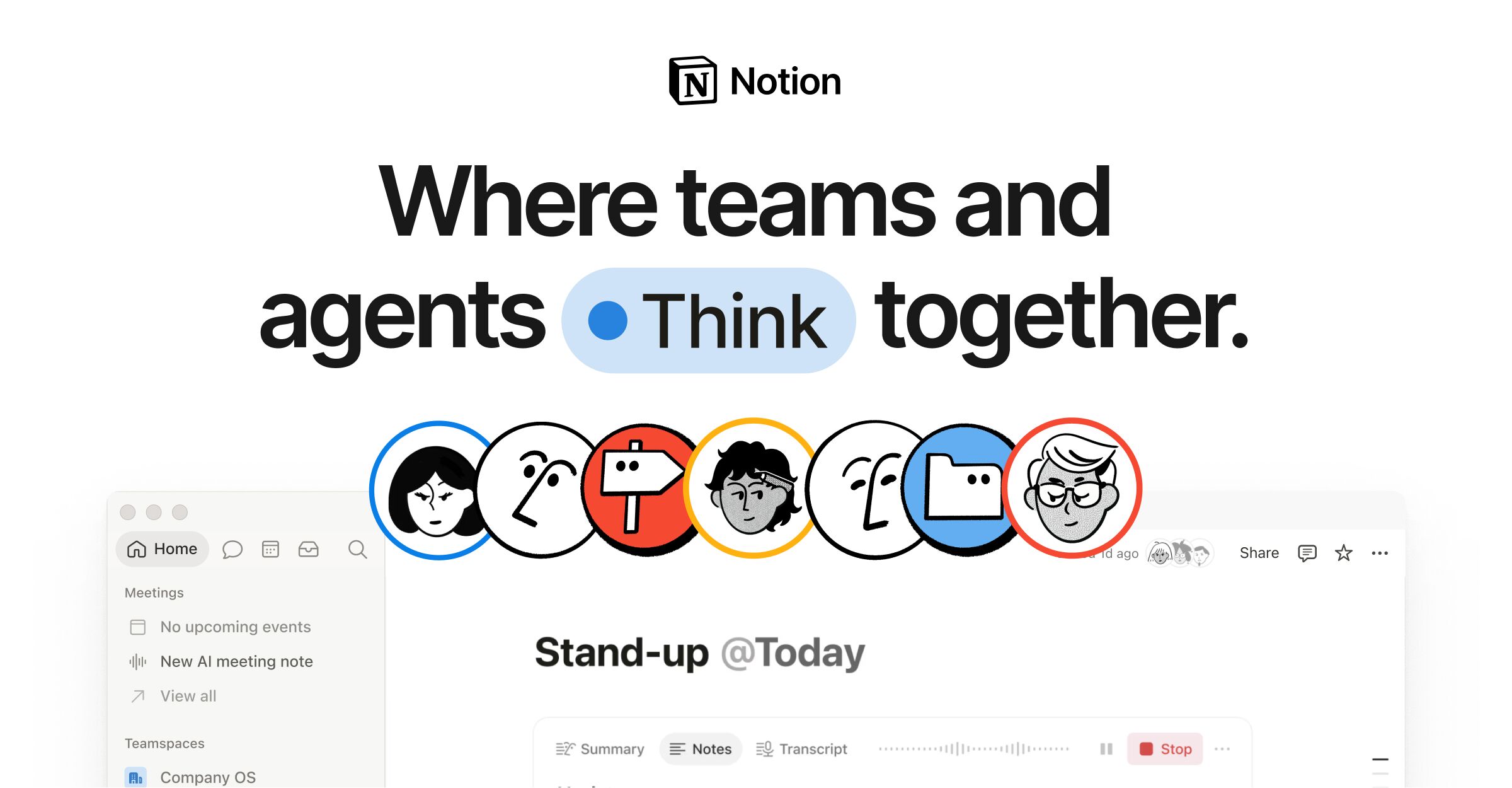
Notion is a workspace built from blocks. Every page is made of stackable pieces: text, headings, checklists, tables, embedded files, and databases you can view as boards, calendars, or galleries. That sounds abstract until you build something with it. A meeting note can hold a live task list. A project tracker can double as a team wiki. One tool covers ground that usually takes Evernote, Trello, and Confluence combined.
The free plan is genuinely usable for one person, with unlimited pages and blocks. Paid plans land somewhere around $10 a month per user and add collaboration features, version history, and bigger file uploads. There's a separate AI add-on if you want writing and Q&A help baked in.
How it performs day to day
Writing in Notion feels closer to a polished word processor than a note app. Slash commands pull up any block type fast, and dragging content around is smooth. The databases are the real draw. You set up one source of truth, then slice it into different views without duplicating anything. A content calendar and a kanban board can be the same data wearing different clothes.
The flip side is speed and setup. Notion has a reputation for sluggish load times, especially on big workspaces or shaky connections, and the mobile app is noticeably slower than the desktop version. There's also a learning curve. Drop someone into a blank page and they'll freeze. Most people lean on templates to get going, which works, but you'll spend a weekend tinkering before it clicks.
The good and the annoying
Pros: flexibility that no rival matches, clean and readable pages, strong free tier, and a huge template ecosystem. Real-time collaboration is solid, and the relational databases let you build something close to a lightweight CRM or content pipeline without code.
Cons: offline support is weak, so flaky internet is a problem. Performance drags as your workspace balloons. Notion wants to be everything, which means it's a mediocre fit for hardcore project management compared to a dedicated tool like Asana or Jira. And the freedom to build anything is also a trap. It's easy to spend more time designing your system than using it.
Who it's for, who should skip it
Notion is perfect for writers, students, freelancers, and small teams who want a single home for notes, docs, and loose project tracking. If you like tinkering and want a tool that adapts to your brain instead of forcing a workflow on you, this is it.
Skip it if you need rock-solid offline access, if your team needs heavy-duty project management with Gantt charts and resource planning, or if you just want a simple notes app. Apple Notes or Obsidian will frustrate you less. People who hate setup should pick something more opinionated.
The verdict
Notion earns its popularity. For a free or roughly $10-a-month tool, the flexibility is hard to beat, and once your system is built it can run a good chunk of your work and personal life. Just go in knowing you're buying a kit, not a finished product. The payoff comes after you've put in the assembly time.
Frequently asked questions
- Is Notion free?
- Yes. The free plan covers unlimited pages and blocks for individual use and is enough for most solo users. Paid plans run around $10 a month per user for team collaboration, version history, and larger uploads. AI features cost extra.
- Does Notion work offline?
- Poorly. Offline support is one of Notion's weakest points. It can cache recently opened pages, but editing without a connection is unreliable. If you work on planes or in dead zones often, this is a real drawback.
- Is Notion better than Evernote or Obsidian?
- It depends on what you want. Notion beats Evernote on flexibility and databases. Obsidian wins for fast, local, offline-first note-taking and a markdown purist's workflow. Notion is the better choice if you want docs, wikis, and project boards in one place.
Marcus has spent over a decade testing consumer tech and gadgets. He cares about whether a product earns its price in real life — not on a spec sheet.