1Password Review

Set it up once and never sweat a forgotten login again.
1Password remembers every login, card number, and Wi-Fi password so you don't have to. Set it up once and the daily 'forgot password' ritual mostly disappears.
What 1Password Actually Is
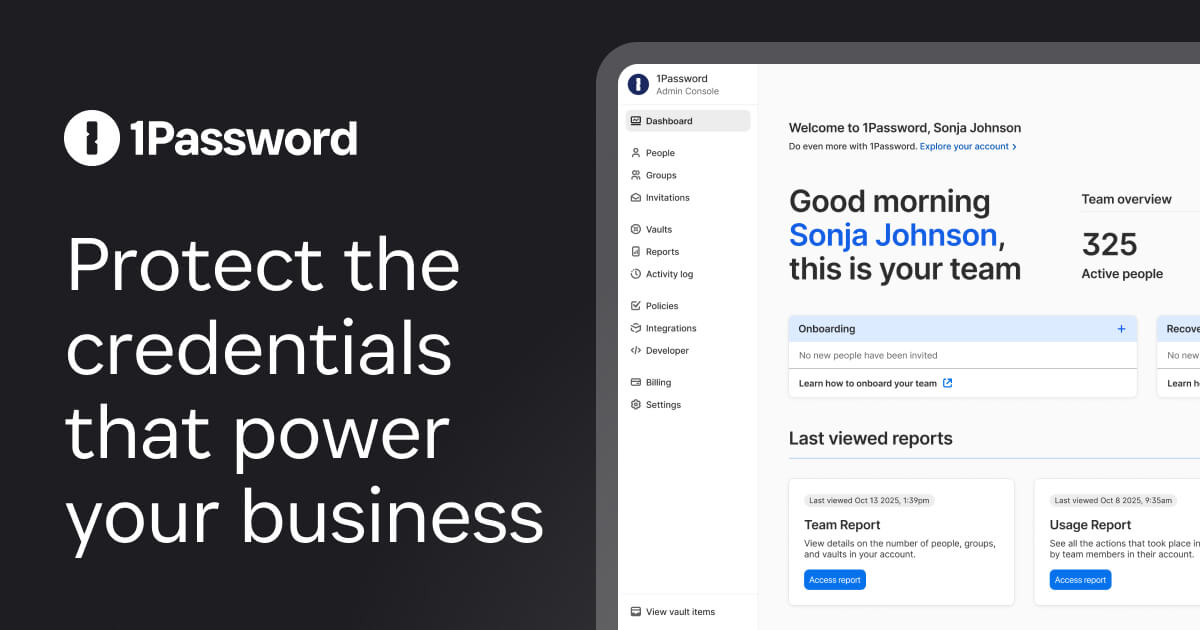
1Password is a password manager. It stores your logins, credit cards, secure notes, and software licenses in an encrypted vault, then fills them in for you across browsers, phones, and desktop apps. You memorize one master password (plus a Secret Key, more on that below) and it handles the other 300.
It runs on basically everything: Mac, Windows, Linux, iOS, Android, plus browser extensions for Chrome, Safari, Firefox, and Edge. Plans start around $2.99 a month for individuals, with family plans covering five people for not much more. Business tiers go up from there.
How It Performs Day to Day
This is the part that matters, and 1Password gets it right. Autofill is fast and rarely guesses wrong. The browser extension pops up exactly when you need it and stays quiet when you don't. Saving a new login after you sign up for something happens automatically, no copy-pasting into a separate window.
The desktop apps are genuinely nice to look at and quick to navigate, which sounds trivial until you've used a clunkier rival. Watchtower, the built-in security dashboard, flags reused passwords, weak ones, and accounts caught in known data breaches. It's not a gimmick. It actually nudges you to fix the messes you've accumulated over a decade of careless sign-ups.
On security, 1Password's standout is the Secret Key. On top of your master password, it generates a long key stored on your devices. That means even if someone cracked or phished your master password, they still couldn't open your vault without that key. It's a real advantage over competitors that rely on the master password alone.
The Good and the Annoying
Pros: rock-solid security architecture, the cleanest apps in the category, reliable autofill, passkey support, and excellent family sharing. Travel Mode, which temporarily removes selected vaults from your devices when crossing borders, is a thoughtful touch most people never knew they wanted. Customer reputation is strong and the company has a clean track record on breaches.
Cons: there's no free tier anymore, just a trial. Bitwarden does most of the core job for free and costs about ten bucks a year for premium, so budget hunters have a real alternative. The Secret Key is great for security but a pain if you lose it. Print it, store it somewhere safe, and don't skip that step. The web-only account model also means everything lives in 1Password's cloud, which some self-hosting purists dislike.
Who Should Buy It and Who Shouldn't
Buy 1Password if you want the most polished, low-friction experience and you don't mind paying a few dollars a month for it. Families benefit most. One subscription, shared vaults for the Netflix logins and the router password, and individual private vaults for everyone. It's our pick for people who want password management to just work without tinkering.
Skip it if you're squeezing every penny and don't mind a slightly less refined interface. Bitwarden gives you 90% of the function for free. If you're deep in Apple's ecosystem and use only Apple devices, the built-in Passwords app now handles a lot of this at no cost, though it's weaker on family sharing and cross-platform use.
The Verdict
1Password is the best password manager for most people who'd rather pay than fiddle. It's secure, fast, and pleasant to use, three words you rarely string together about security software. The lack of a free tier is the only thing keeping it from a clean sweep. Worth the money.
Frequently asked questions
- Is 1Password worth paying for when Bitwarden is free?
- If polish, support, and family sharing matter to you, yes. 1Password's apps are noticeably nicer and its Secret Key adds real protection. If you mainly want a solid free option and don't care about a slicker interface, Bitwarden is the smart pick.
- What happens if I forget my 1Password master password?
- 1Password can't reset it for you, which is the point of zero-knowledge encryption. You can use an Emergency Kit or a trusted family organizer to recover access in some cases, but if you lose both your master password and Secret Key with no recovery setup, your vault is locked for good. Save your Emergency Kit.
- Can I use 1Password across iPhone, Android, and Windows?
- Yes. 1Password syncs across iOS, Android, Mac, Windows, Linux, and all major browsers. Everything stays in sync through your account, so a password saved on your laptop shows up on your phone seconds later.
Marcus has spent over a decade testing consumer tech and gadgets. He cares about whether a product earns its price in real life — not on a spec sheet.