Bitwarden Premium Review

Open-source password manager with unlimited vaults for a few bucks a year.
For roughly the price of two coffees a year, Bitwarden Premium gives you a serious password manager that never nags you to upgrade or sells your data. It's the cheapest peace of mind in software.
What Bitwarden Premium Actually Is
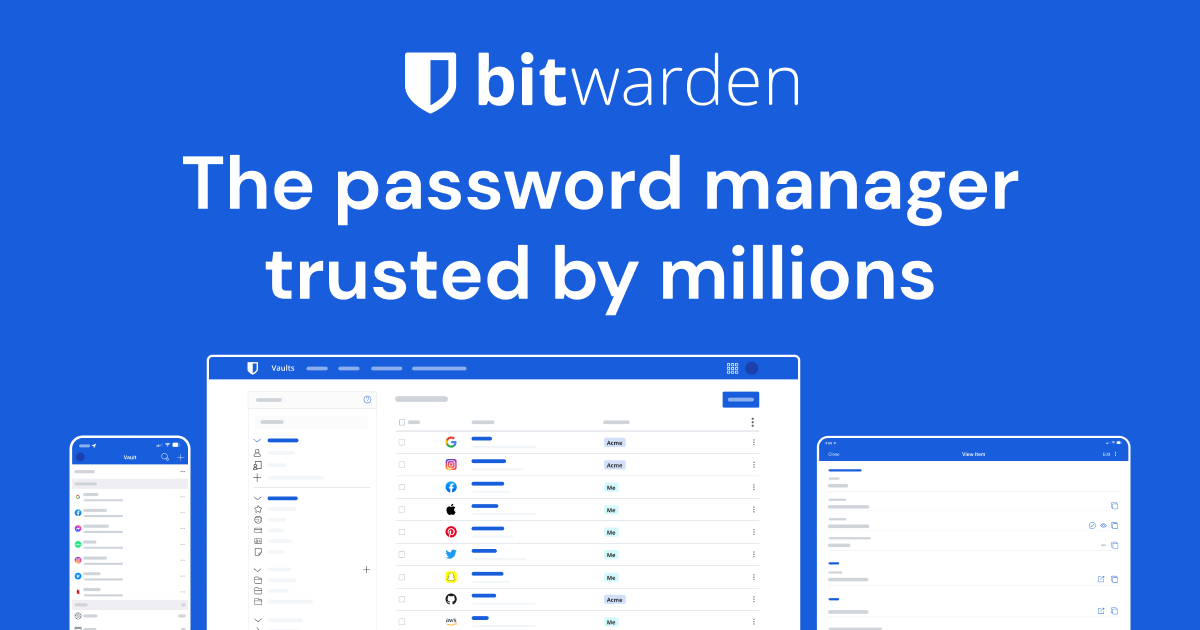
Bitwarden is an open-source password manager that stores logins, cards, notes, and identities in an encrypted vault you can reach from a browser extension, desktop app, or phone. The free tier is genuinely usable and already syncs unlimited passwords across unlimited devices, which is more than most rivals hand out without a credit card.
Premium runs about $10 a year for an individual. That unlocks a built-in TOTP authenticator, encrypted file attachments, emergency access for a trusted contact, security reports that flag weak or breached passwords, and priority support. There's also a Families plan in the $40-a-year range that covers six people, which is the real bargain if you have a household to wrangle.
How It Performs Day to Day
Autofill works. The browser extension catches login fields, the mobile apps tie into Android autofill and iOS password autofill, and most of the time you tap once and move on. It isn't quite as slick as 1Password's polished filling, and the interface looks more like a tool than a lifestyle brand. That's a fair trade for the price.
The standout Premium feature for most people is the integrated authenticator. Instead of juggling a separate app for two-factor codes, Bitwarden generates them next to the matching login and can fill them automatically. Owners widely report this is the moment Premium pays for itself. The security audit reports are also handy, scanning your vault for reused passwords and cross-checking against the Have I Been Pwned breach database.
The Pros and Cons
On the plus side: it's open source and independently audited, so you're not trusting a black box with every account you own. It's cheap to the point of being almost free. It syncs everywhere, supports passkeys, and you can even self-host the whole thing if you're the type who runs a home server. The free tier alone beats a lot of paid competitors.
The downsides are real but minor. The apps feel utilitarian and the design hasn't aged as gracefully as 1Password's. Support is email-based, so don't expect instant hand-holding. And first-time setup, especially importing from another manager or configuring two-factor, can confuse non-technical users. This is software that rewards a little patience.
Who Should Buy It and Who Should Skip It
Buy it if you want strong, audited security without an ongoing subscription that stings. It's perfect for individuals, privacy-minded users, and families who want six accounts for the cost of one mediocre coffee habit. The authenticator feature alone makes Premium an easy yes for anyone still using SMS codes.
Skip the upgrade, not the app, if you only need basic password storage. The free tier handles that fine. And if you want the most refined interface money can buy and you don't mind paying three to four times more, 1Password is the prettier, more beginner-friendly option. Bitwarden trades gloss for value and wins on value every time.
The Verdict
Bitwarden Premium is the easiest recommendation in the password manager space. It's secure, transparent, and absurdly cheap, and the free version means you can try the whole thing before spending a cent. For about $10 a year you get a built-in authenticator and security tools that genuinely improve your accounts. Most people should run the free tier for a week, then pay the ten bucks without a second thought.
Frequently asked questions
- Is Bitwarden Premium worth it over the free version?
- For most people, yes. The free tier already syncs unlimited passwords across unlimited devices. Premium adds a built-in two-factor authenticator, security health reports, encrypted file attachments, and emergency access for around $10 a year, which is cheap for what you get.
- Is Bitwarden safe to use?
- It's one of the safer choices available. Bitwarden is open source and undergoes regular independent security audits, your vault is encrypted before it leaves your device, and you can even self-host it if you want full control over where your data lives.
- How does Bitwarden compare to 1Password?
- 1Password has a more polished interface and smoother onboarding, but it costs roughly three to four times more. Bitwarden matches it on core security, adds open-source transparency, and is far cheaper. Choose 1Password for design, Bitwarden for value.
Daniel covers home, kitchen, and everyday-carry gear. He's a stickler for durability and value, and has no patience for overpriced hype.