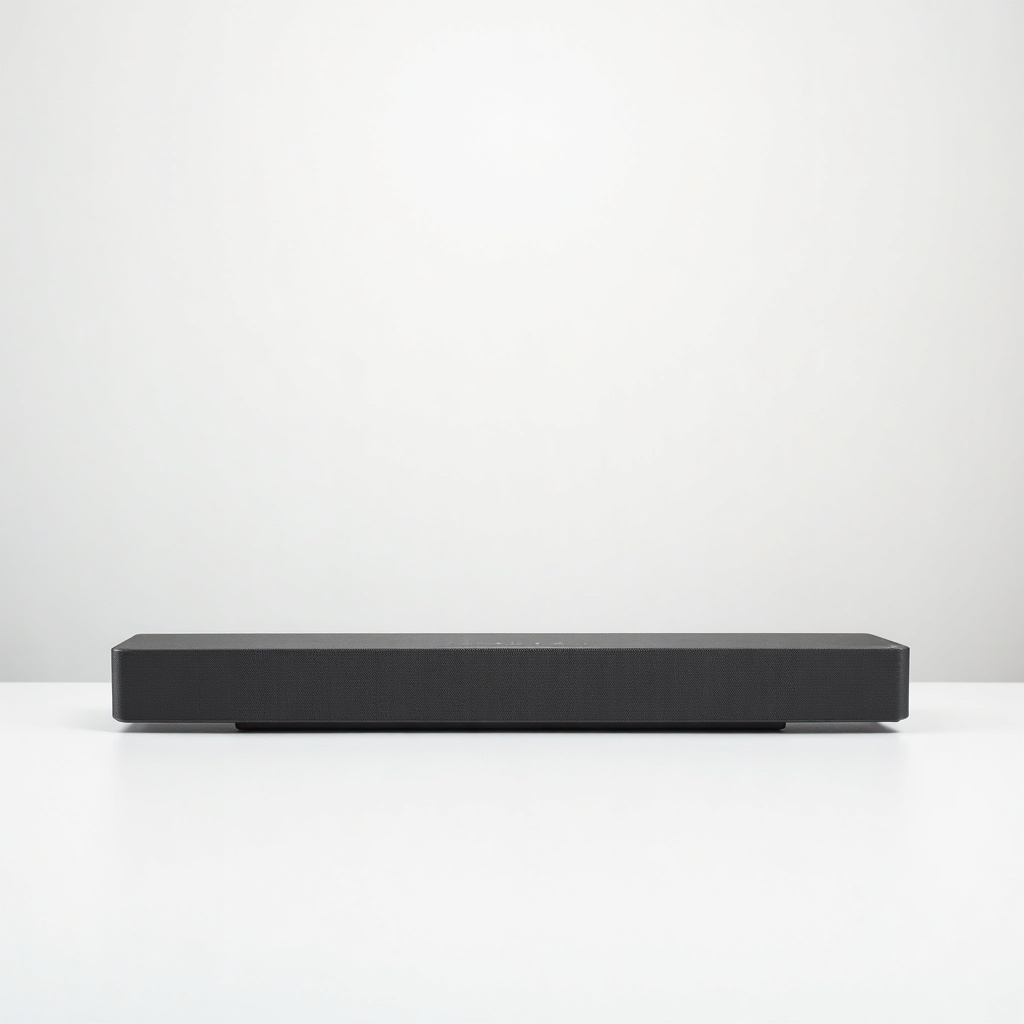
Sonos Beam (Gen 2) Soundbar Review

Compact Dolby Atmos soundbar that makes TV dialogue crisp and music room-filling.
The Beam (Gen 2) fixes the one thing most people actually hate about flatscreen TVs: muddy, hard-to-follow dialogue. It does that in a box small enough to forget about.
What the Sonos Beam (Gen 2) actually is
This is Sonos's compact soundbar, about 25 inches wide, aimed at people with a 40 to 55-inch TV and a normal-sized living room. It's the sequel to the original Beam, and the headline upgrade is a faster processor that unlocks Dolby Atmos and DTS support over a single HDMI eARC cable.
Worth being clear up front: the Beam has no upward-firing drivers. It fakes height effects with psychoacoustic processing. So when Sonos says Atmos, mentally lower your expectations from a ceiling-shaking system to a wider, taller-sounding wall of audio. For the size and price, that's a fair trade.
How it performs day to day
The thing owners praise most isn't explosions. It's speech. Dialogue comes through clean and forward, and the Speech Enhancement setting is genuinely useful for late-night TV or for anyone who's tired of riding the volume buttons during quiet-loud action scenes. This is the everyday win that makes a Beam worth buying.
Music is the other surprise. Plenty of soundbars sound flat with Spotify or Apple Music. The Beam doesn't. It fills a medium room with warm, balanced sound and works as a legitimate everyday speaker, not just a TV accessory. Bass is present and tidy but limited by physics. There's no separate sub here, so you get punch, not chest-thump.
Setup runs through the Sonos app and takes a few minutes. Trueplay tuning, which adjusts the sound to your room, works on iPhone and now on some Android phones too. AirPlay 2, Spotify Connect, and voice assistants are all baked in. The catch, as always with Sonos, is that the app can be fussy and the company's 2024 app overhaul frustrated a lot of long-time owners.
The pros and cons that matter
Pros: excellent dialogue clarity, genuinely good music playback, compact footprint, simple one-cable HDMI eARC hookup, and a clear upgrade path. Add a Sonos Sub Mini and a pair of Era 100s later and you've got real surround without rebuying the bar.
Cons: no real Atmos height, no included subwoofer, and a price that creeps toward $499 when rivals like the Sonos Ray or budget bars from Vizio and Yamaha undercut it. You also need an eARC or optical port on your TV, and you're committing to the Sonos ecosystem, app warts and all.
Who should buy it, and who should skip it
Buy it if you have a small or medium room, you care about clear dialogue and good music, and you like the idea of starting small and expanding into surround sound later. It's the soundbar I'd point most apartment dwellers and casual movie watchers toward.
Skip it if you have a big room or a 65-inch-plus TV and want cinematic, ceiling-bouncing Atmos. Step up to the Sonos Arc or buy a bar-plus-sub bundle instead. And if you just want cheap, simple TV audio with zero app, a no-frills $150 bar will serve you fine.
The verdict
The Beam (Gen 2) remains one of the easiest soundbars to recommend for the people it's built for. It makes TV sound better in the way most viewers will actually notice, it doubles as a strong music speaker, and it grows with you. Just go in knowing the Atmos is more clever than literal, and that you're marrying into the Sonos app for better or worse.
Frequently asked questions
- Does the Sonos Beam (Gen 2) need a subwoofer?
- No, it works fine on its own and delivers tight, controlled bass for a compact bar. But if you want deeper, more physical low end for movies, adding a Sonos Sub Mini is the most common upgrade owners make.
- Is the Beam (Gen 2) real Dolby Atmos?
- It supports Atmos and decodes it, but there are no upward-firing speakers. Height effects are simulated through processing, so it sounds wider and taller than the original Beam without delivering true overhead audio like the larger Sonos Arc.
- What do I need to connect it to my TV?
- An HDMI port with eARC or ARC is ideal and uses a single cable. If your TV lacks that, Sonos includes an optical adapter, though you'll lose some advanced audio formats over optical.
Marcus has spent over a decade testing consumer tech and gadgets. He cares about whether a product earns its price in real life — not on a spec sheet.